
Be the manager your team remembers.
Tagup records your 1:1s, surfaces what they shared last month, and turns commitments into follow-through.
- Record every 1:1 — walk out with the structured notes you meant to take.
- "Catch me up on this report before our 1:1" — a plain-language brief in seconds.
- Every promise you made, tracked and surfaced before the next conversation.
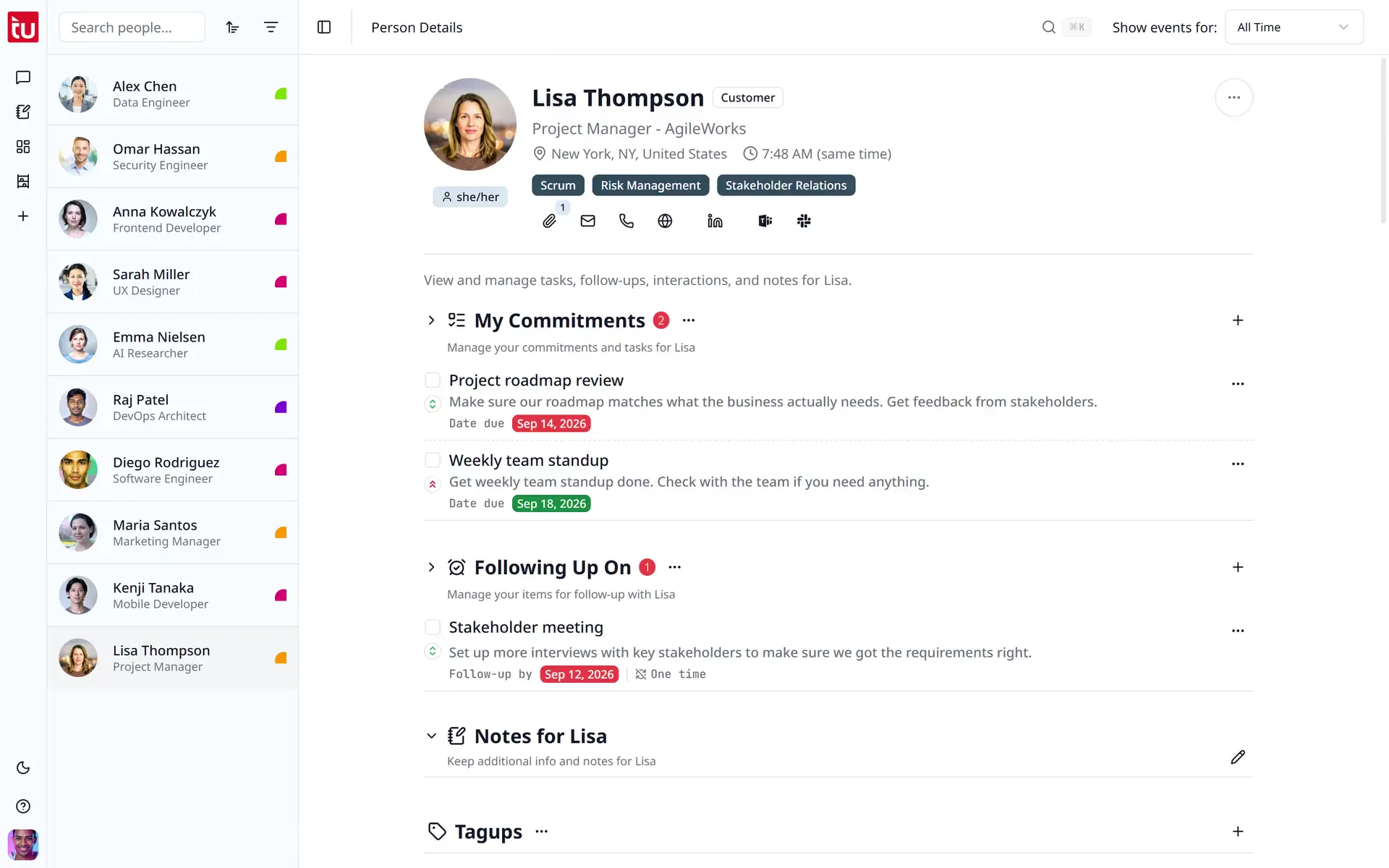
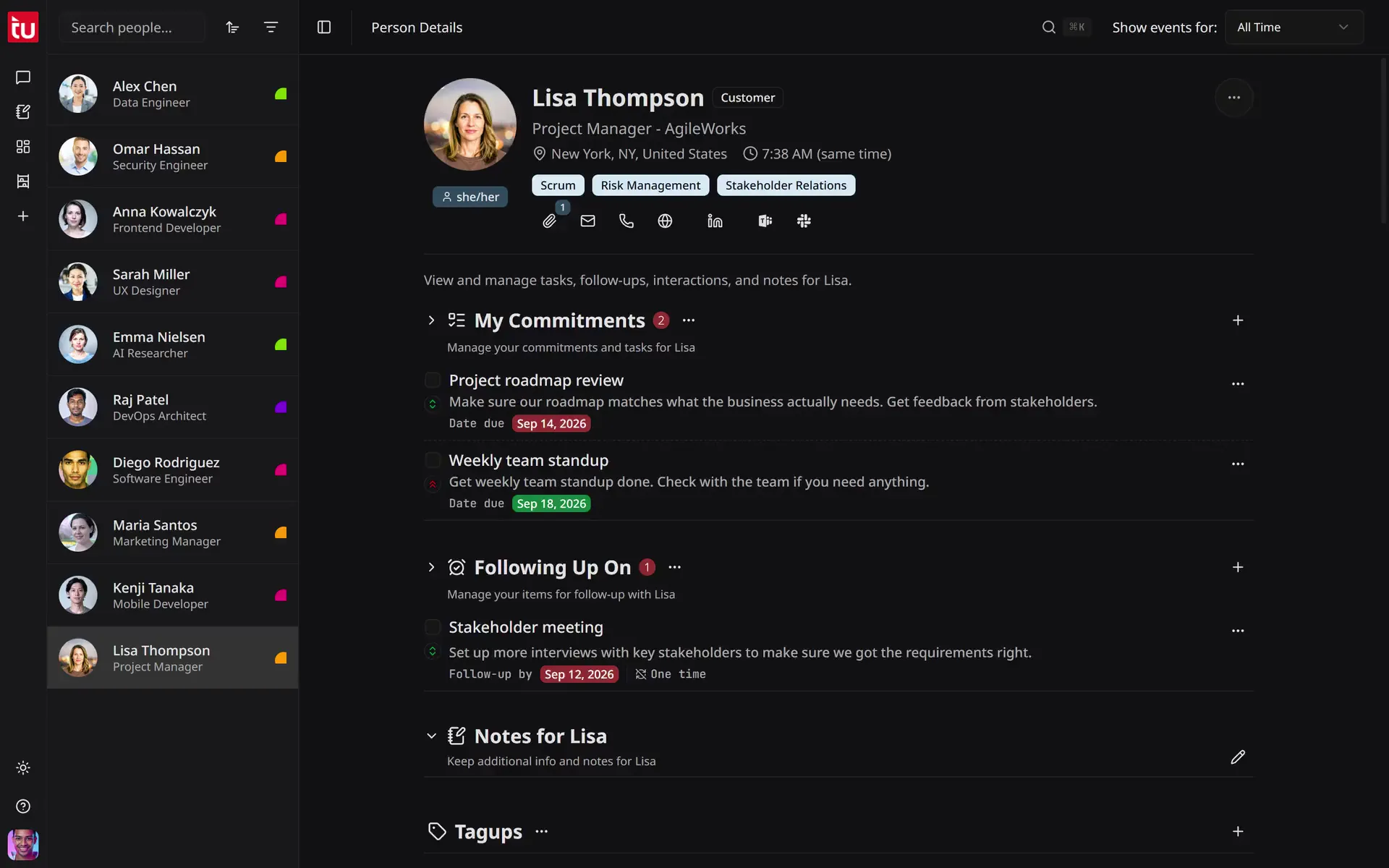
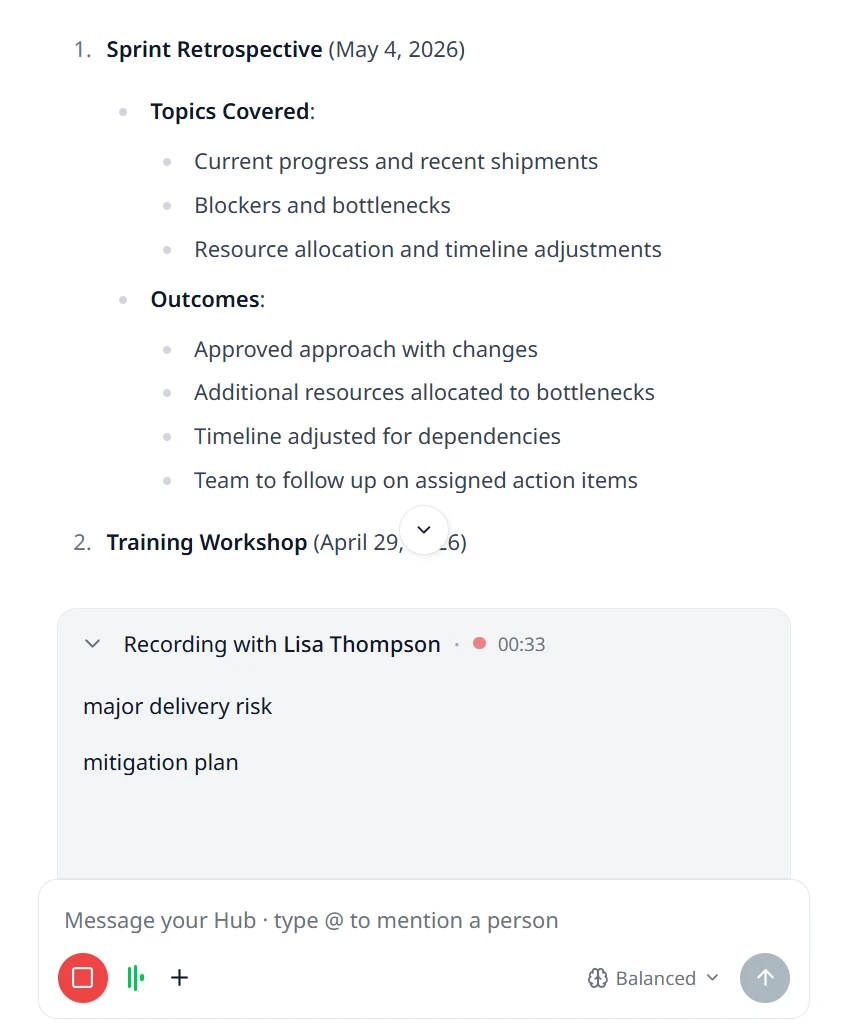
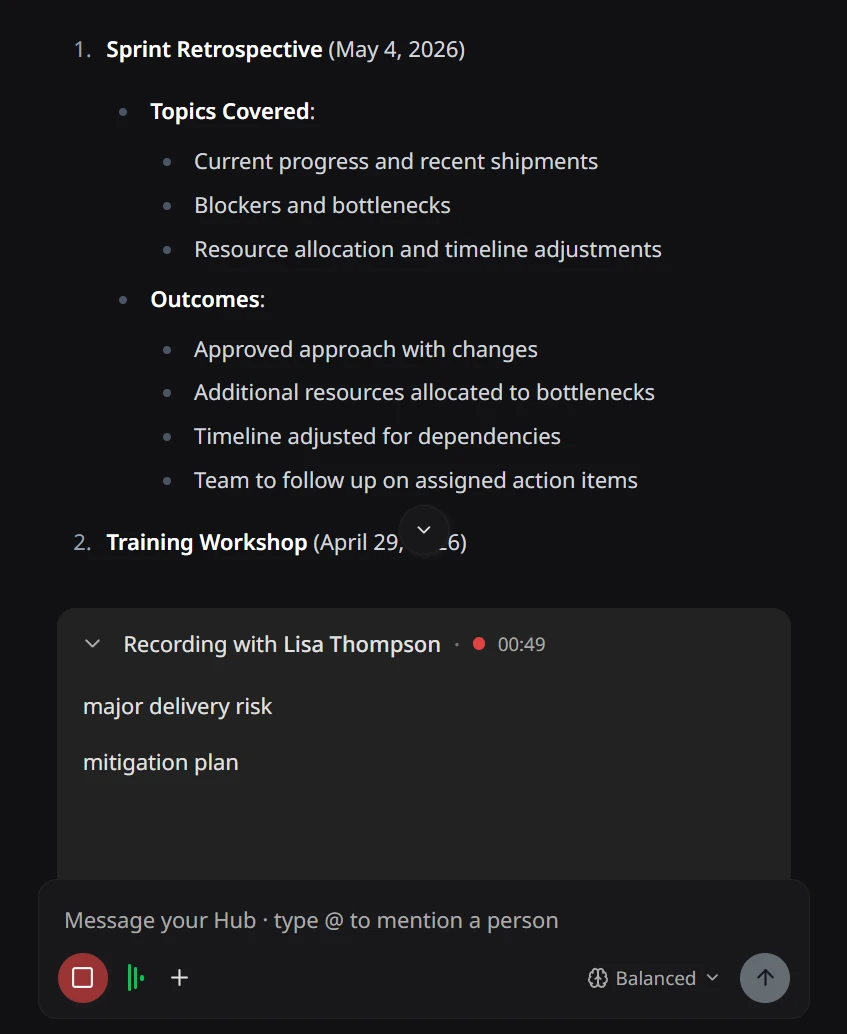
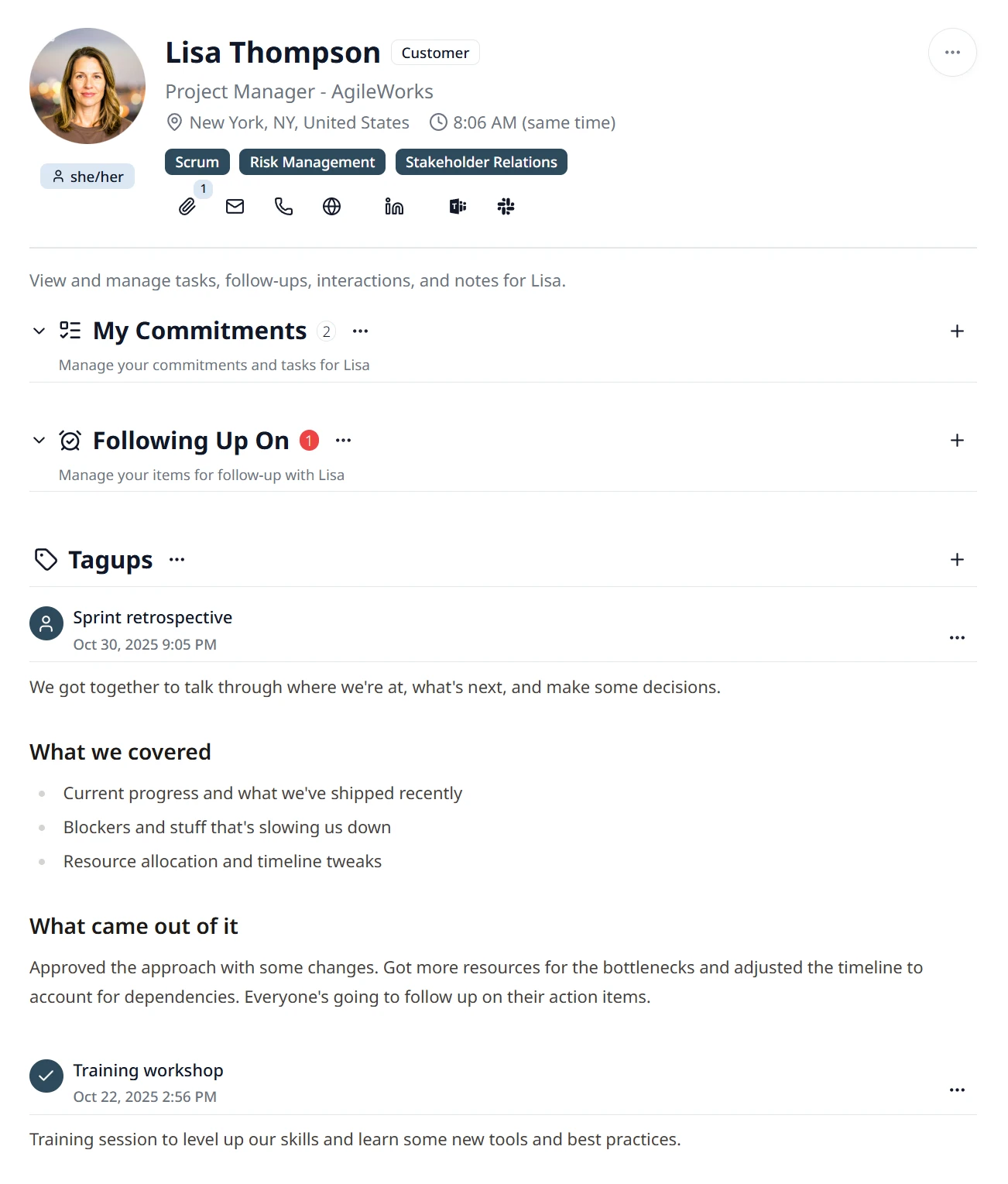
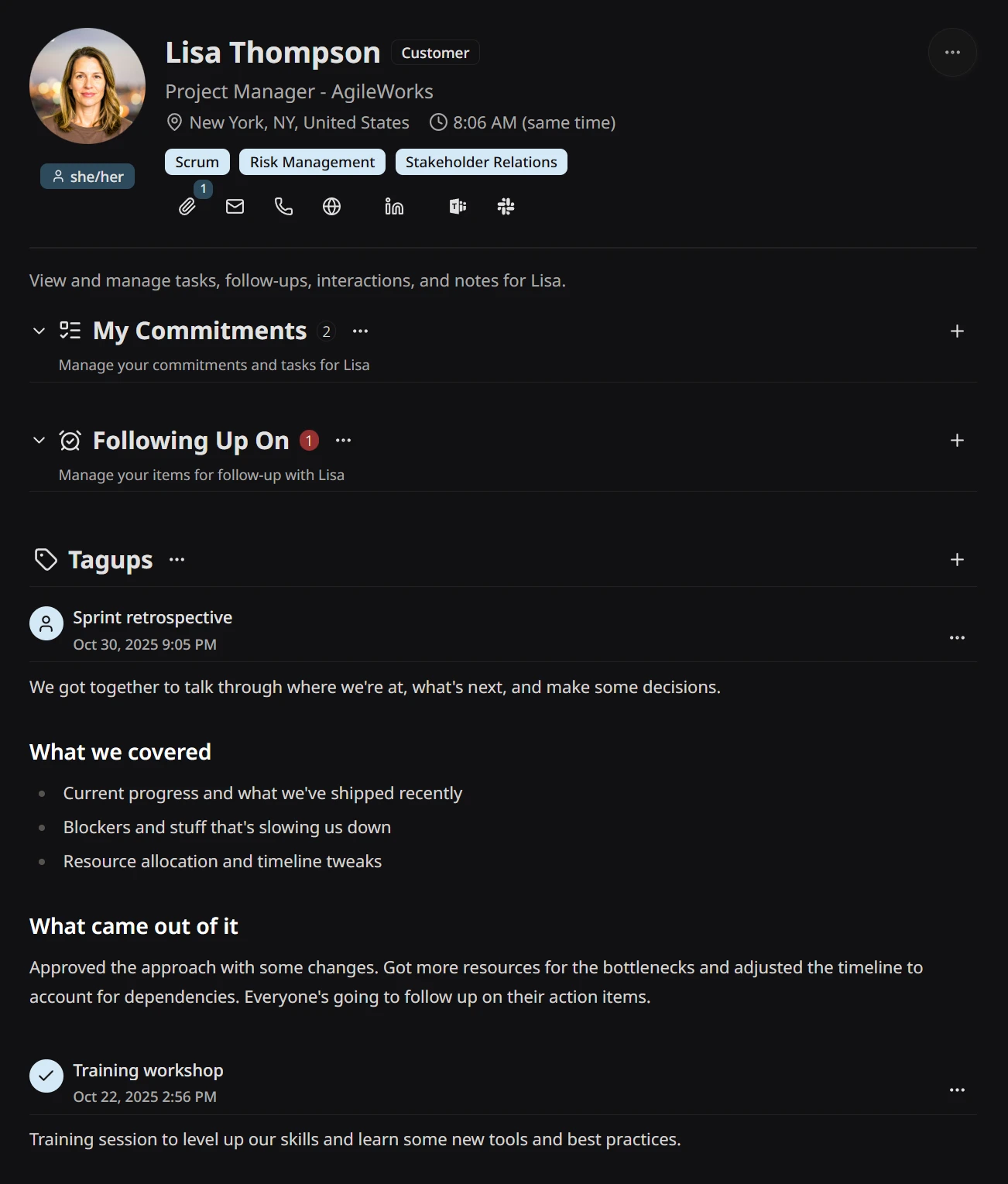
On Lisa Thompson's profile, the user adds a tagup, sets the time and the title, and starts the recording. The user types two short notes while the conversation runs, then stops the recording. When the transcript is ready, the user clicks Smart Notes, which writes a summary from the transcript and the notes and adds a commitment and a follow-up. The user saves the tagup, and it shows at the top of the timeline.
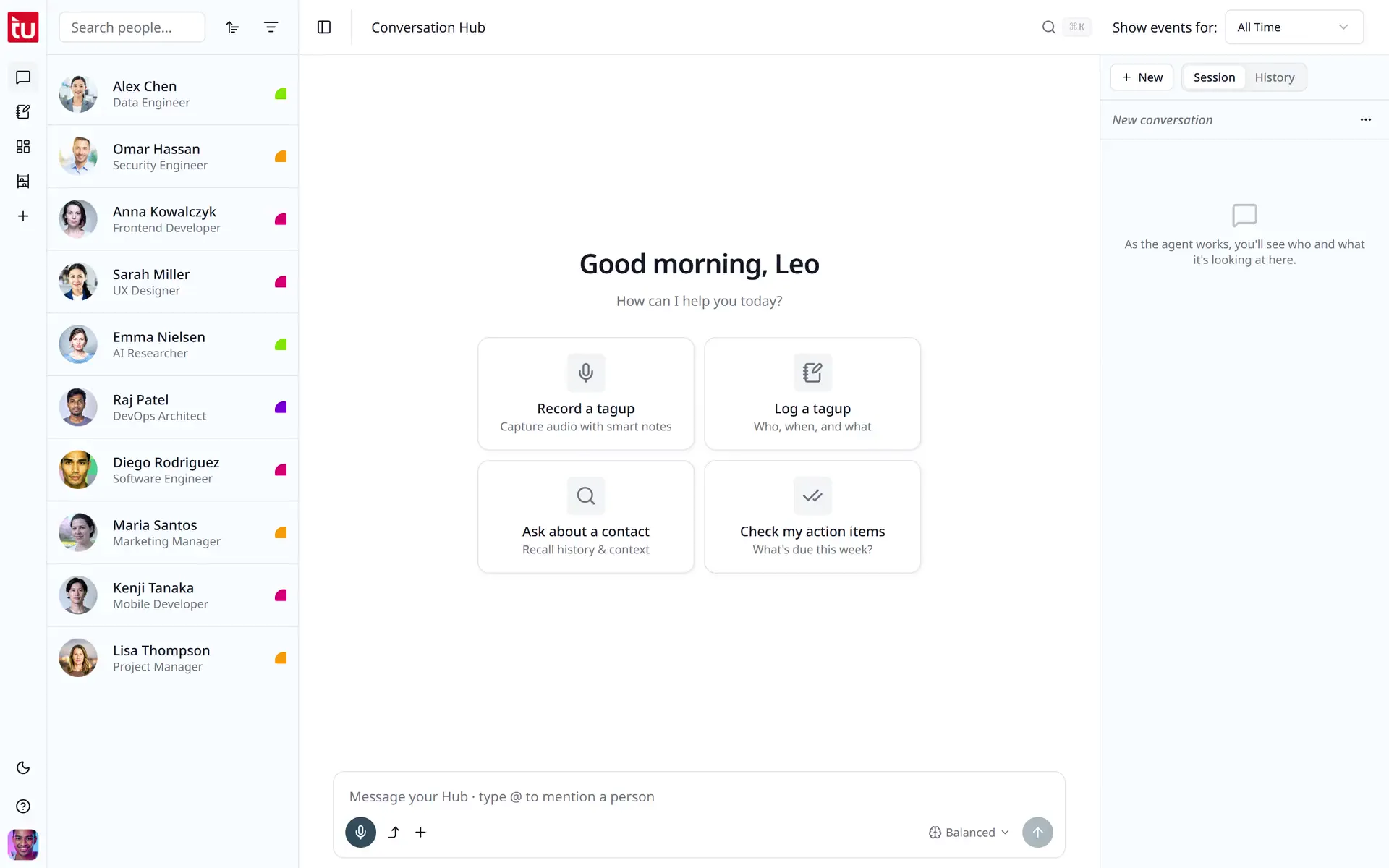
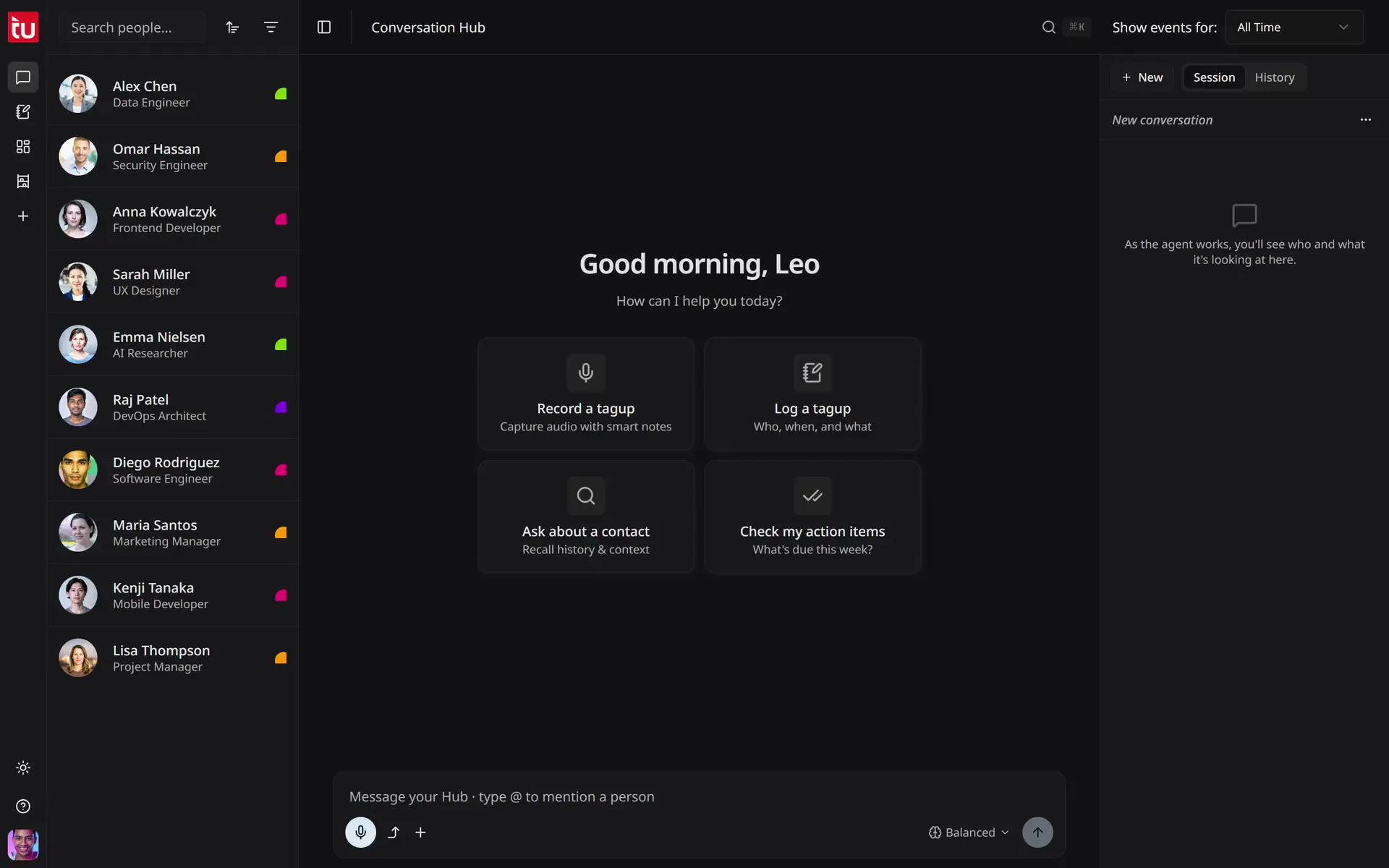
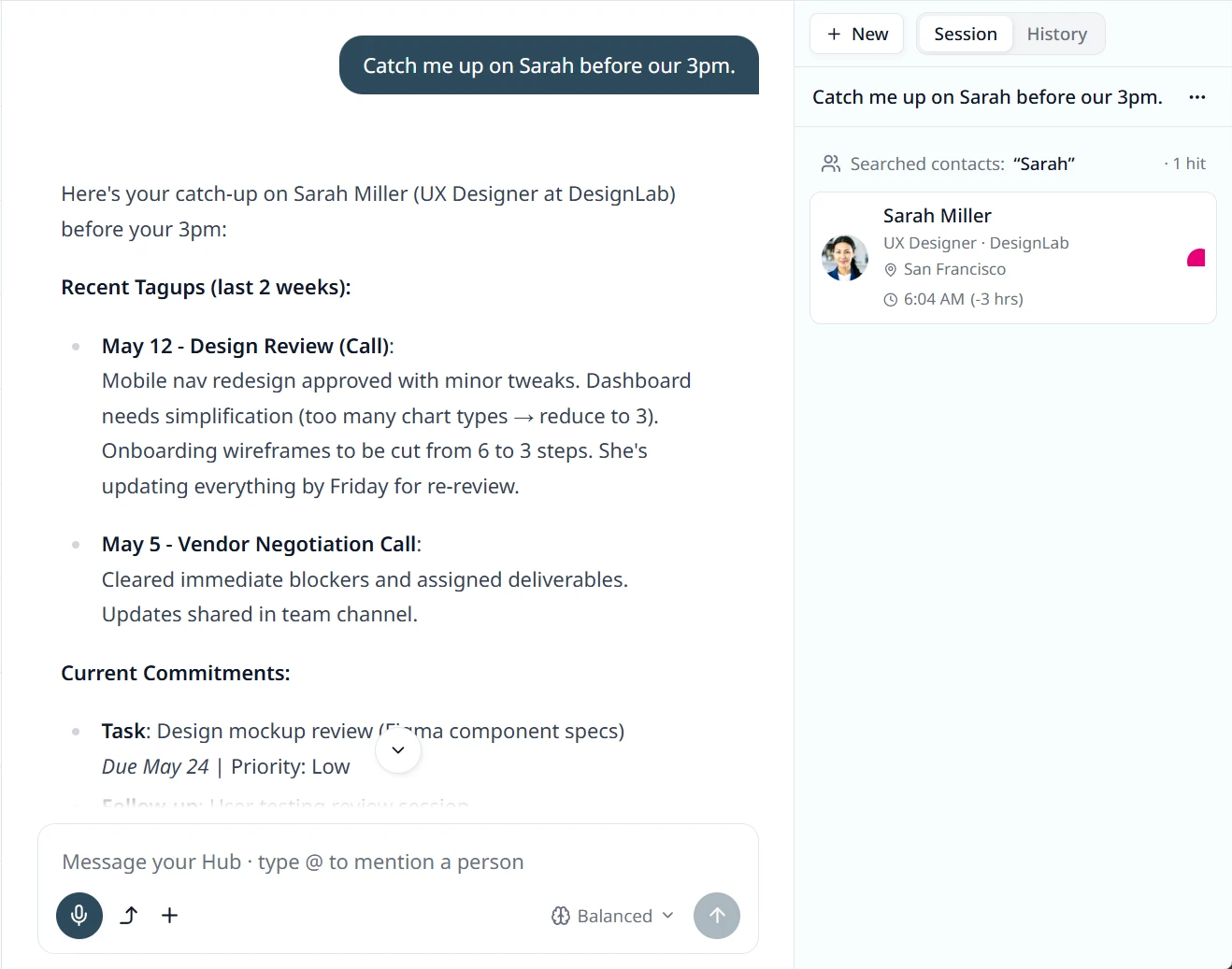
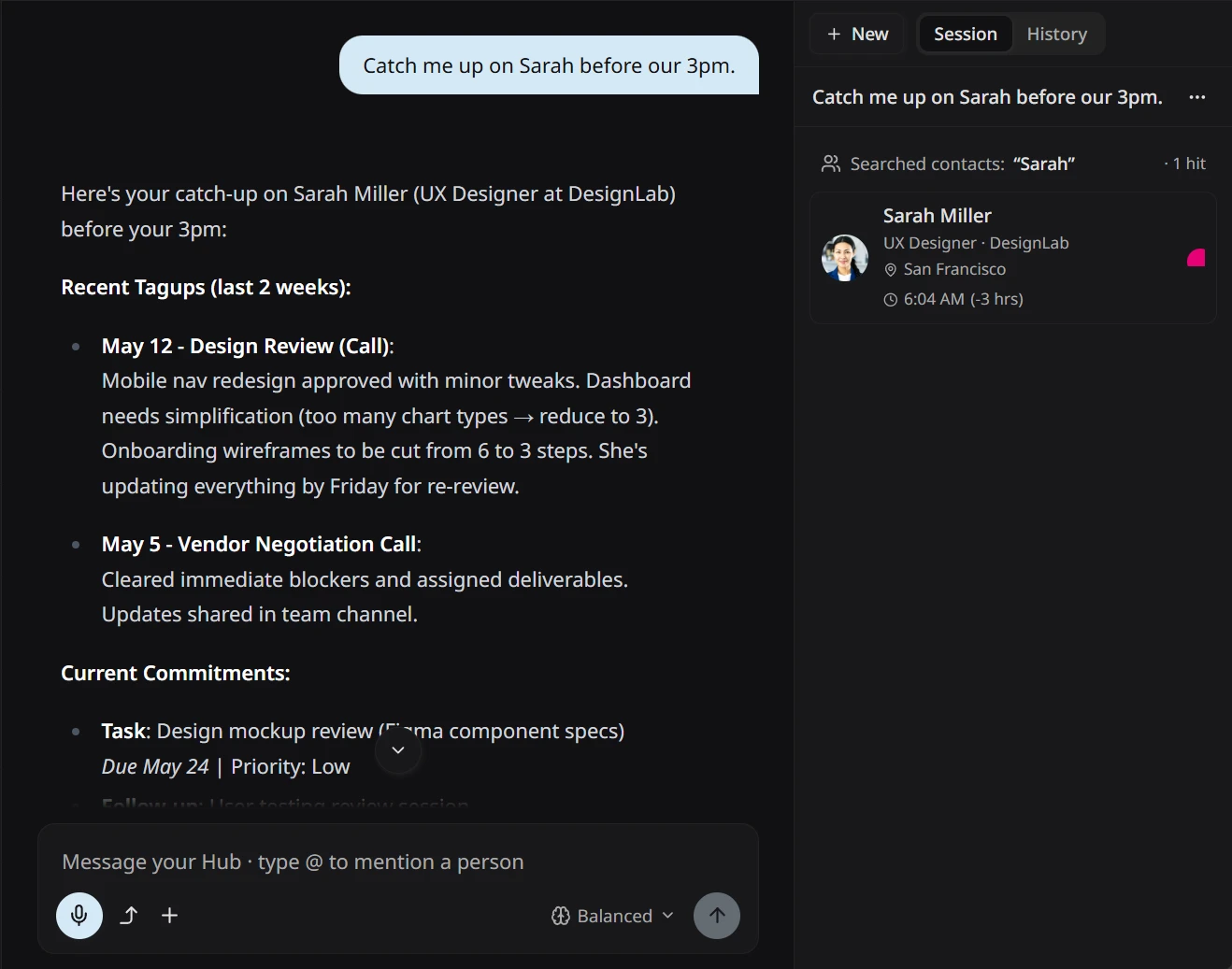
The user asks Tagup to catch them up on Lisa Thompson, reads the reply, then asks for an agenda for their next call.
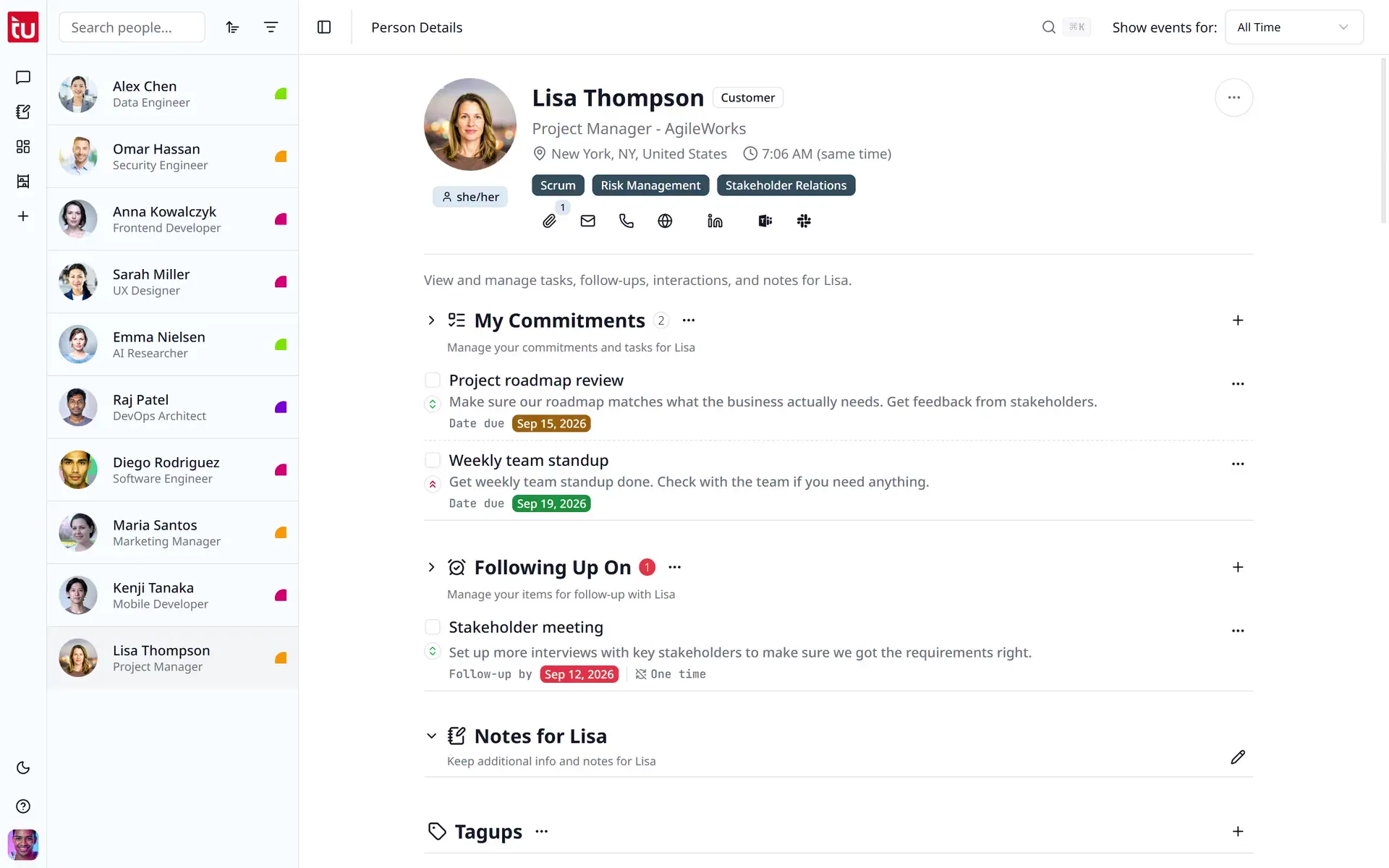
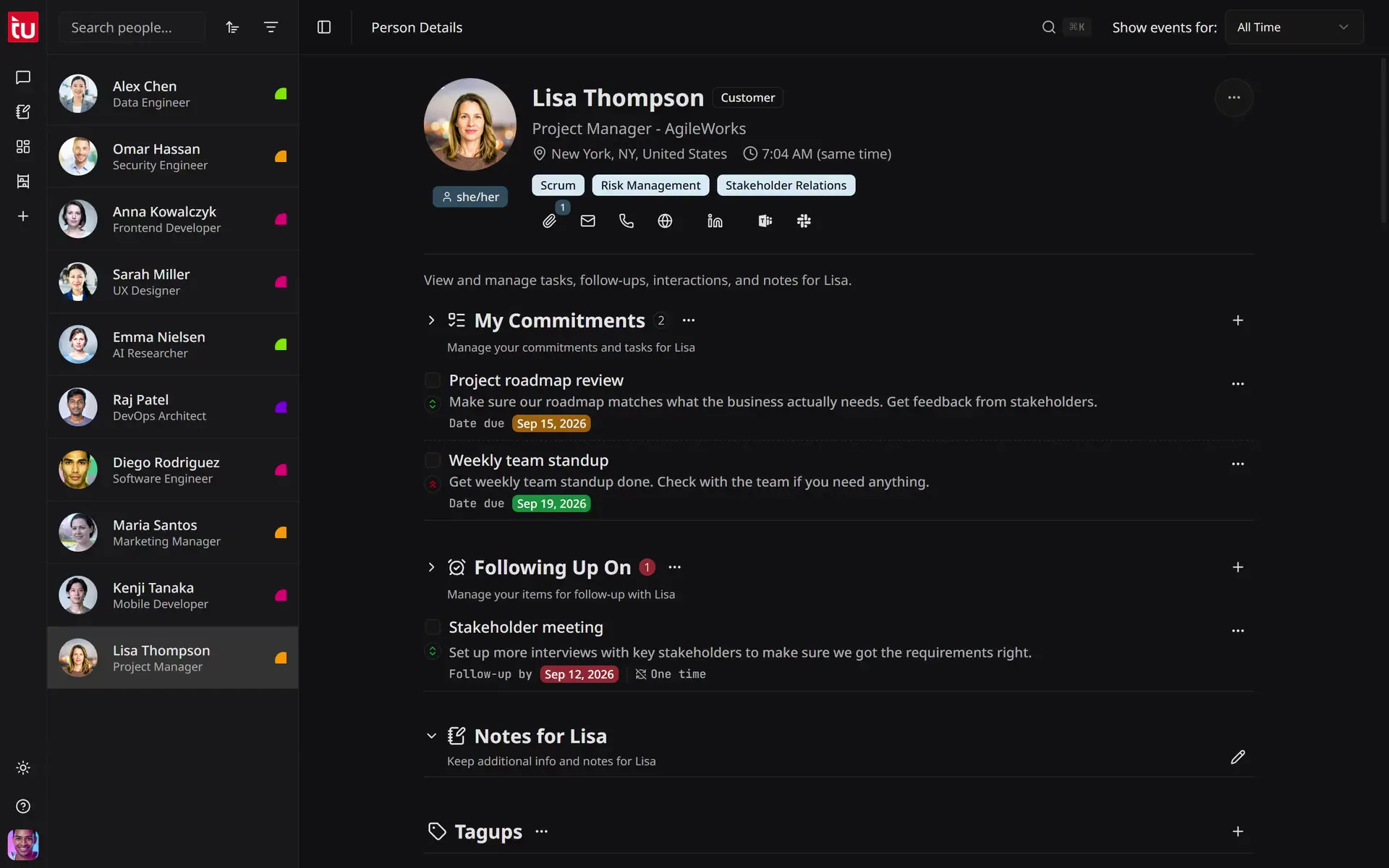
On Lisa Thompson's profile, the user adds a commitment with a description, picks a due date in the calendar, sets High priority, then completes another commitment and hides completed items.


The user opens search, types "data architecture", reads the results grouped by type, filters them to People, then opens Alex Chen's profile from the list.
Walk out of every 1:1 with the notes you wished you'd taken.
Tap record at the start of the 1:1. Be present. Tagup transcribes who said what, drafts the notes you’d have written if you weren’t trying to listen, and pulls out the commitments — yours and theirs — for you to confirm with one tap.
- Speaker-aware transcript of the whole conversation.
- Smart-note draft you edit, never start from blank.
- Every “I’ll send that over,” “let’s revisit next month,” becomes a tracked commitment.
Be the manager who actually circles back.
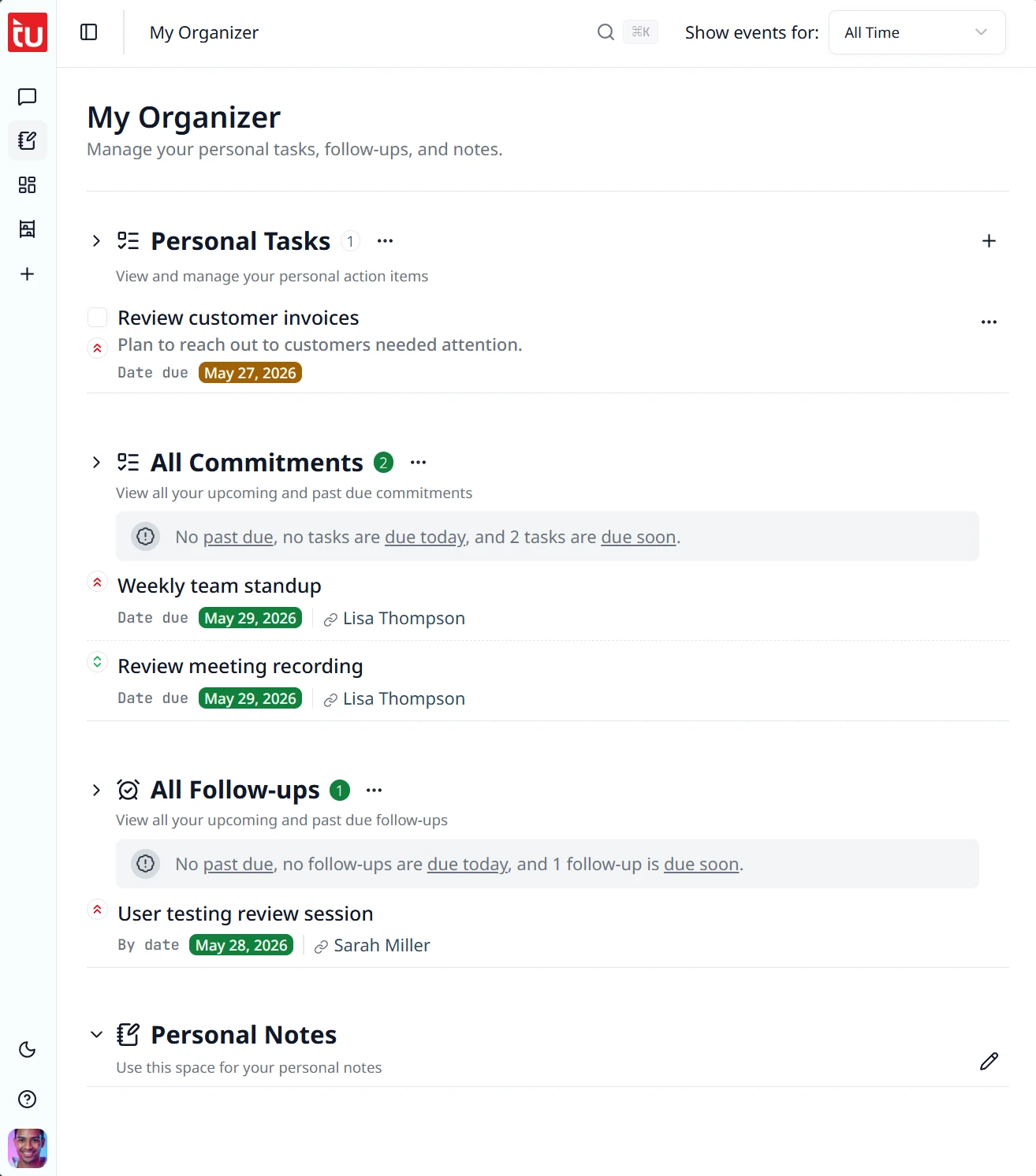
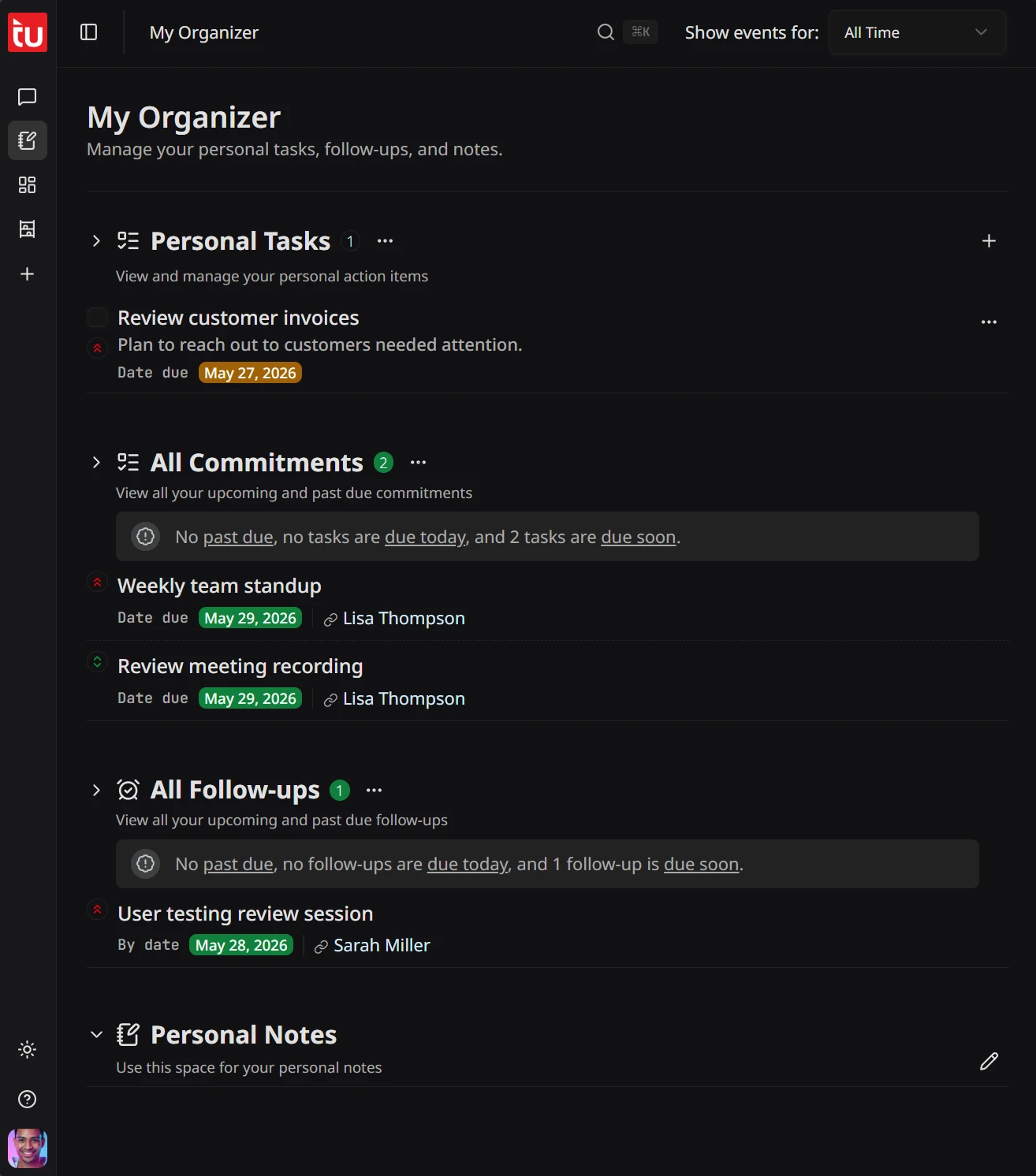
The promotion conversation in March. The book recommendation in April. The “I’m worried about how this is going” in May. Every promise you made to a report, every follow-up you owe them, surfaced before the next 1:1 so you walk in already having done the homework.
- Commitments grouped by report, sorted by what’s overdue.
- Recurring follow-ups for the conversations you should be having quarterly.
- Priority levels so the career-growth ask doesn’t get buried under standup follow-up.
Write review season in an hour, not a weekend.
A year of 1:1s, confirmed commitments, and completed follow-ups already sits on one timeline — so review season is a lookup, not a memory exercise. Ask the Hub what a report actually did last quarter, in plain language, and get dated evidence back instead of a blank page.
- Semantic search across every tagup, note, and commitment with a report.
- Dated evidence of what actually happened, not a reconstruction from memory.
- Nothing to assemble at review time — it was captured as each 1:1 happened.
Catch yourself up on every report before their 1:1.
“Catch me up on Priya before our 3pm.” The Hub reads every tagup, every note, every commitment with her and gives you a plain-language brief: what she said in your last three 1:1s, what you promised, what she’s still waiting on. You stay the manager — the Hub just makes sure you stop walking in cold.
- Natural-language prep before any 1:1, performance review, or skip-level.
- Surfaces open commitments and recurring themes you might have missed.
- Proposes structured actions you confirm in one tap.
Three weeks later, you remember everything they shared.
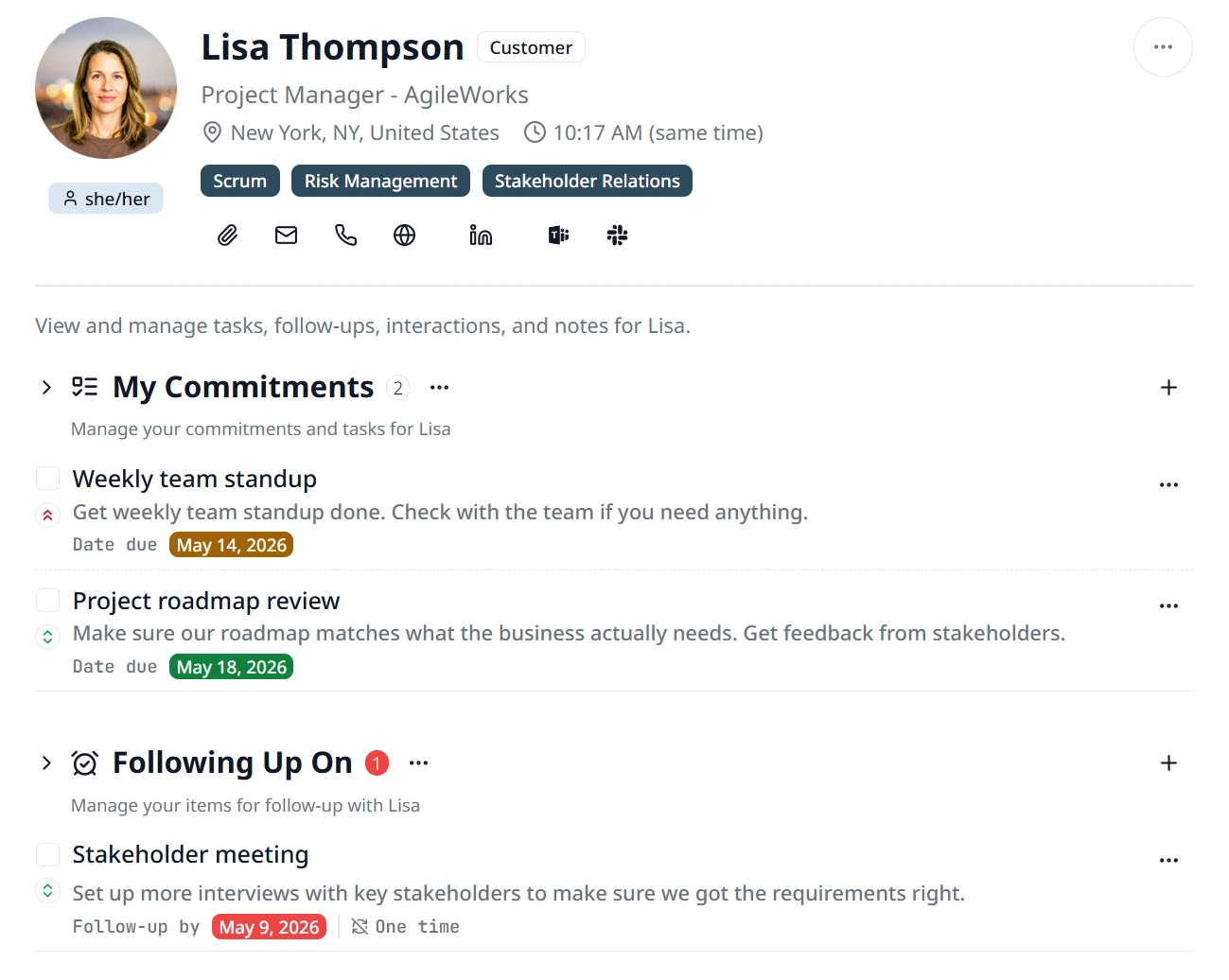
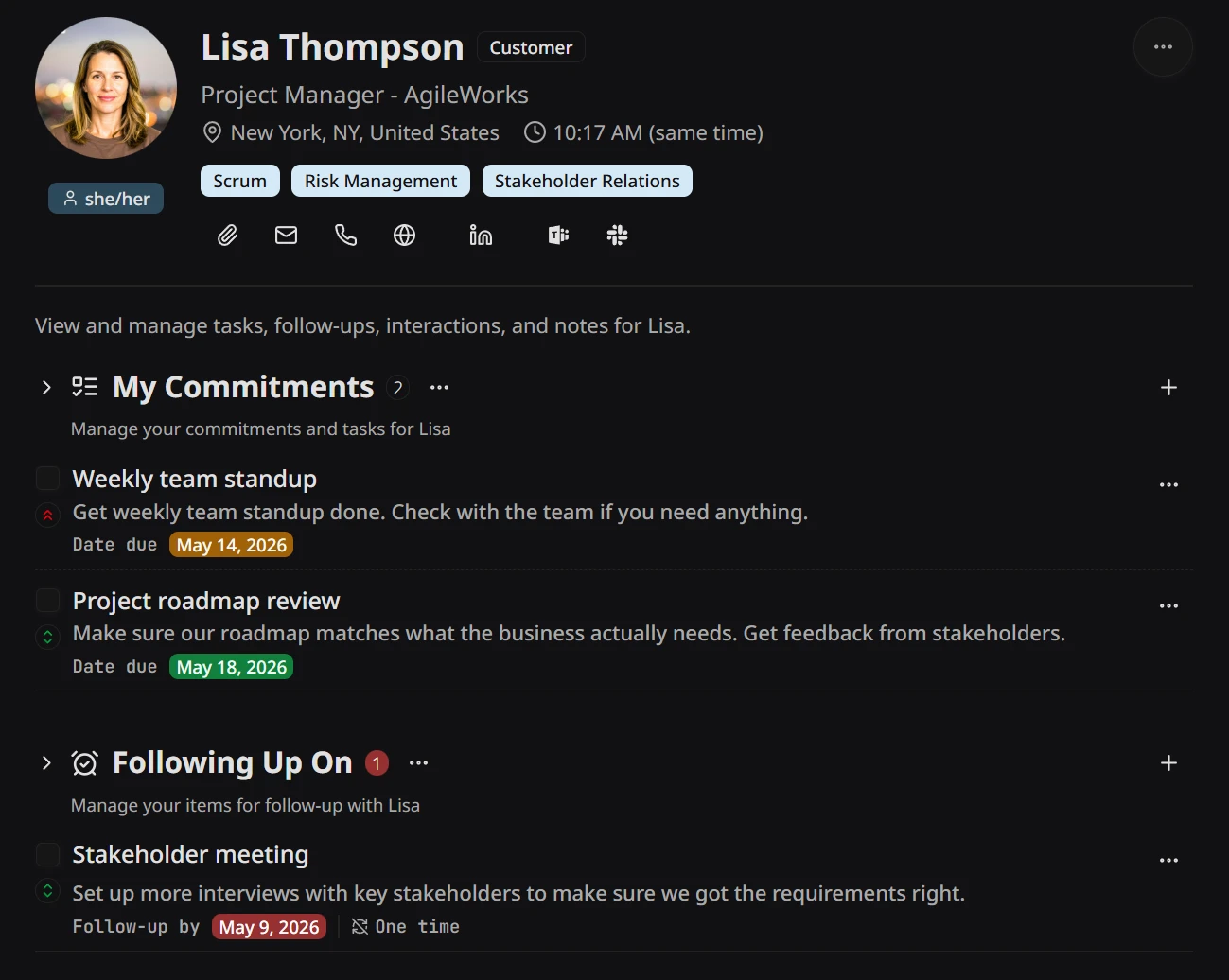
Every report gets a profile that holds the whole arc — the 1:1 timeline, the career-development thread, the personal context they trusted you with. When it’s promotion-packet season, you don’t reconstruct nine months from memory. It’s been quietly stitched together for you.
- Full 1:1 history in one timeline view per report.
- Personal context fields — significant dates, growth goals, what they care about.
- Tags and tasks pinned to the person, not lost in calendar invites.
Pricing that scales with your relationships.
7-day free trial — no credit card required.
Starter
For the twenty people who matter most.
Billed monthly $42.00 billed annually — save 30%
500 AI credits / month
~260 min of recordings, or ~50 AI chat sessions.
5 GB cloud storage
For the files you attach and the artifacts the Hub saves.
Every feature, up to 20 people:
- Up to 20 people — with full conversation history, tasks, follow-ups and notes
- Conversation Hub — your AI partner
- Audio tagups with AI transcription & smart-notes
- Semantic search across every record
- Mobile + desktop sync, data export anytime
Pro
For people who run their work through 1-on-1s.
Billed monthly $126.00 billed annually — save 30%
2,000 AI credits / month
~1,000 min of recordings, or ~200 AI chat sessions.
25 GB cloud storage
5× Starter — room for years of files and artifacts.
Same feature set as Starter, 4× the AI capacity:
- Unlimited people — everything in Starter, no cap
- 2,000 credits / mo — 4× Starter
- Headroom for daily tagups + heavy Hub use
- Upgrade anytime — prorated, immediate
- Priority support
Every feature is on both tiers. Starter holds 20 people; Pro is unlimited. Beyond that, the tiers differ in monthly AI credits and cloud storage. Credits refresh monthly on the day you subscribed. Cancel anytime; export your data anytime.
See full pricing comparison →