
Turn good intentions into follow-through.
Commitments and follow-ups across every relationship, with priority and recurrence — a single dashboard that says what's overdue, what's coming, and who's been waiting longest.
- Capture what you owe — every promise gets a person and a date.
- Follow-ups for their side — what they're working on, what you're waiting on — one-time check-ins or recurring monthly touches.
- Per-person rollup — every commitment with this person, in one view.
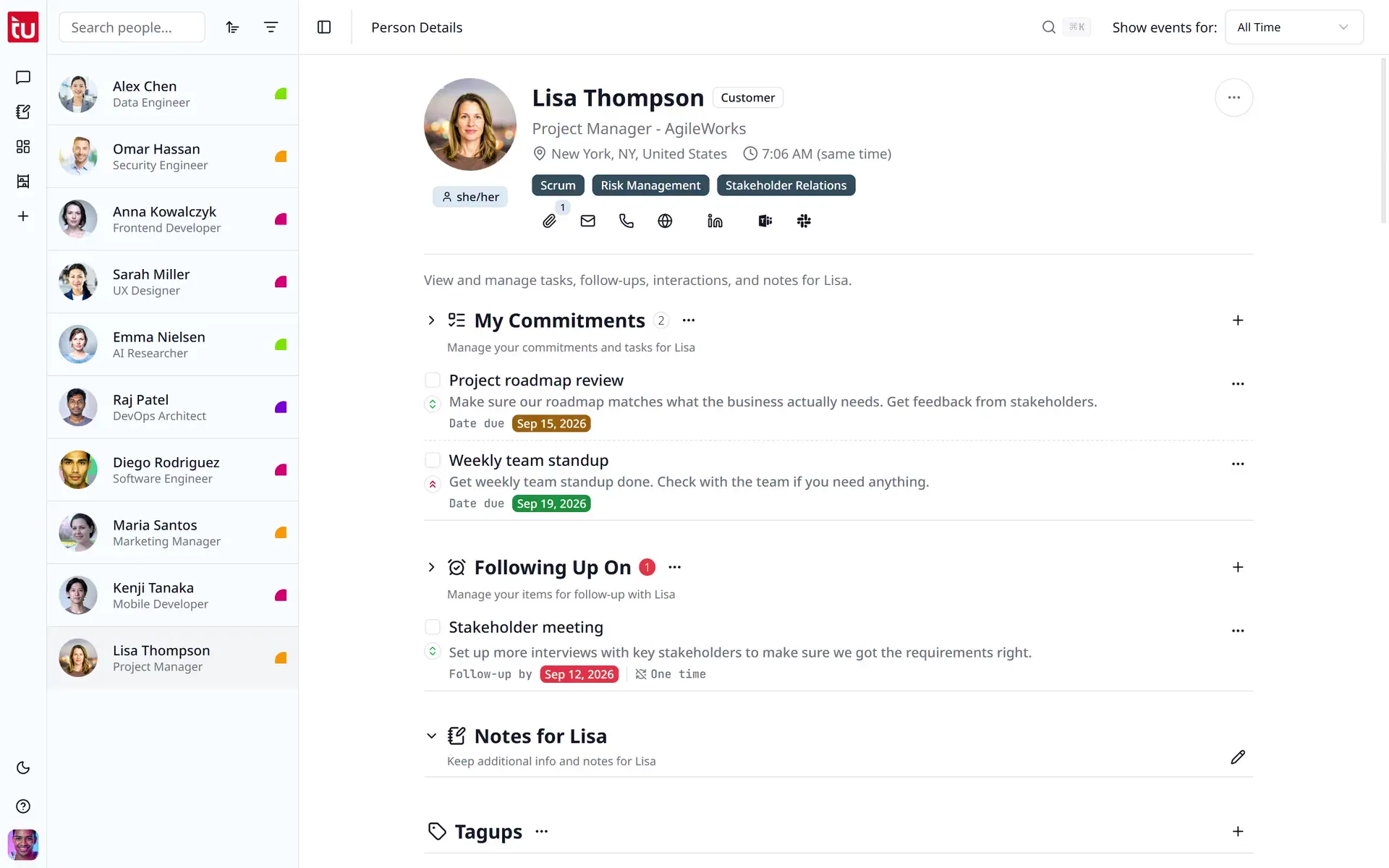
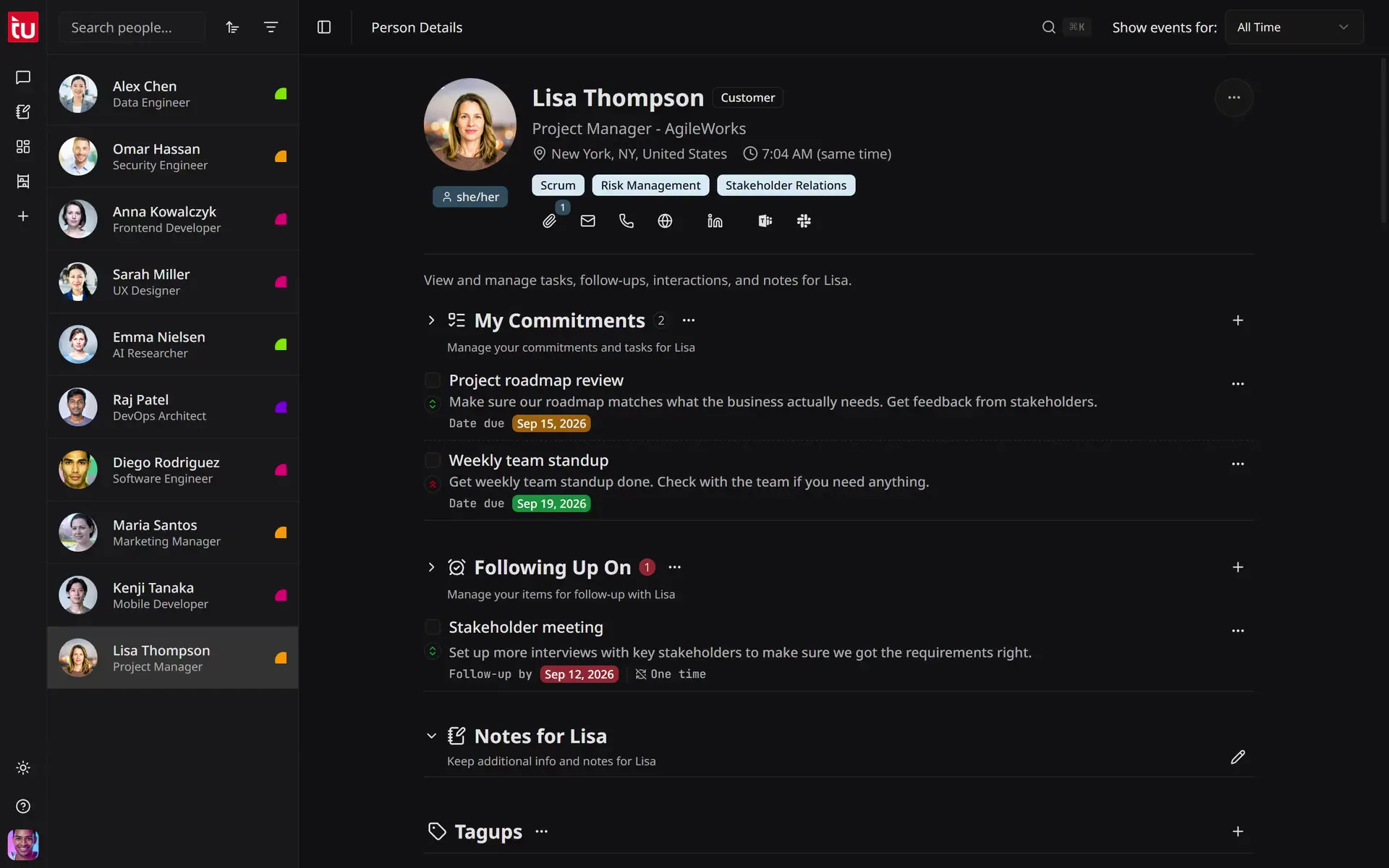
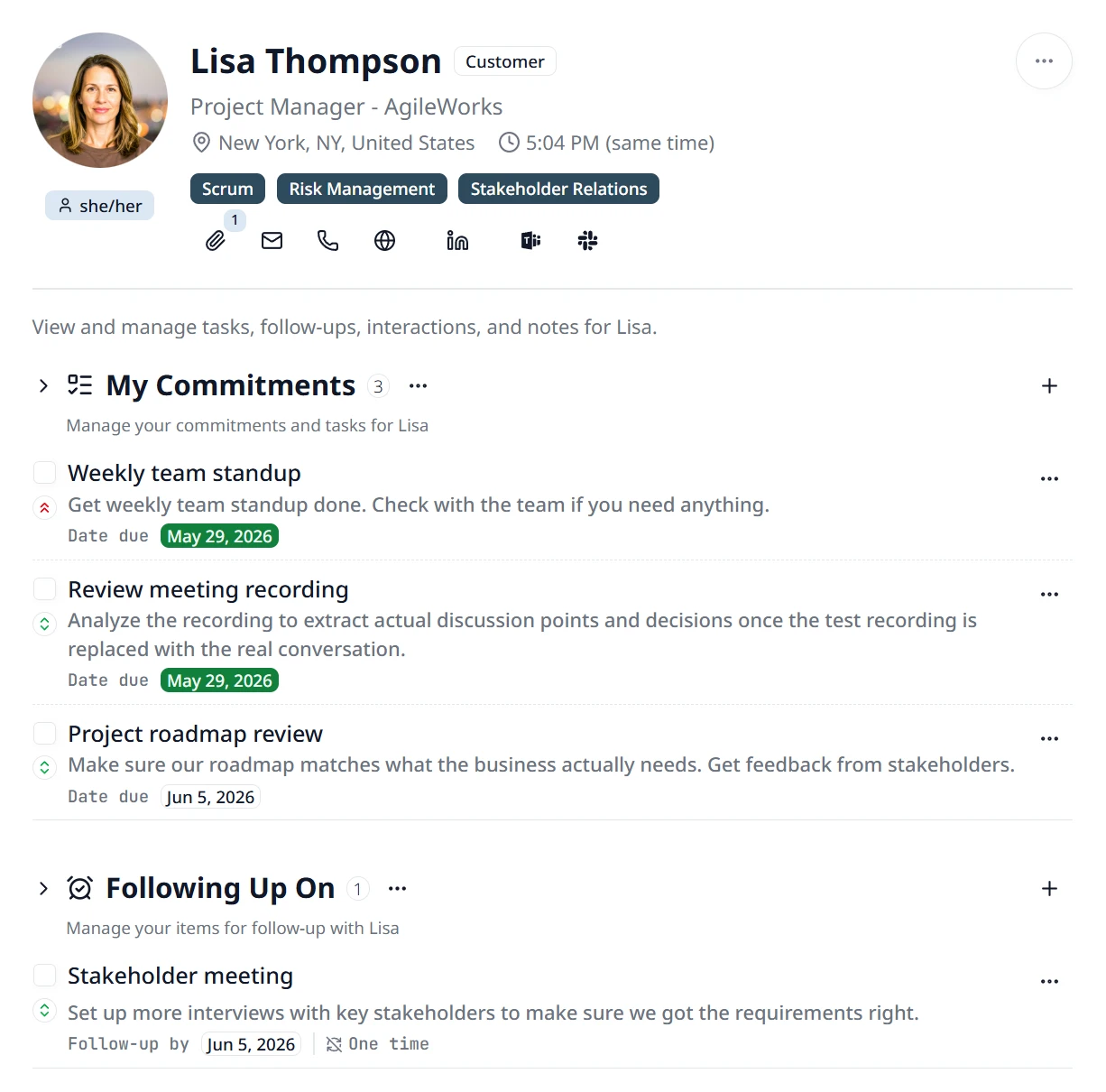
On Lisa Thompson's profile, the user adds a commitment with a description, picks a due date in the calendar, sets High priority, then completes another commitment and hides completed items.
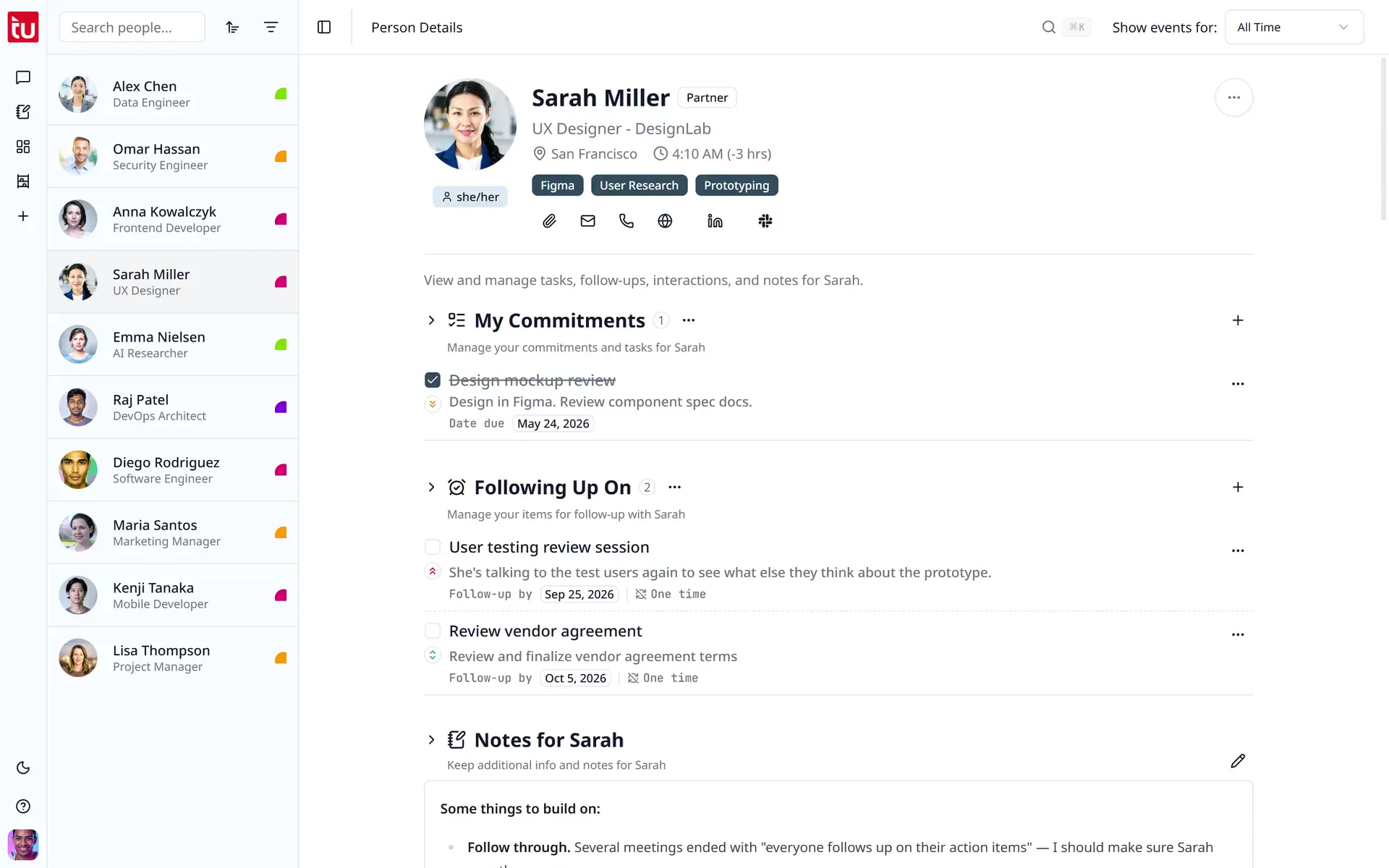
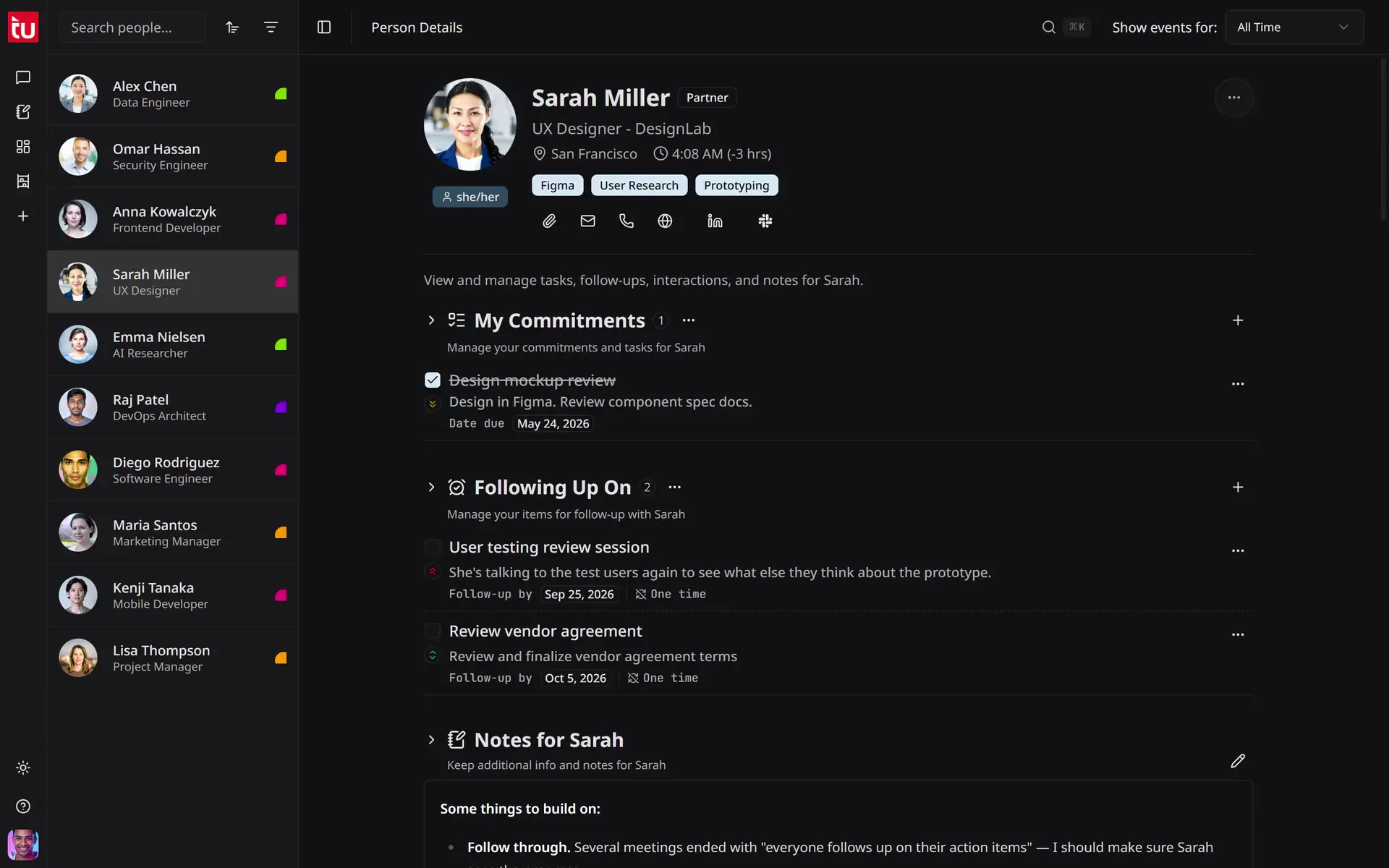
On Sarah Miller's profile, the user adds a follow-up for tomorrow, sets it to repeat every week on Monday, then completes it, and the app adds the next follow-up in the schedule.
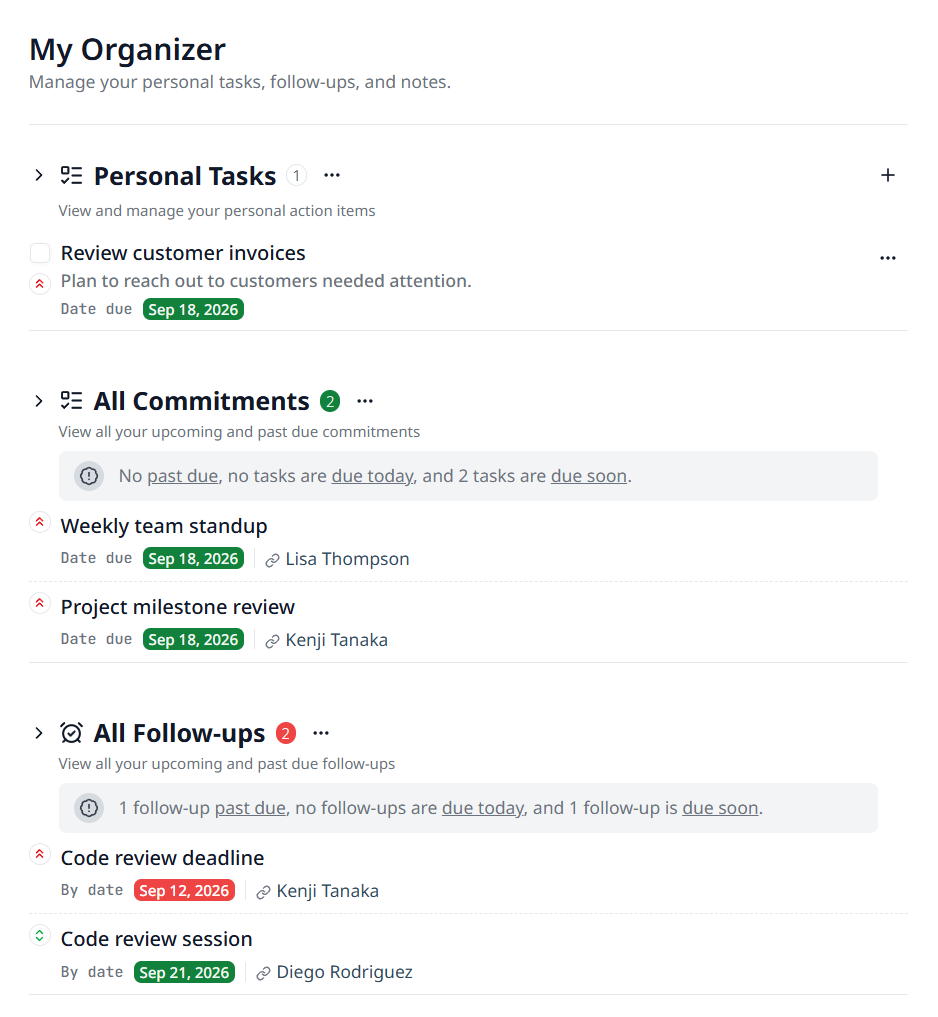
The user opens My Organizer, adds a personal task with a description and High priority, then writes and saves a short personal note with a heading and a list.
Commitments are what you promised them.
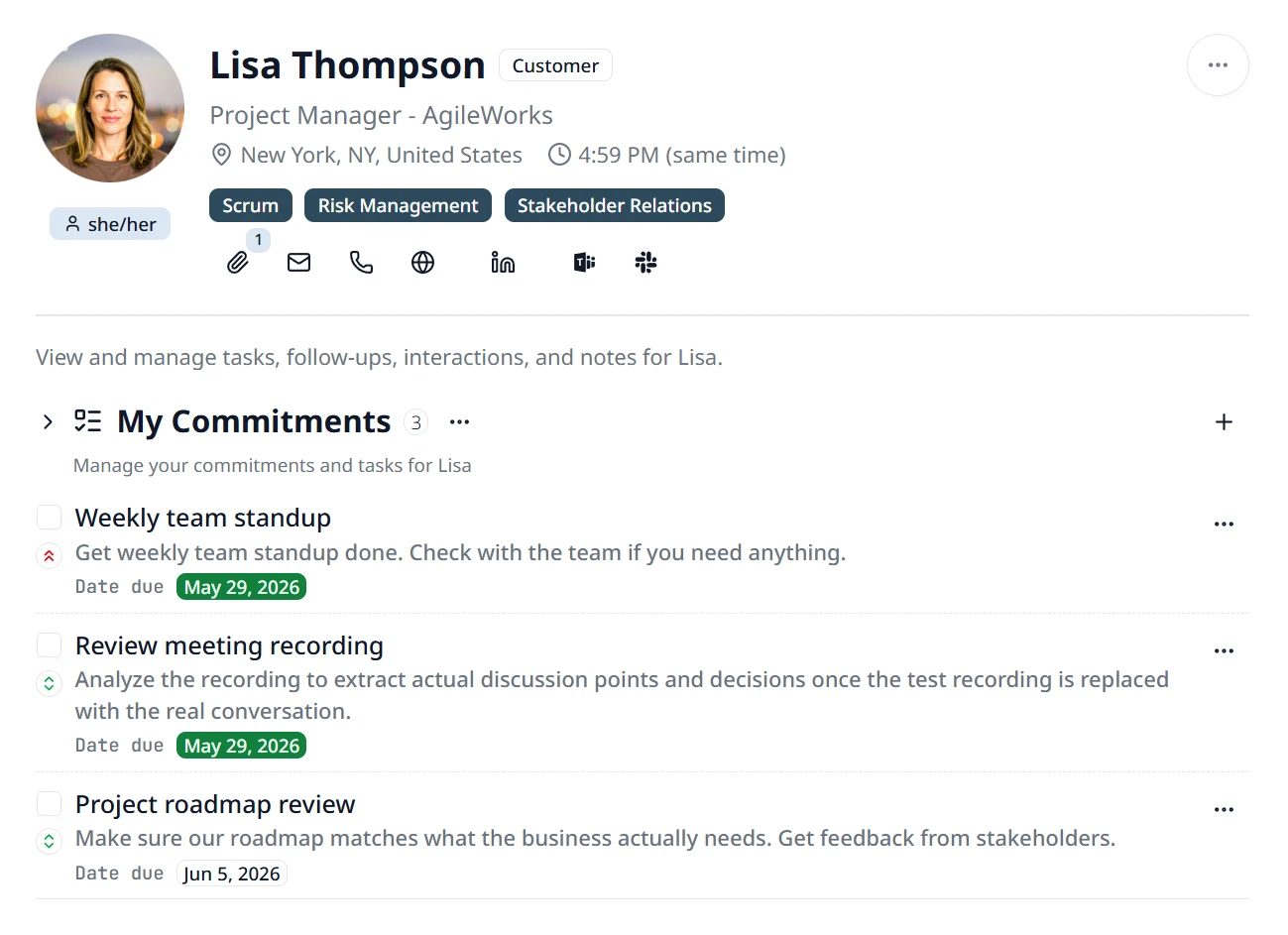
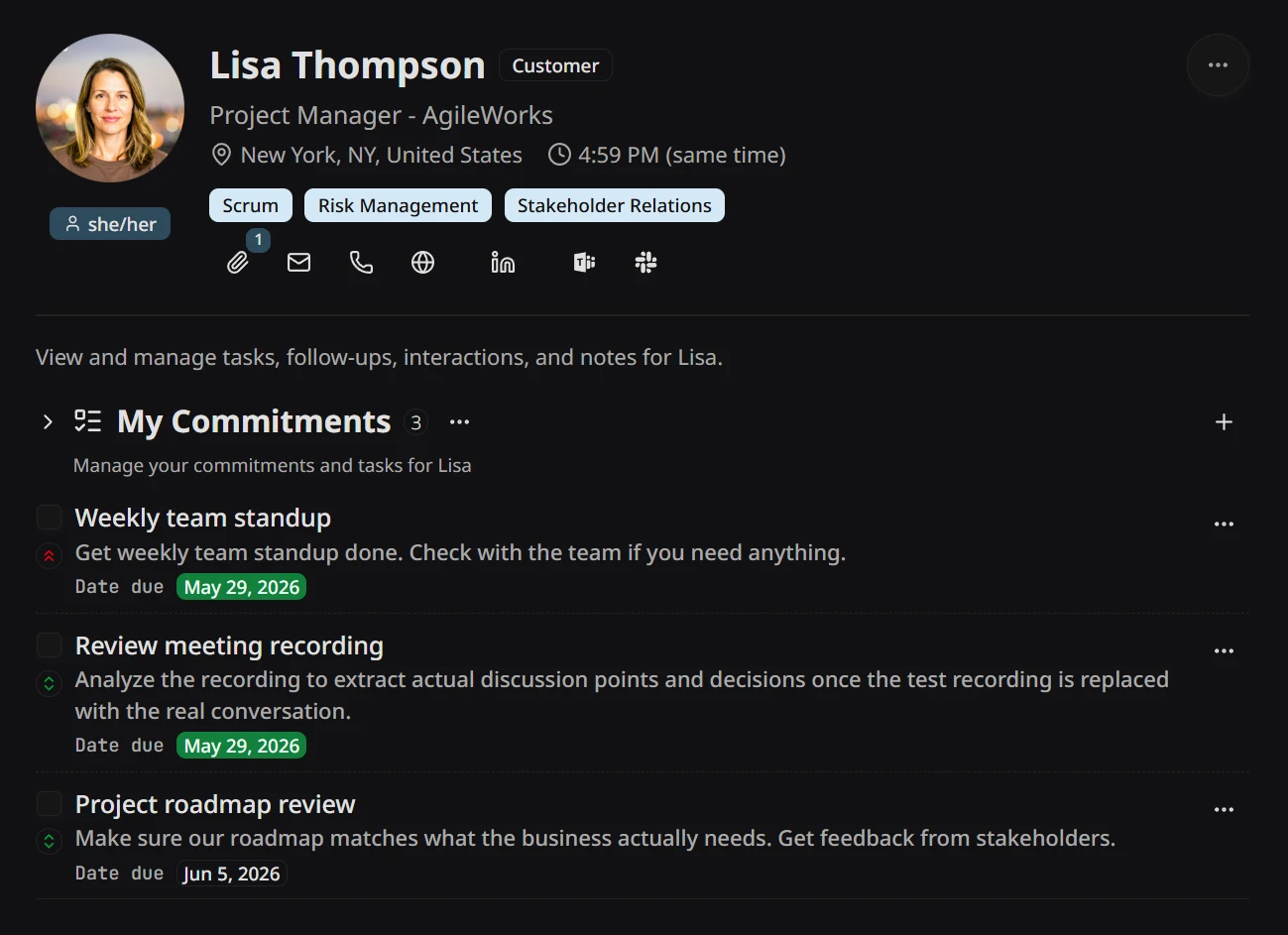
“Send Lisa the roadmap feedback.” “Reply to Sarah’s design brief.” A commitment is something you owe someone — a deliverable, an intro, a reply. Every commitment gets the person it’s for, a due date, and one of three priority levels, so the big asks stay above the small ones. Commitments come from tagups automatically, but you can also add them by hand or through the Conversation Hub.
- Three priority levels — high, medium, low — with clear visual treatment.
- Capture them from tagups, or add by hand if needed.
- Attached to the right person from the moment of capture.
Follow-ups are what they're working on — and what you're tracking.
The other half of the ledger: not what you promised, but what’s on their side — something they’re working on, an answer you’re waiting for, a thread you simply decided to circle back on. Set a one-time check-in for next week, or a recurring cadence for the relationship that needs a quarterly touch — Tagup raises each one ahead of the date with context. The promotion conversation in March doesn’t get lost; it surfaces in June, with the thread already in hand.
- One-time or recurring on any cadence — weekly, monthly, quarterly.
- Captured from tagups automatically, or add one any time you spot something to track.
- Surfaces ahead of the date so you can prep, not scramble.
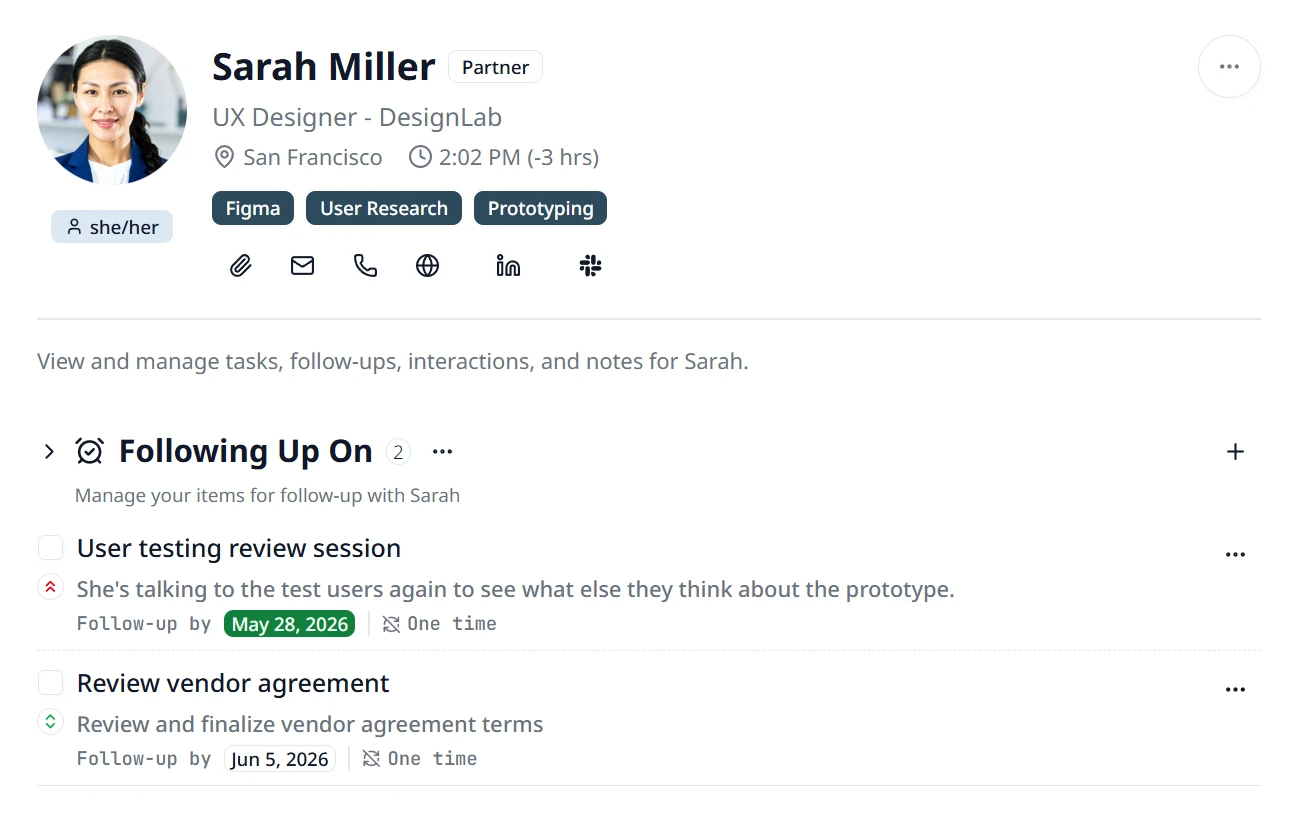
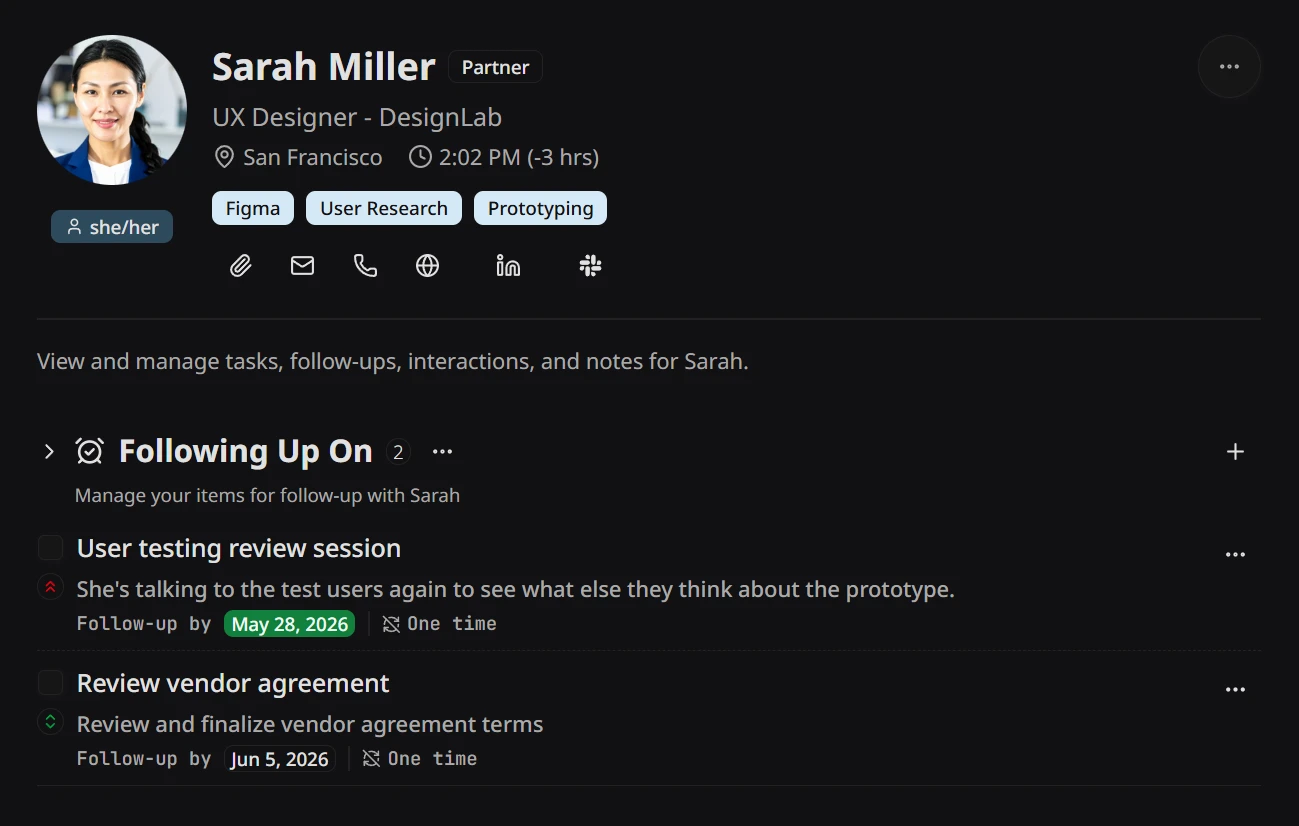
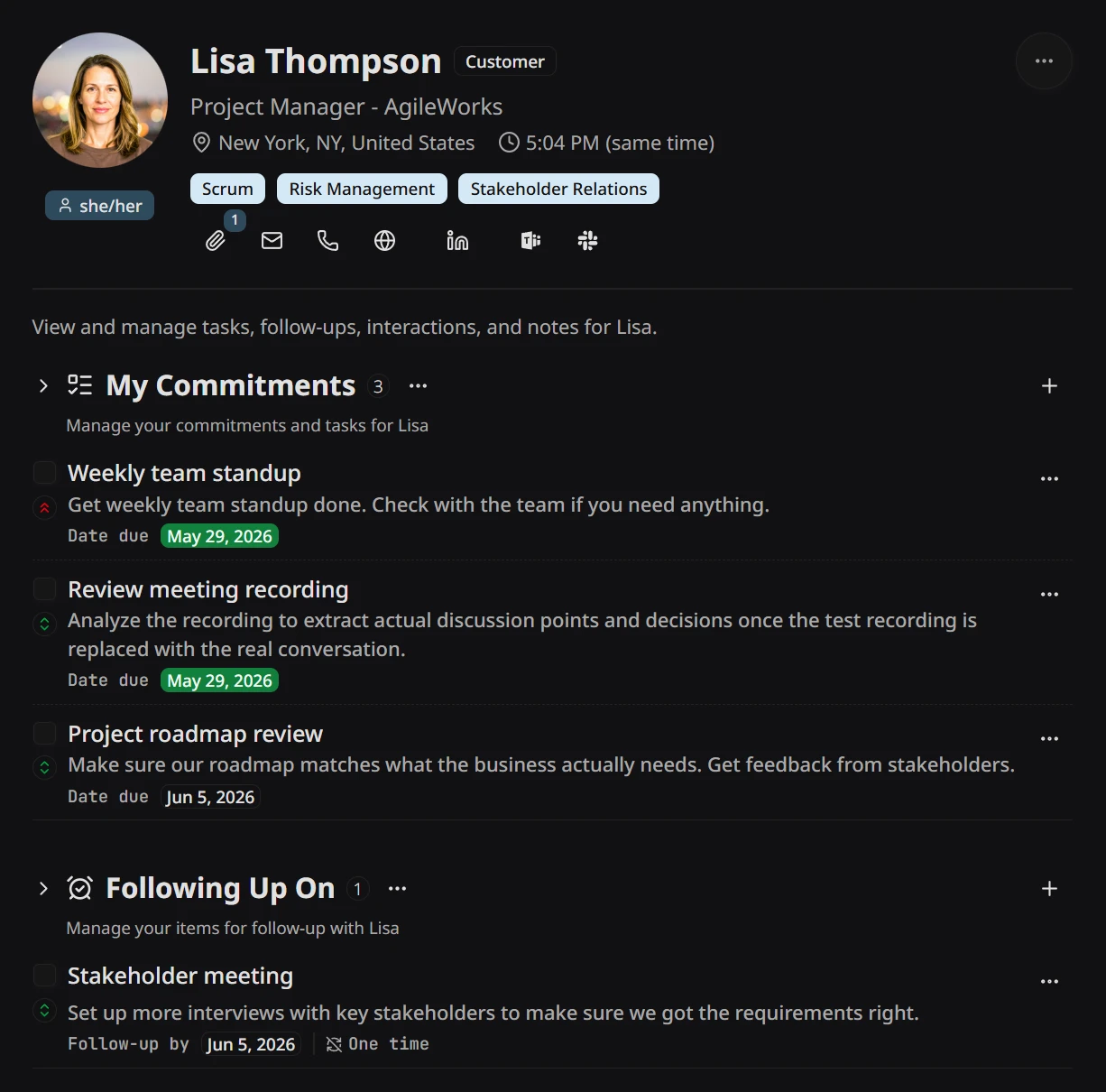
Every commitment with one person, in one view.
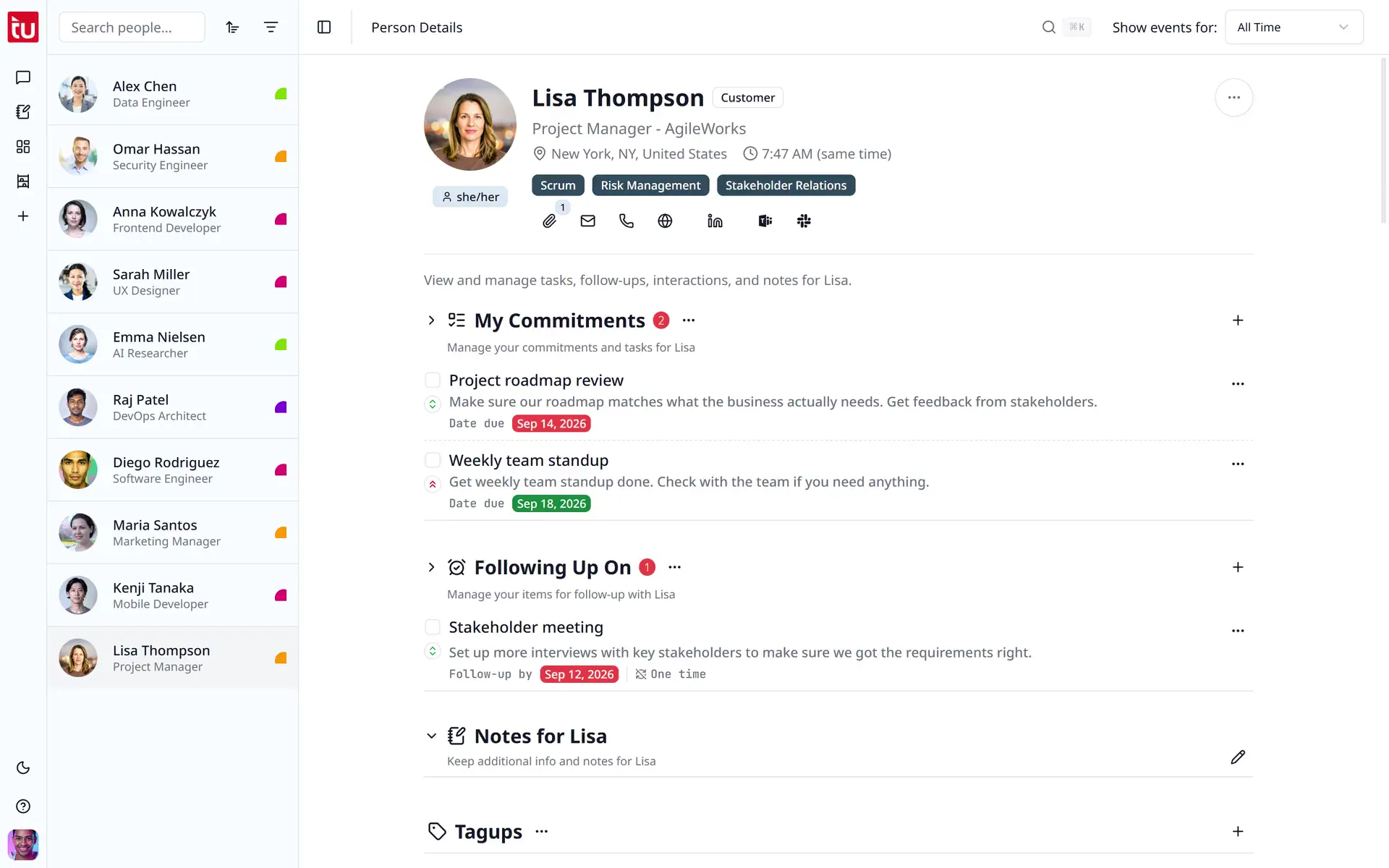
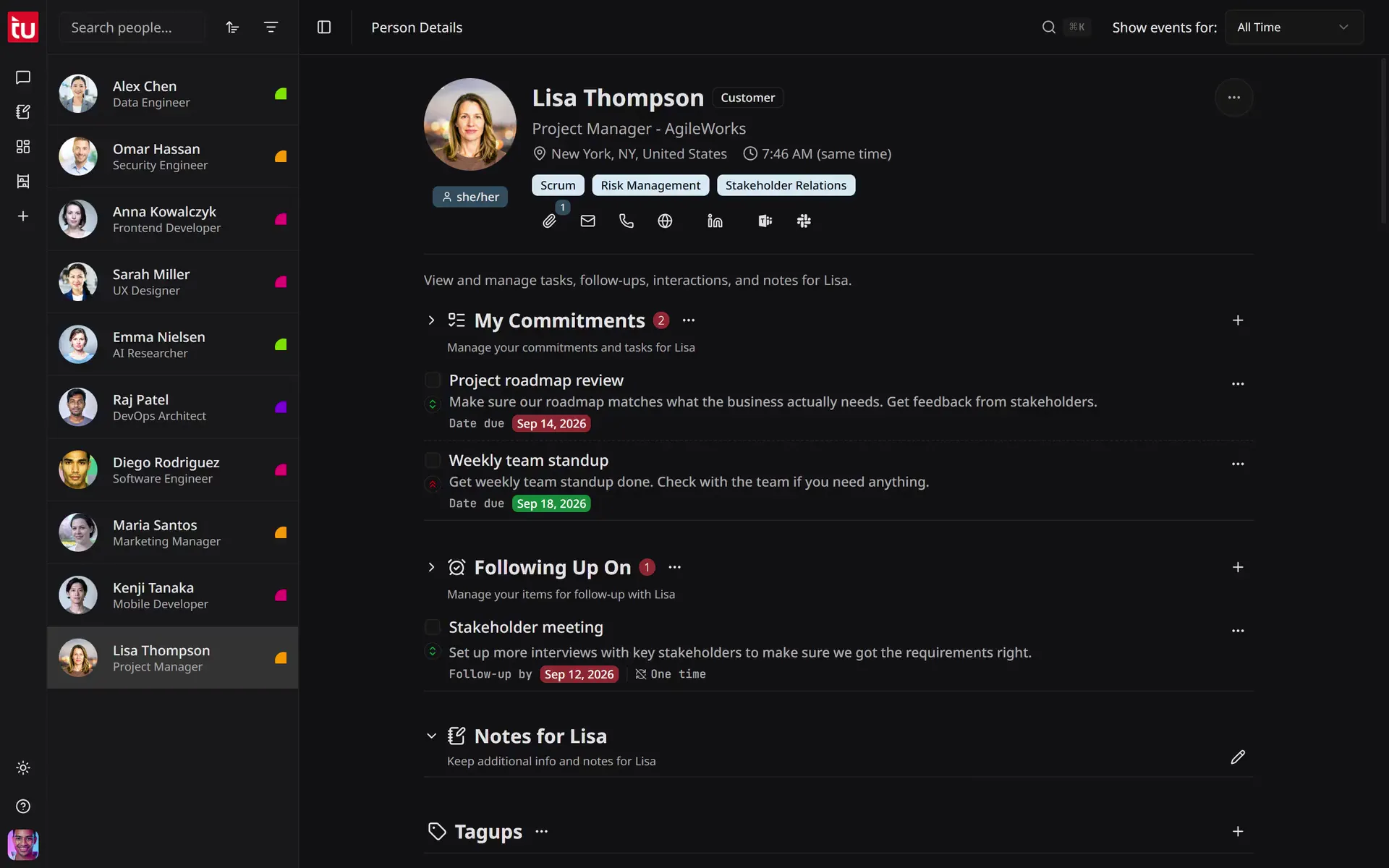
Open Lisa’s profile and you see every commitment you owe her side-by-side with every follow-up you’re tracking for her — overdue, upcoming, and complete. Walk into the next conversation already having done the homework, instead of asking her to remind you what was said.
- Per-person rollup of every commitment and follow-up.
- Status filters — overdue, upcoming, complete — at a glance.
- Counts next to each section so you see how many are left open.
My Organizer — every person in one list, plus the work that's only yours.
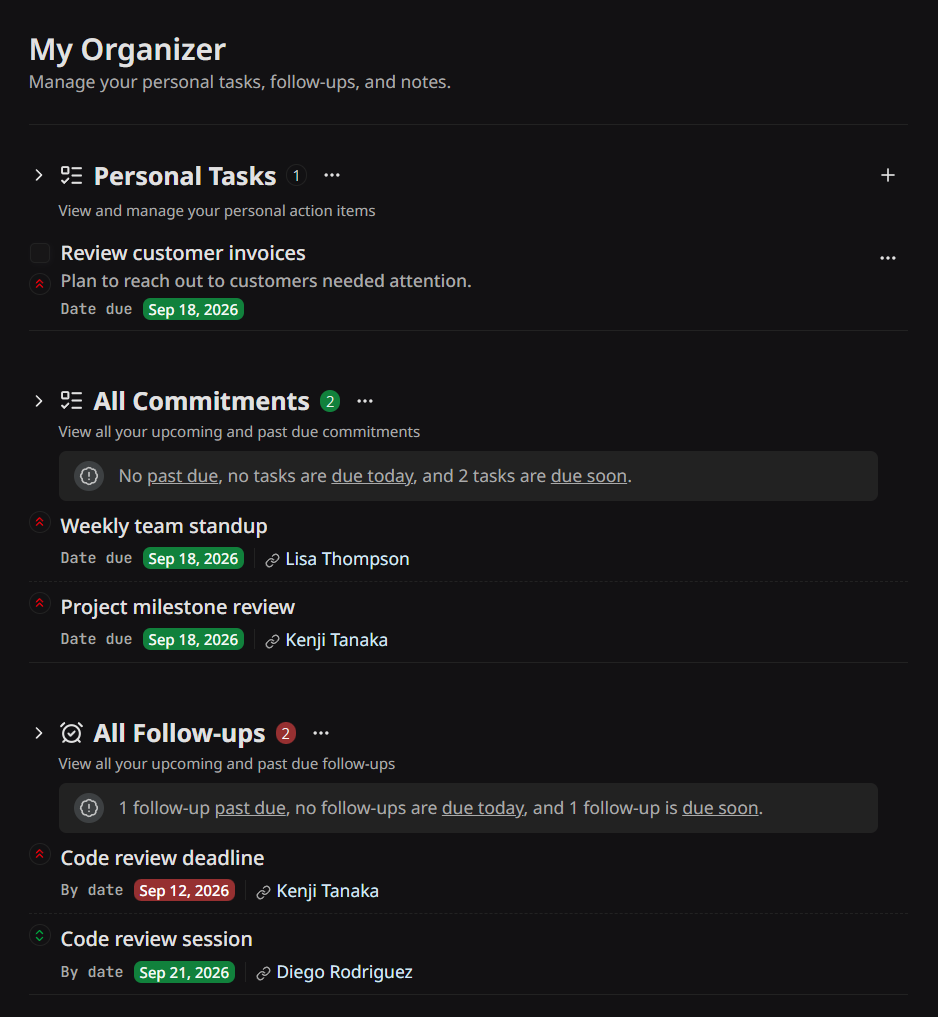
A person’s profile answers “what do I owe Lisa?” My Organizer answers “what do I owe anyone?” Every commitment and every follow-up across your whole roster collapses into one list — overdue at the top, due soon below, each item still carrying the person it belongs to. Above them sits Personal Tasks, for the work no contact is attached to: review the invoices, book the offsite, write the review. Below them, Personal Notes. One screen to open on Monday morning.
- Personal Tasks — your own action items, with the same due dates and three priority levels.
- All Commitments and All Follow-ups — every person, one list, past due first.
- Personal Notes — a private space that belongs to you, not to a contact.
Frequently Asked Questions
Can the AI do things without my permission?
No. Tagup proposes tasks, follow-ups, tagups, and edits — but it never acts on your behalf without an explicit confirm. You stay the author; Tagup is the partner.
What’s a “tagup” in the app?
A tagup is one logged conversation — a 1:1, a client call, a coffee — with its notes and, if you recorded it, the transcript, pinned to the person it was with. String them together and you get a relationship you can actually see: a timeline of every conversation, what was said, and what was promised.
How much time does this actually take?
A few minutes per relationship per week. Tagup does the administrative carrying — drafting notes from your meeting audio, drafting the agenda for the next meeting, surfacing what’s overdue, prepping you for the next call — so the time you spend is on the conversation itself, not on the bookkeeping.
Is my data private?
Yes. Your data is encrypted in transit and at rest, you can export any contact’s full history as a document any time, and when you cancel, your account goes read-only for 30 days and is then deleted with everything in it. We don’t sell, share, or train external models on your relationship data.
Can I use Tagup on my phone?
Yes — Tagup works on phone, tablet, and computer. Your relationship data syncs across every device, so you can capture a quick note after a meeting on your phone and review the full timeline on your laptop before the next call.