
Talk to Tagup about everyone you work with.
The Conversation Hub reads everything you've ever captured and answers in plain language. It proposes tasks, follow-ups, and tagups. You confirm; it acts.
- "Catch me up on Lisa before our 3pm" — natural-language prep across every record.
- Propose a task, a follow-up, a tagup — confirm in one tap or click.
- Search every meeting, note, and transcript by meaning — not keywords.
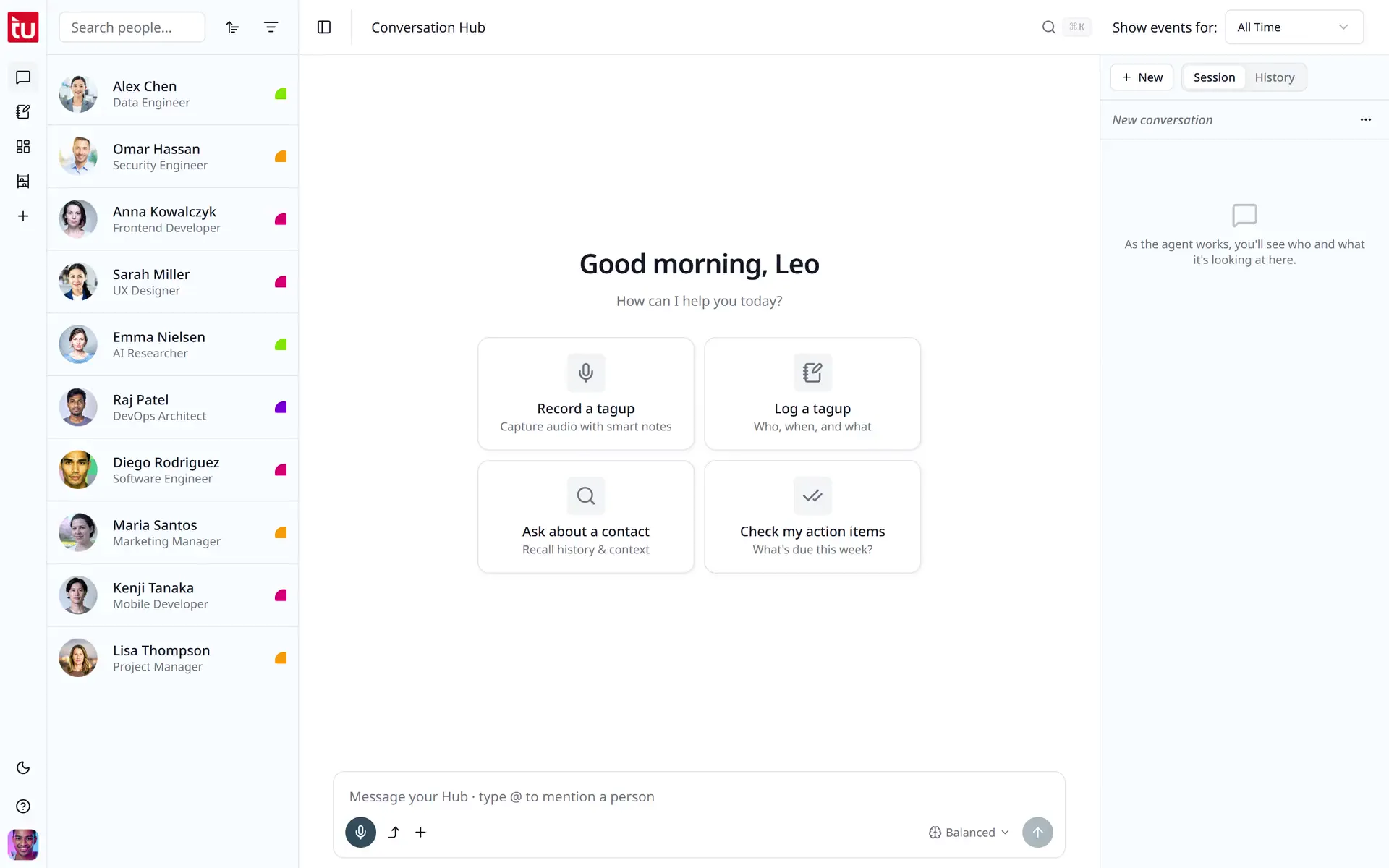
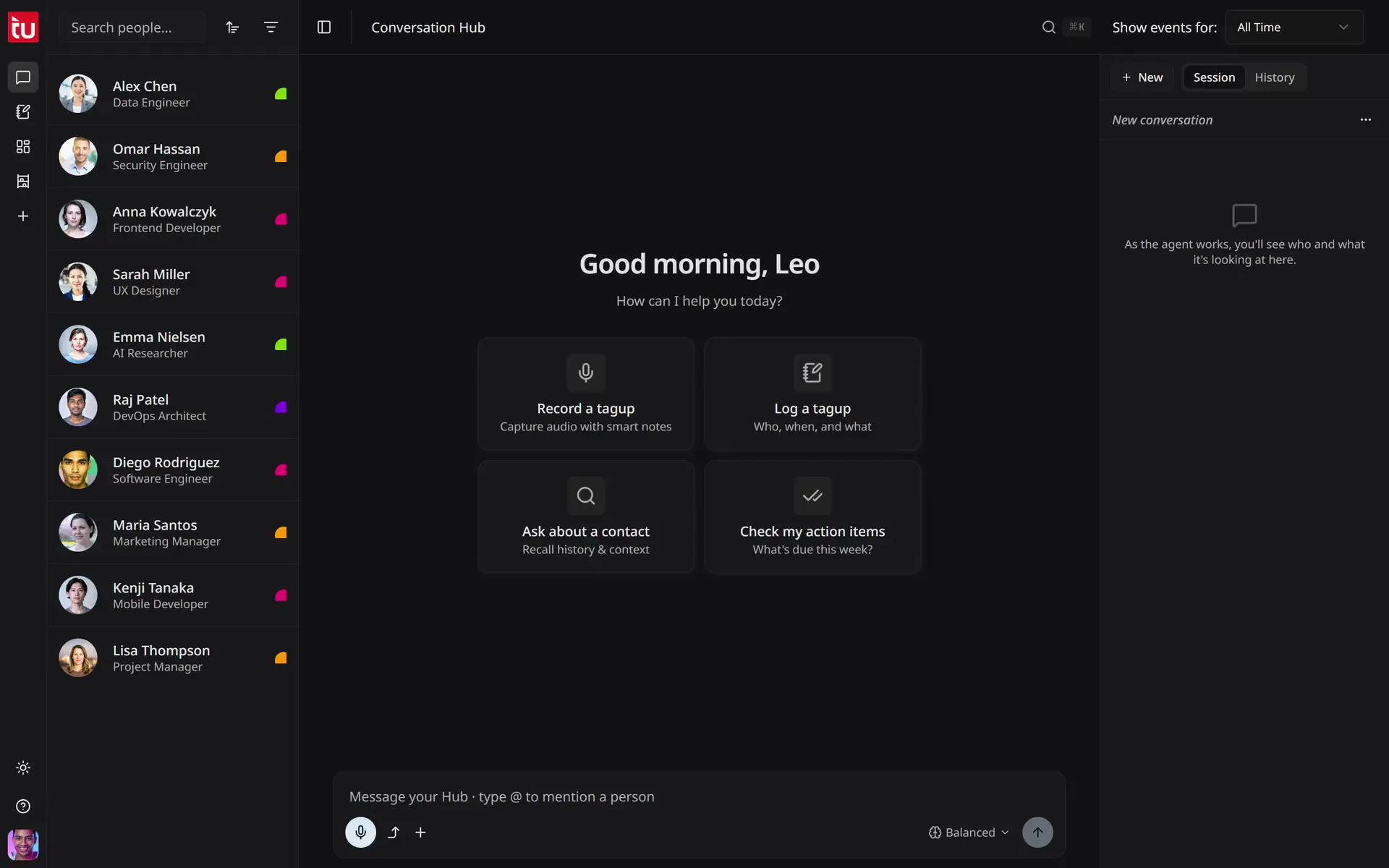
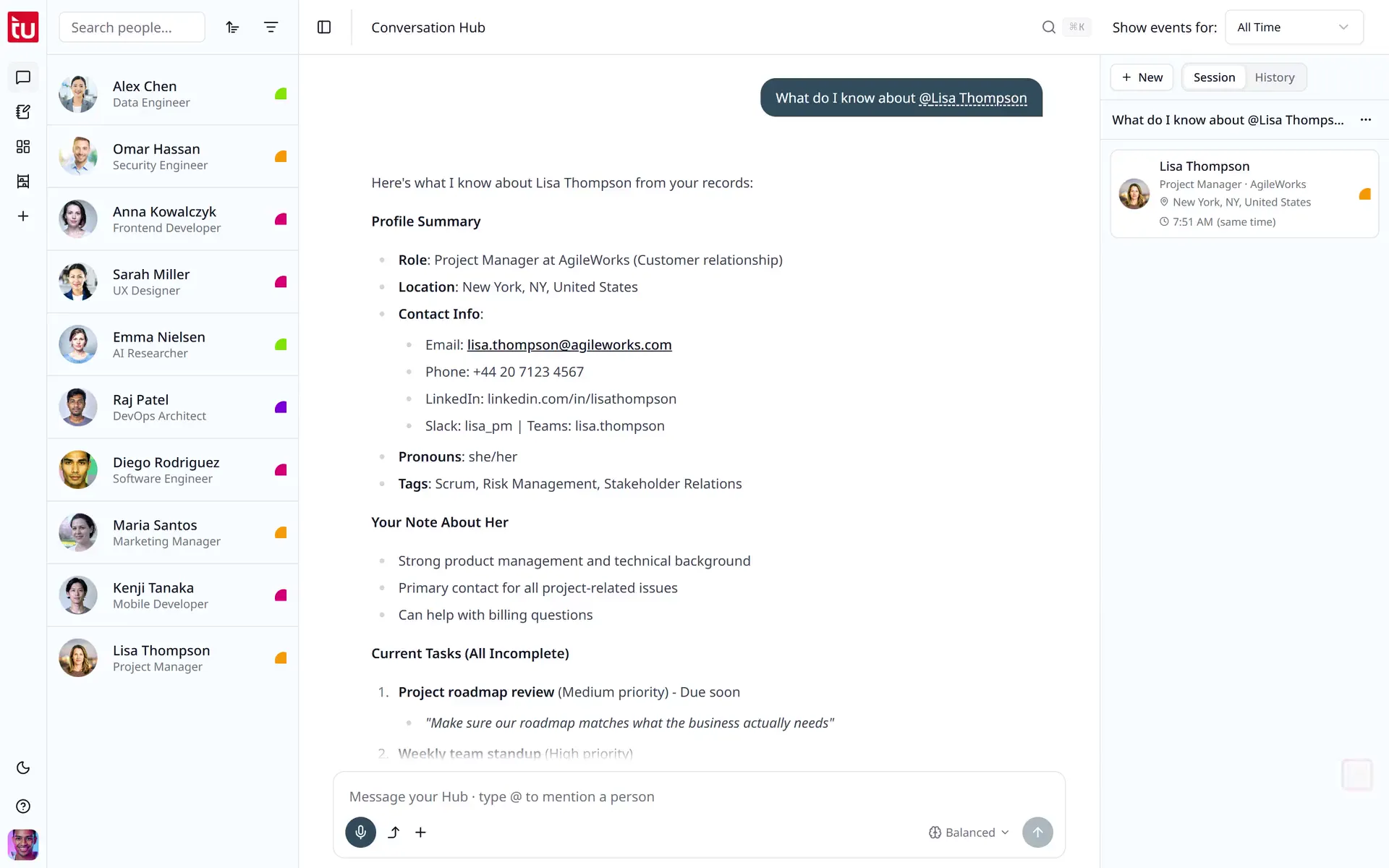
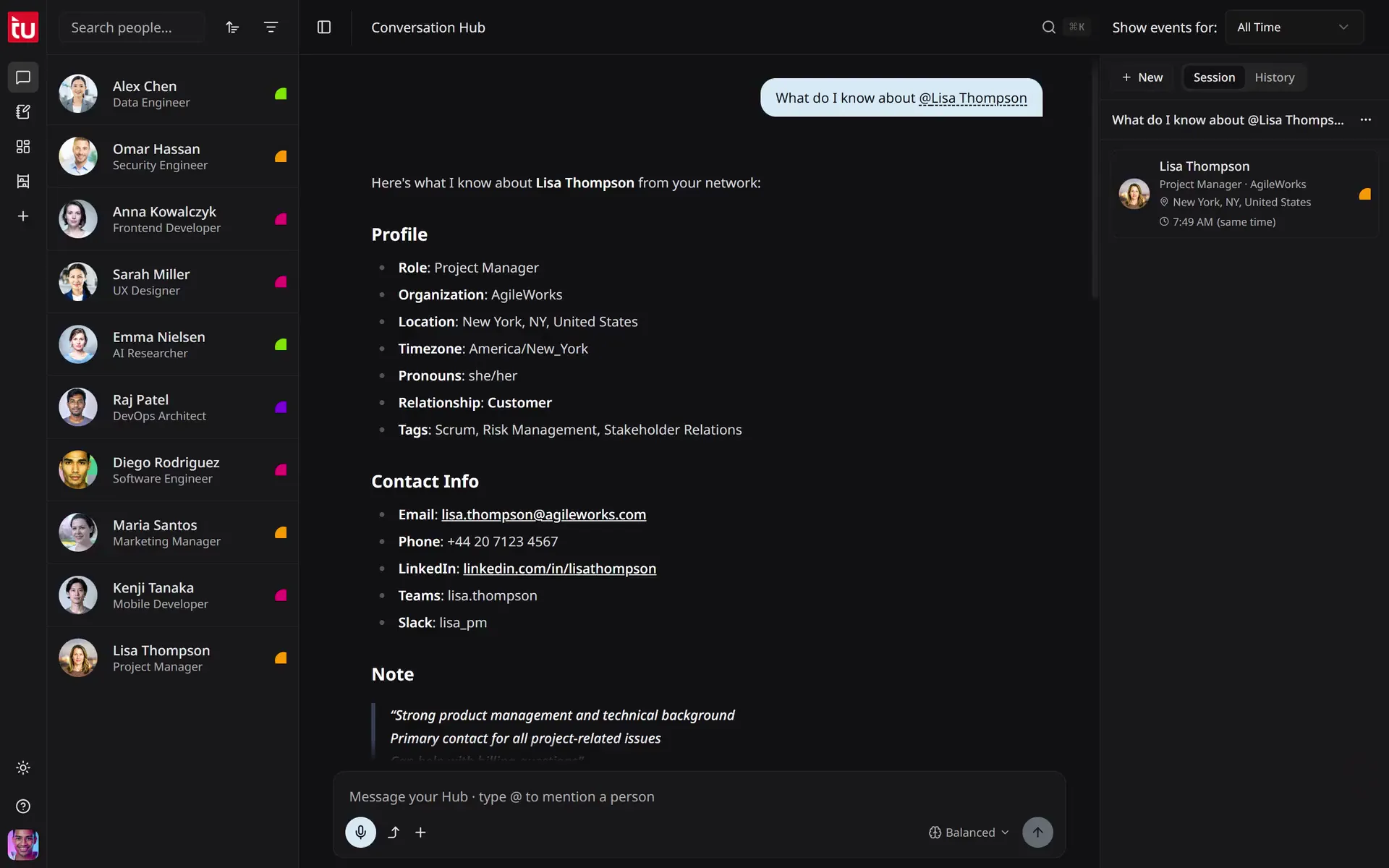
The user asks Tagup to catch them up on Lisa Thompson, reads the reply, then asks for an agenda for their next call.


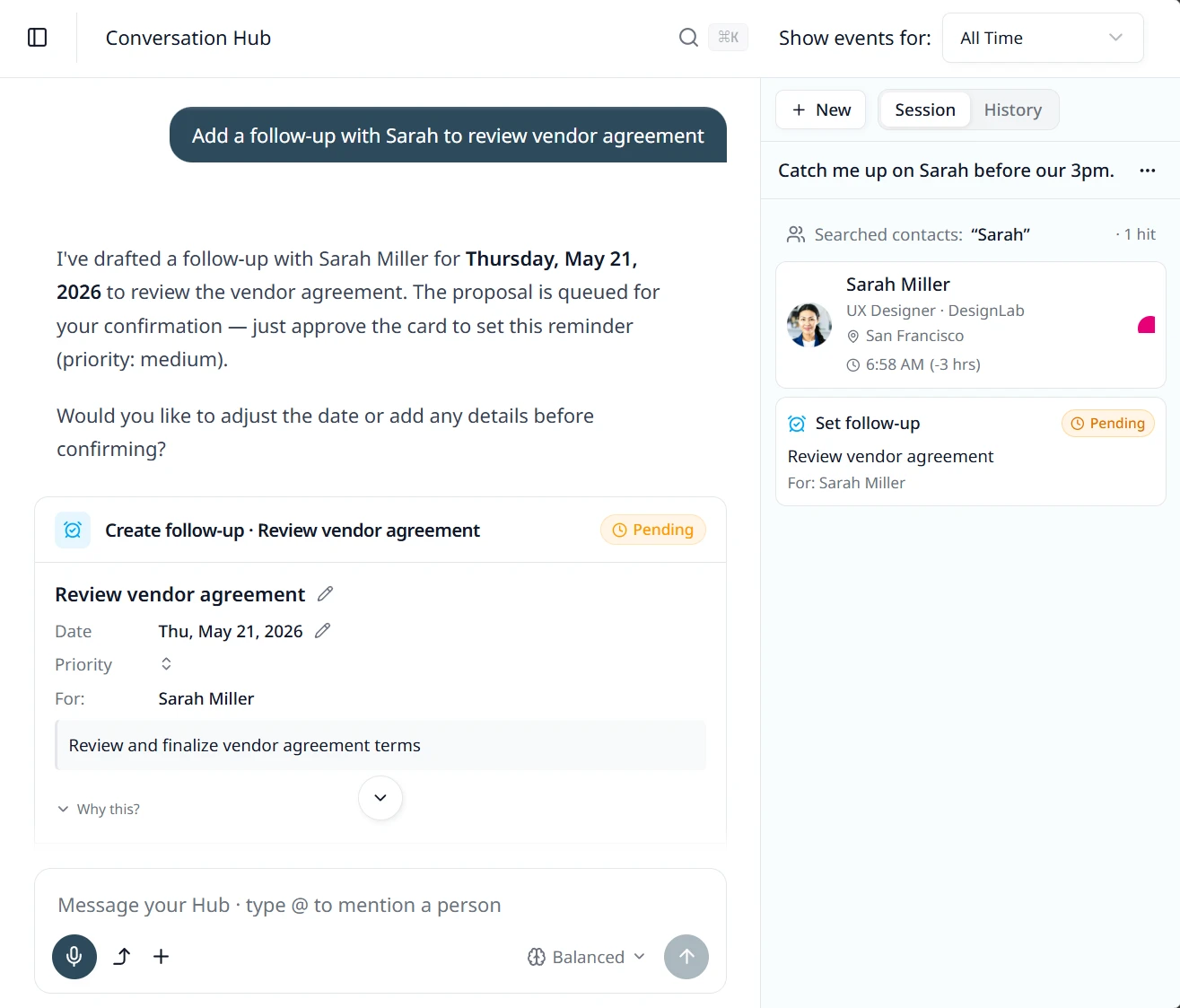
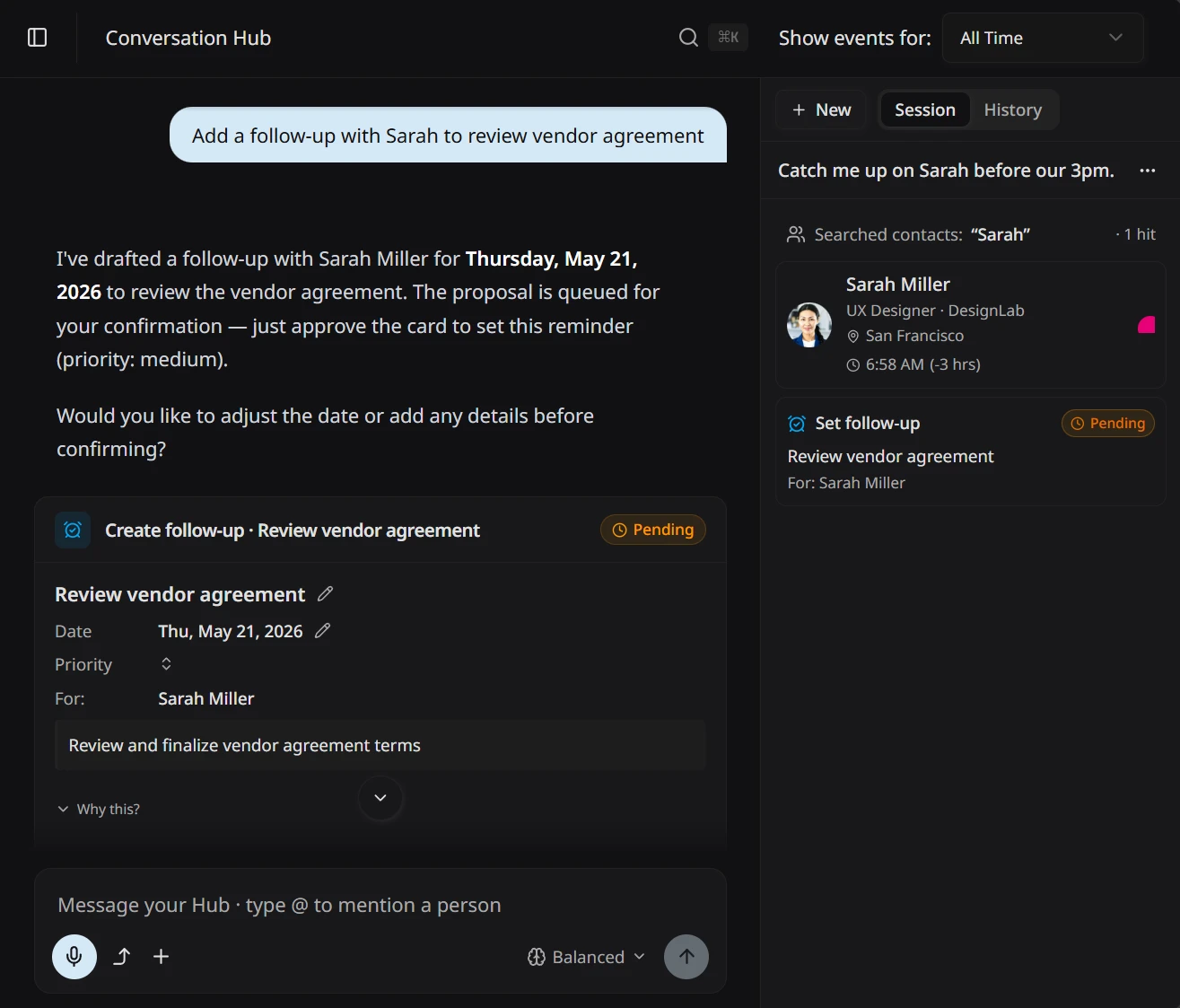
The user asks Tagup to add a follow-up with Sarah, sets the priority to High on the proposed card, then confirms.
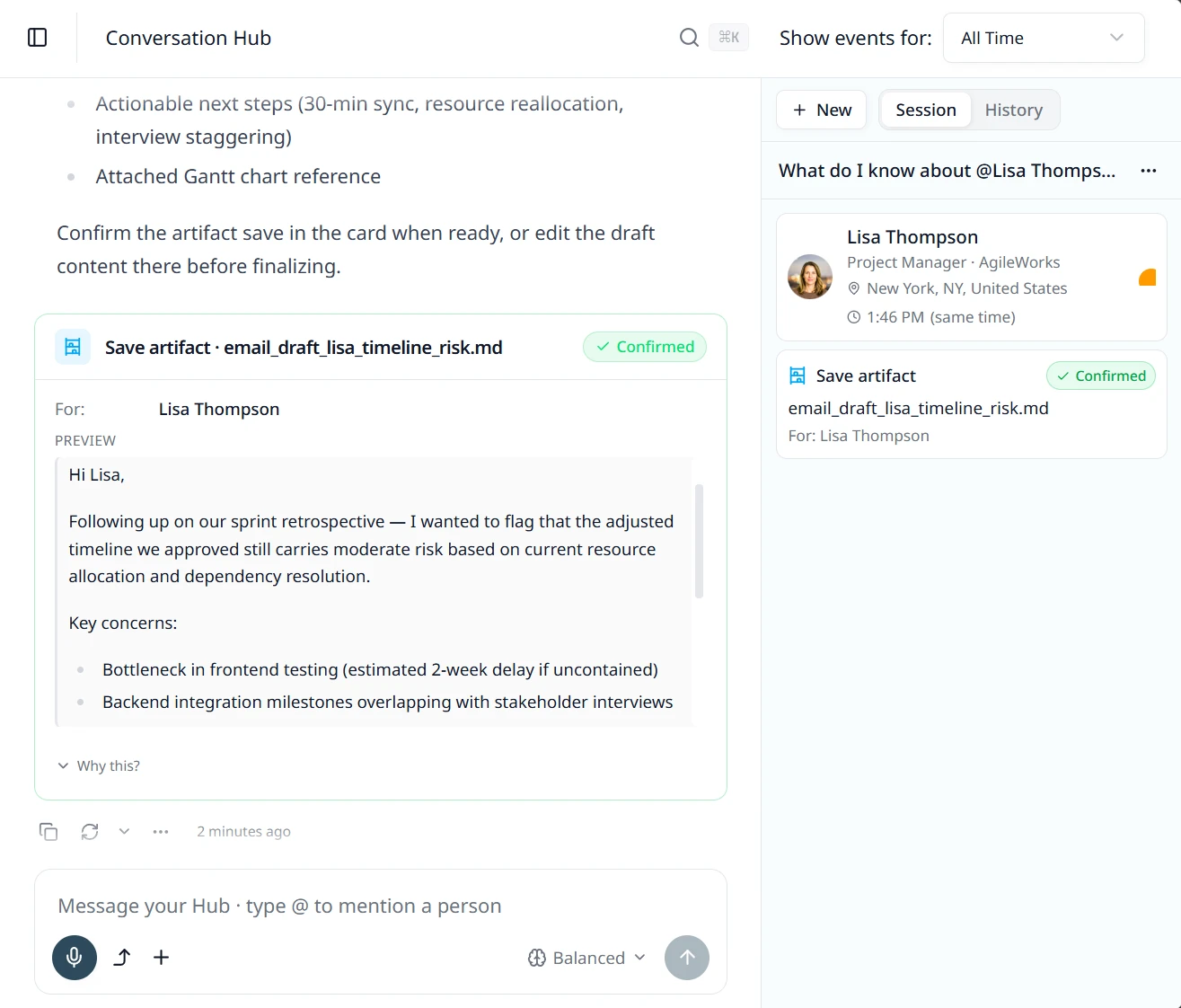
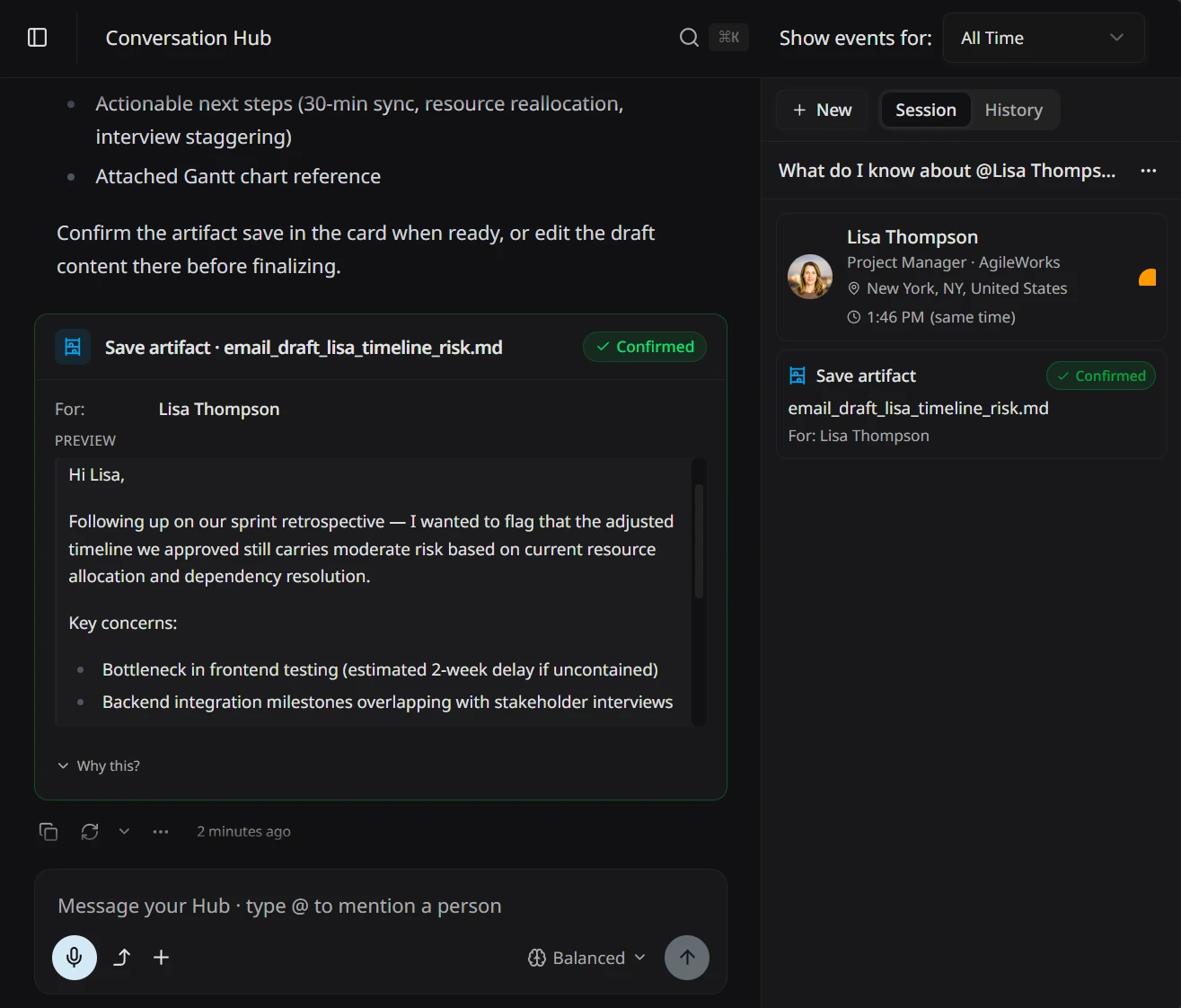
The user asks Tagup to draft an email to Lisa about a timeline risk, reads the draft in the save card, then confirms the save.
Walk in knowing what to cover.
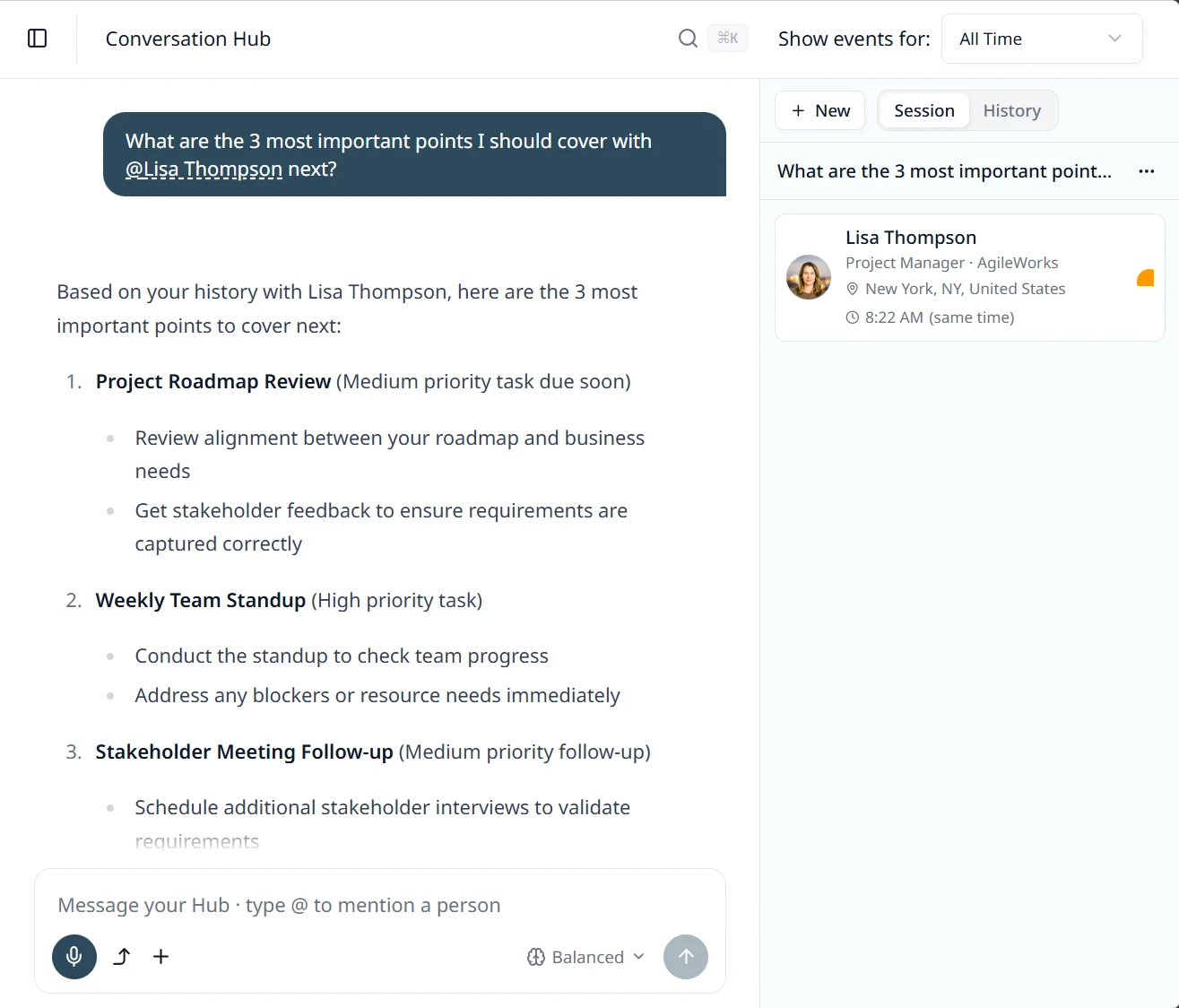
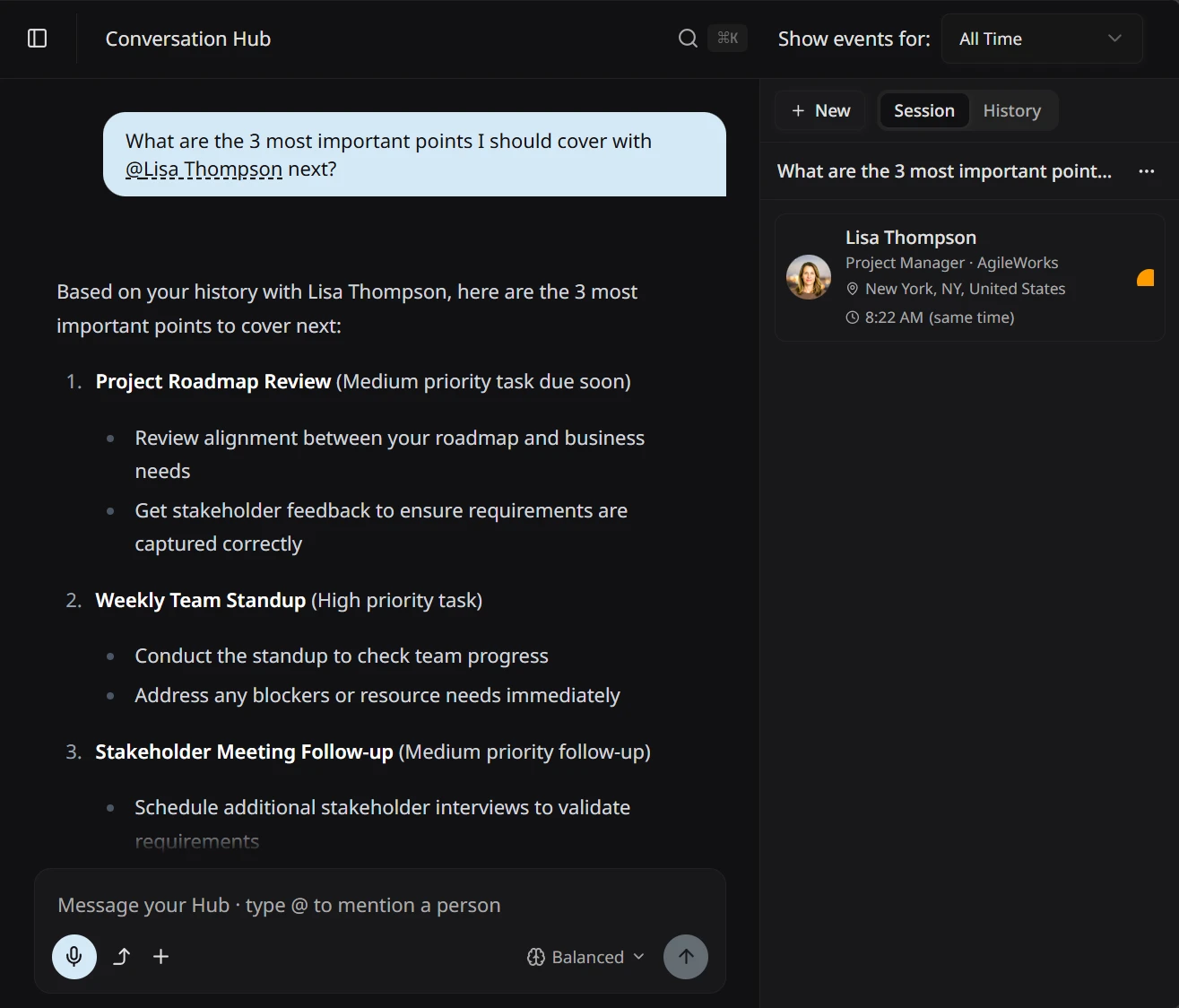
Before your meeting with Lisa, ask: “What are the three most important points I should cover with her next?” The Hub reads everything — past tagups, open commitments, notes, recurring themes — and comes back with a prioritized brief. Not a timeline. Not a transcript. The specific things that need your attention right now: the question she keeps raising, the commitment from six weeks ago, the thread you both left open last time. The agenda you’d have built yourself, if you’d had two hours and perfect recall.
- Ask: “what should I cover,” or “what matters most right now?” — all valid.
- Tagup returns the specific points that need attention.
- Reads across the full relationship, not just your last exchange.
Keep the Hub chat open while you record.
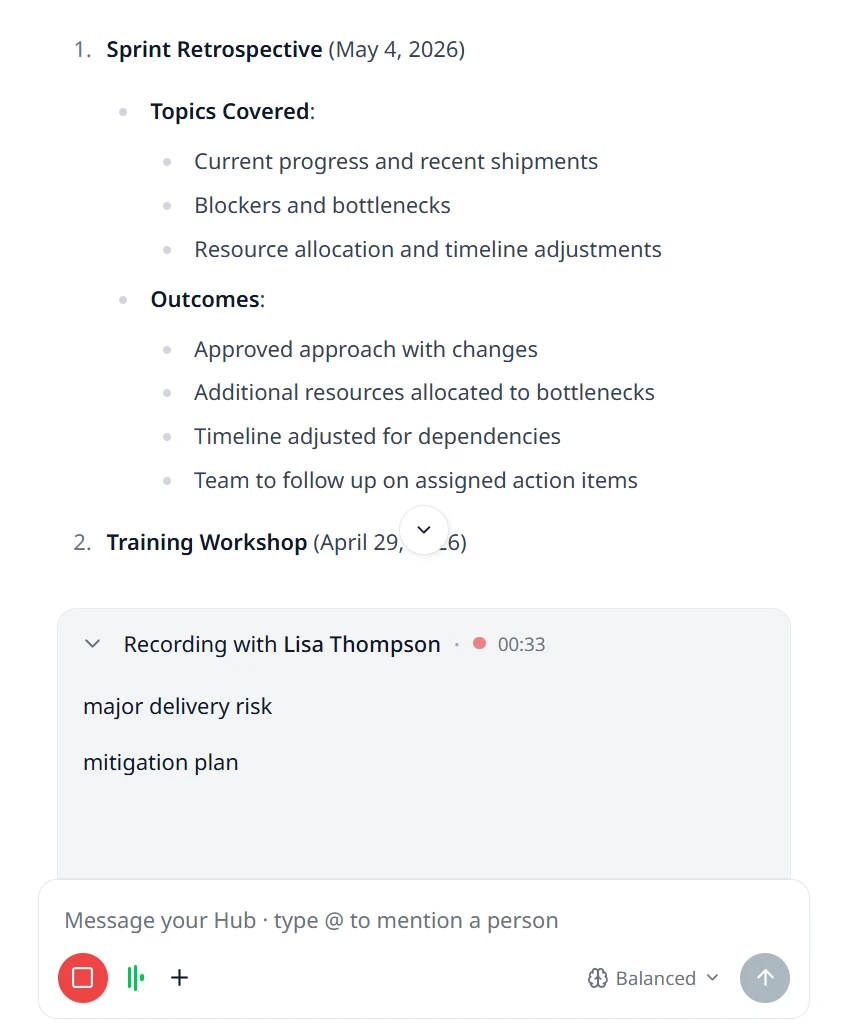
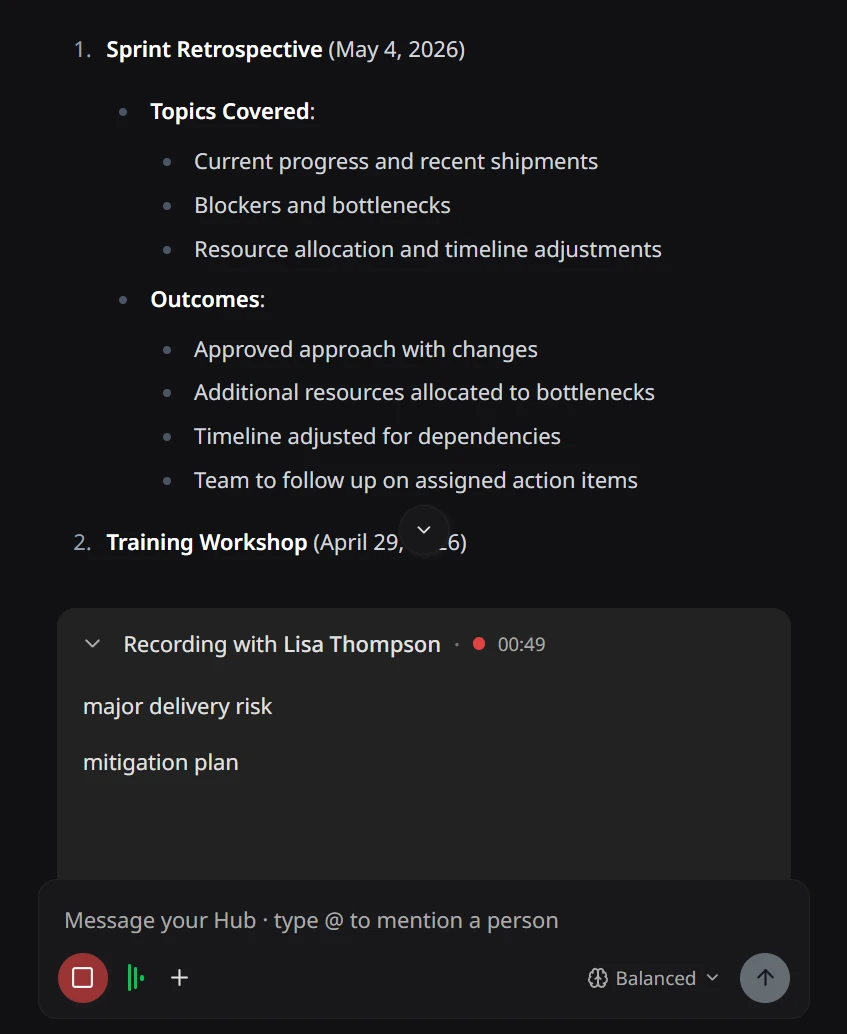
You can record a tagup and use the Hub chat at the same time, in one view. Ask Tagup about the person in the room, or about anyone else, while the meeting runs. Add a task or a follow-up for that person, or for another person, without a pause. You can also ask Tagup to create other artifacts, or ask a question with no link to the call. A notes field sits next to the chat, for quick notes on the current conversation. Smart Notes enriches these notes automatically once the tagup ends.
- Ask Tagup about the person in the room, or about anyone else, at any point in the meeting.
- Add a task or a follow-up for that person, or for another person, without a pause.
- Type notes next to the chat as the meeting runs. Smart Notes enriches them once the tagup ends.
It proposes. You decide.
The Hub doesn’t act on its own. When it has something useful to suggest — a task to capture, a follow-up to schedule, a tagup to record — it drafts the card for your review. You glance, edit if you need to, confirm with one tap or click. Nothing lands in your data without your OK.
- Drafts tasks, follow-ups, and tagups as cards you confirm or edit.
- Never silently writes to your timeline — every action is explicit.
- You can dismiss any proposal without explaining why.
Ask for a draft. Get one grounded in your relationship.
You need to raise a project risk with Lisa before next call. Instead of starting from a blank page, you ask: “Draft an email to Lisa flagging the timeline risk — keep it direct but constructive.” Tagup reads your shared history — recent tagups, notes, open commitments — and returns a full draft grounded in what you actually know about the project. You read it, adjust the tone if needed, then save or send on your terms.
- Draft emails, meeting summaries, and project updates.
- Context from your relationship history shapes the draft.
- Review and edit before anything lands in the Hub.
Find any conversation — just like any other record.
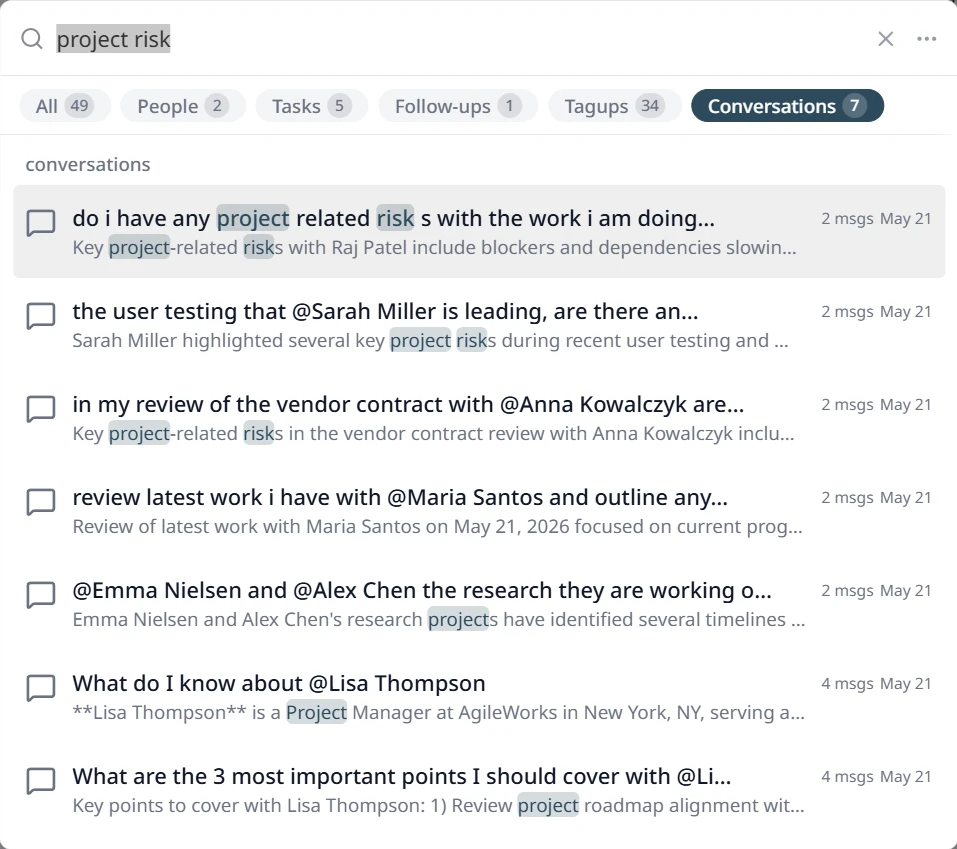
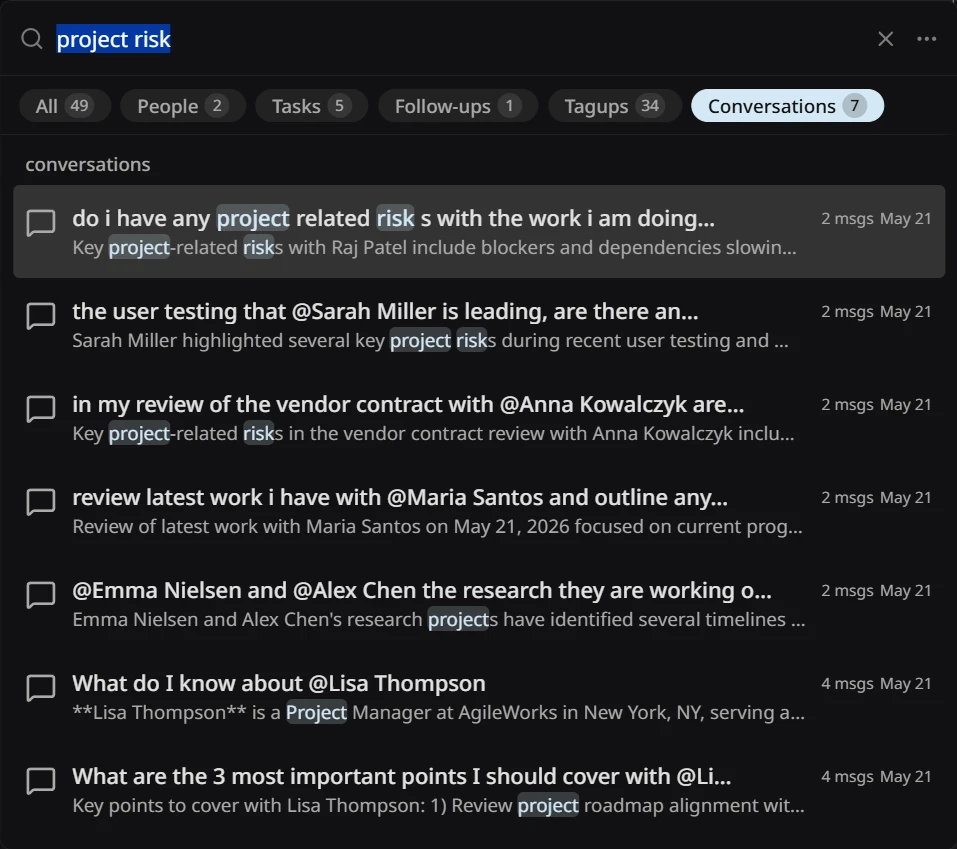
Search “project risk” and every Hub conversation where you explored it surfaces — alongside the tagups, tasks, and notes where it came up. Past sessions don’t close when you leave them; they’re indexed and retrievable the same way every record in the system is. The Conversations tab puts any past chat one query away, found by meaning rather than memory.
- Hub sessions are indexed alongside everything else for easy search.
- Surfaces relevant conversations even when exact keywords don’t match.
- Filter the conversations to navigate your full Hub history.
Frequently Asked Questions
What is the Conversation Hub?
The Conversation Hub is the chat area in the app — where you talk to Tagup, your AI partner. Ask “catch me up on Sarah before our 3pm” and Tagup reads everything you’ve captured — meetings, notes, transcripts, commitments — and gives you a plain-language brief. It can also propose new tasks, follow-ups, and tagups, but it never acts without your confirmation.
What’s a “tagup” in the app?
A tagup is one logged conversation — a 1:1, a client call, a coffee — with its notes and, if you recorded it, the transcript, pinned to the person it was with. String them together and you get a relationship you can actually see: a timeline of every conversation, what was said, and what was promised.
Does Tagup actually listen to my meetings?
Only when you press record. You decide which conversations to capture — and by default, Tagup won’t record a contact until they’ve approved it through the built-in consent flow. Once a recording is transcribed, the audio itself is automatically and permanently deleted; only the transcript is kept. Transcripts are yours — delete them any time, never used to train any external model, and never sent anywhere unless you choose to share a specific conversation with the person in it.
Can the AI do things without my permission?
No. Tagup proposes tasks, follow-ups, tagups, and edits — but it never acts on your behalf without an explicit confirm. You stay the author; Tagup is the partner.
Can I use Tagup on my phone?
Yes — Tagup works on phone, tablet, and computer. Your relationship data syncs across every device, so you can capture a quick note after a meeting on your phone and review the full timeline on your laptop before the next call.