Never lose the thread.
A profile for every person you work with — communication apps, significant dates, the full timeline of every tagup, notes, and commitments. Three weeks later, you still remember the thing they shared, and they notice.
- Rich profiles with details that matter.
- Full conversation history per person, in one timeline.
- Commitments and follow-ups attached to the relationship.
One timeline. Every interaction.
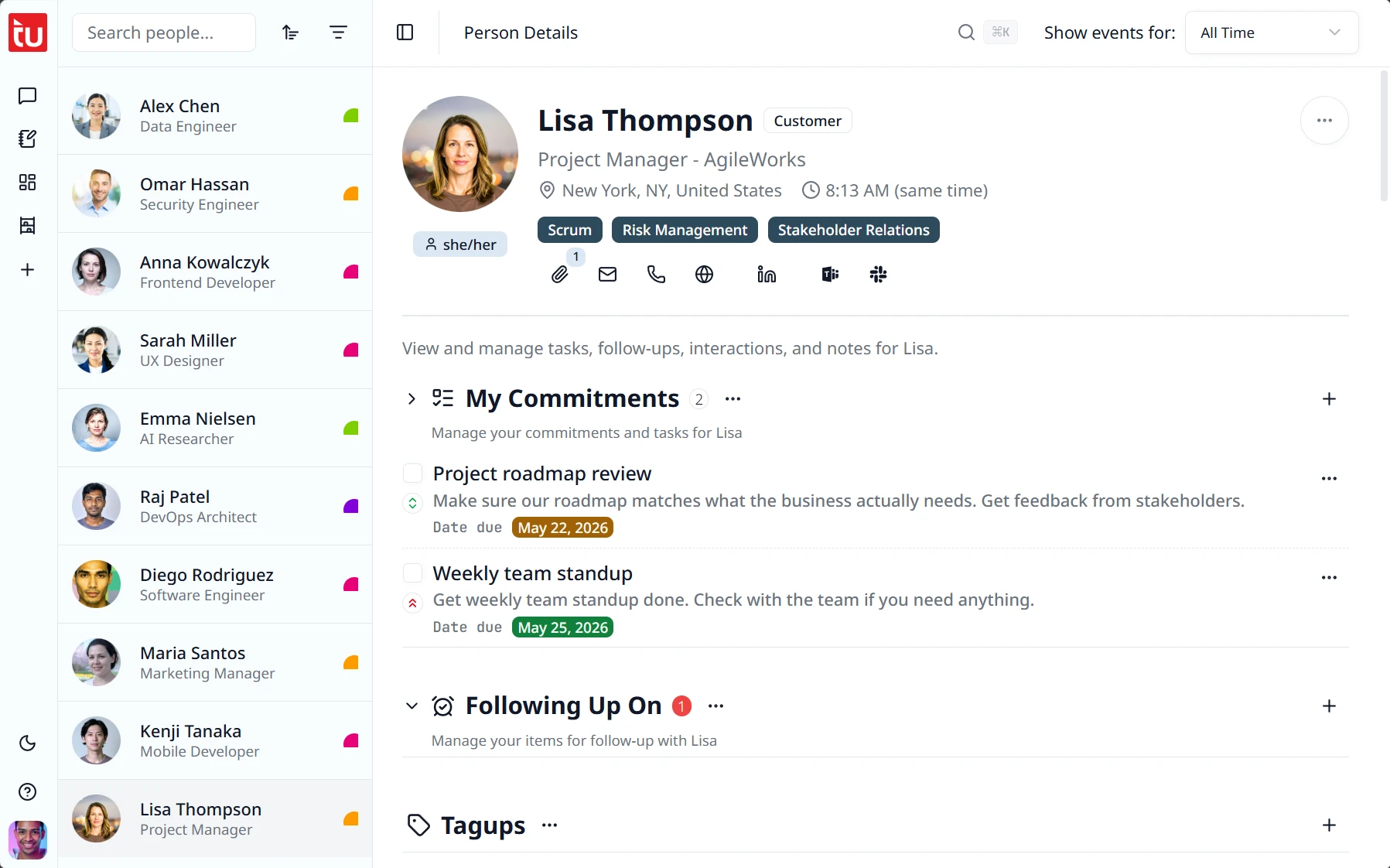
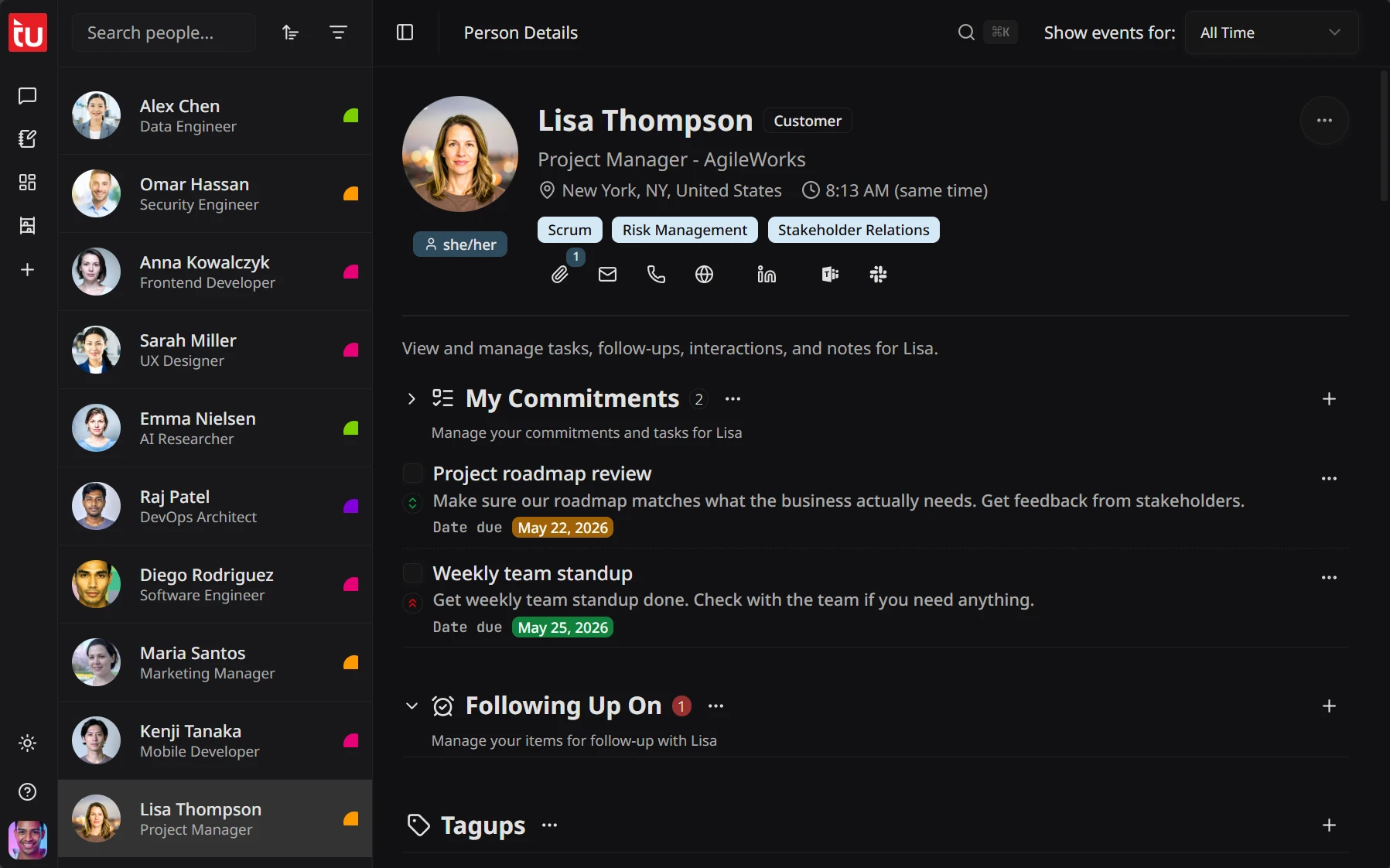
Every tagup with this person. Every note about them. Every commitment they made and every commitment you made to them. Sorted by time, scannable in 10 seconds. When it’s promotion-packet season, performance-review week, or the renewal conversation time — you don’t reconstruct nine months from memory. It’s been conveniently stitched together for you.
- Tagups, notes, commitments, and follow-ups — all in one view per person.
- Tagup notes are visible inline; one-click opens the full recorded transcript.
- Customize each profile: choose which sections show, collapse what you don’t need — settings stick between visits.
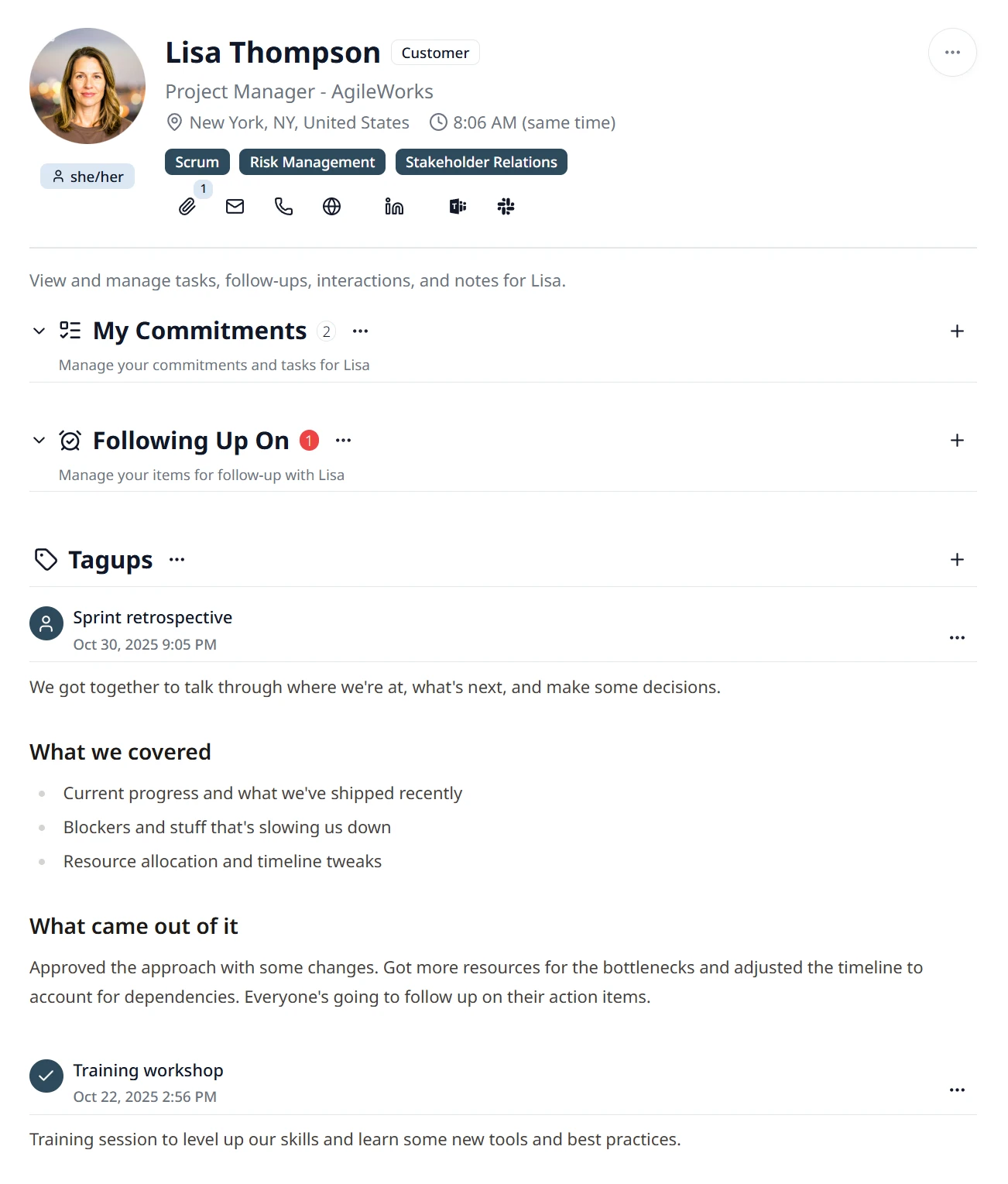
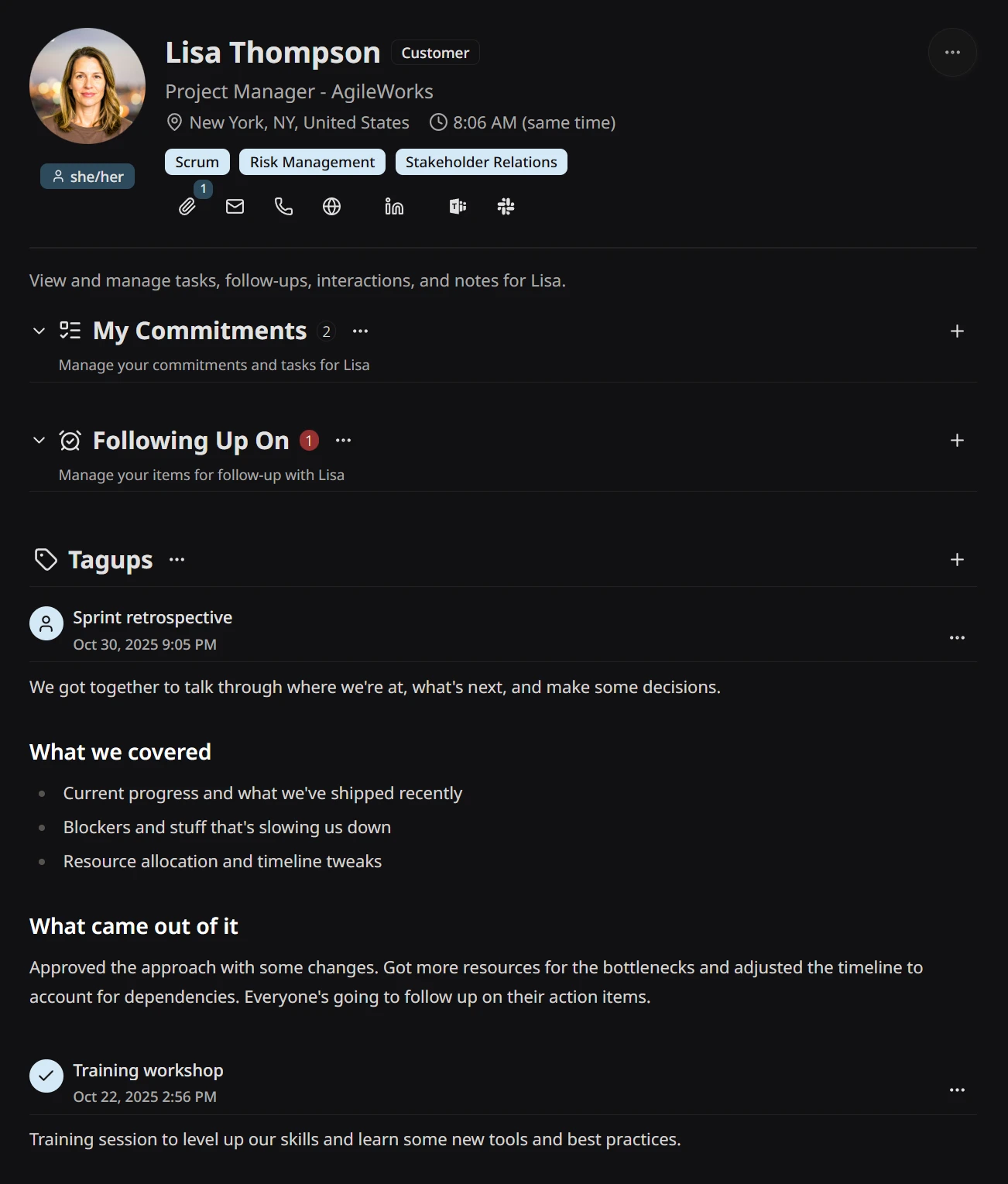
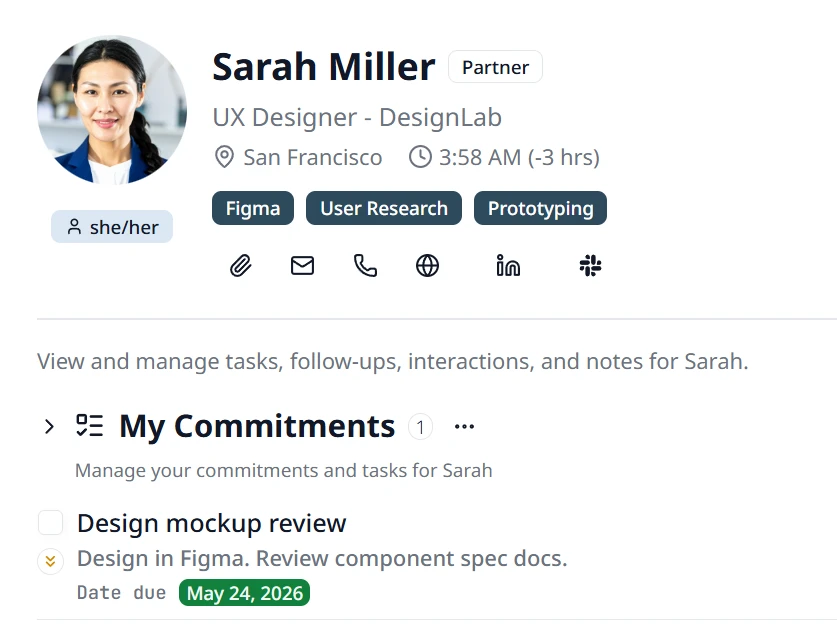
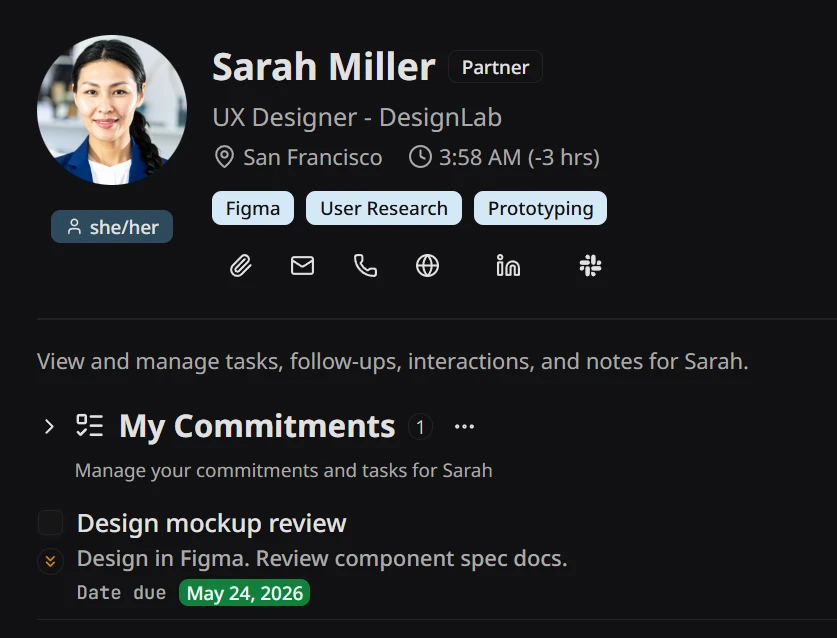
Reach them in one tap. Remember what matters.
The profile header puts everything practical front and center — their local time so you never ping someone at 4 AM, one-tap shortcuts to every comm app and social profile you’ve collected, and the significant dates worth remembering. Files and other attachments you’ve linked to the person live here too, a tap away whenever you need them.
- Local time shown at a glance — always know where they are in the day.
- One-tap shortcuts to comm apps, social profiles, email, and phone.
- Significant dates and attached files visible right from the profile header.
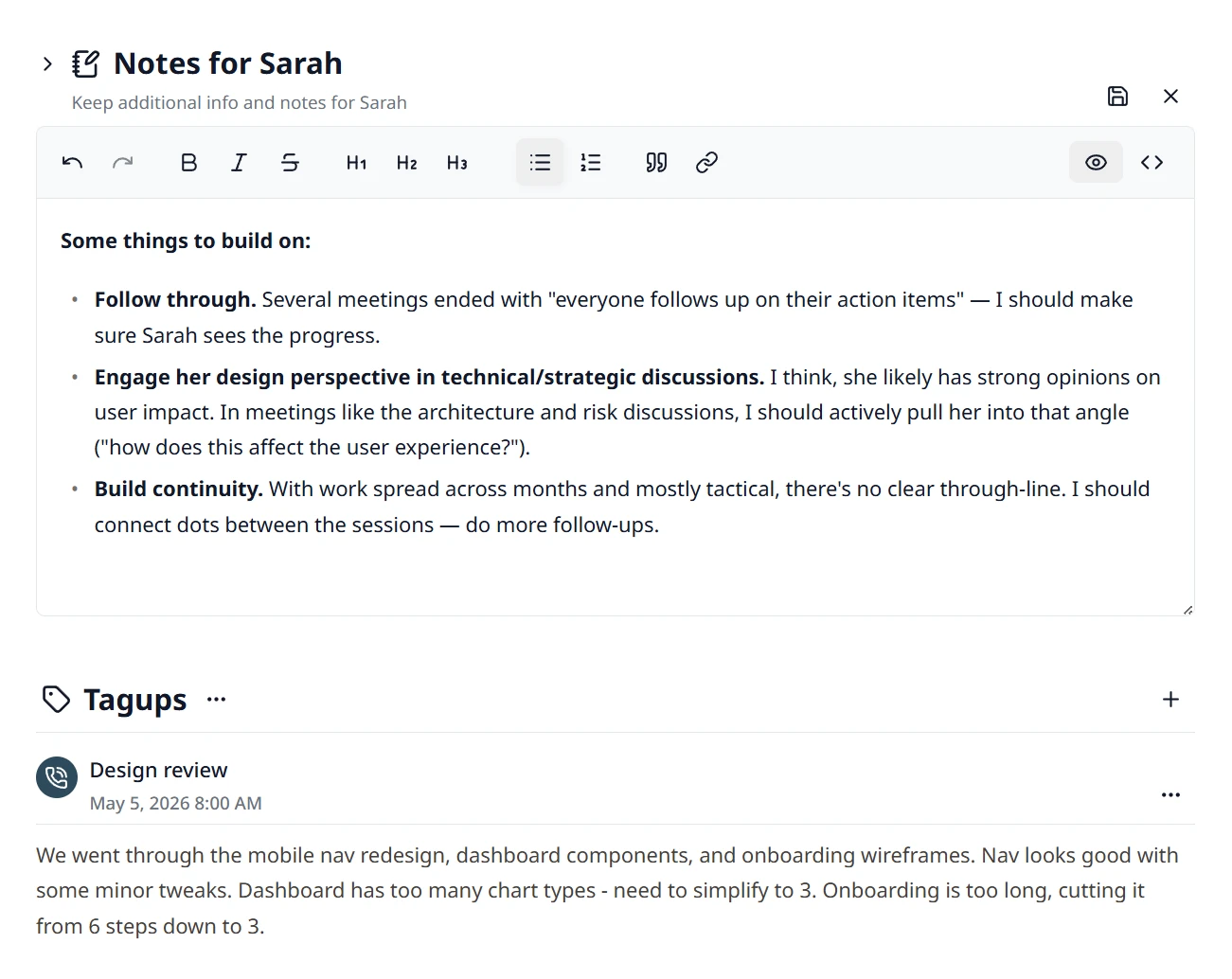
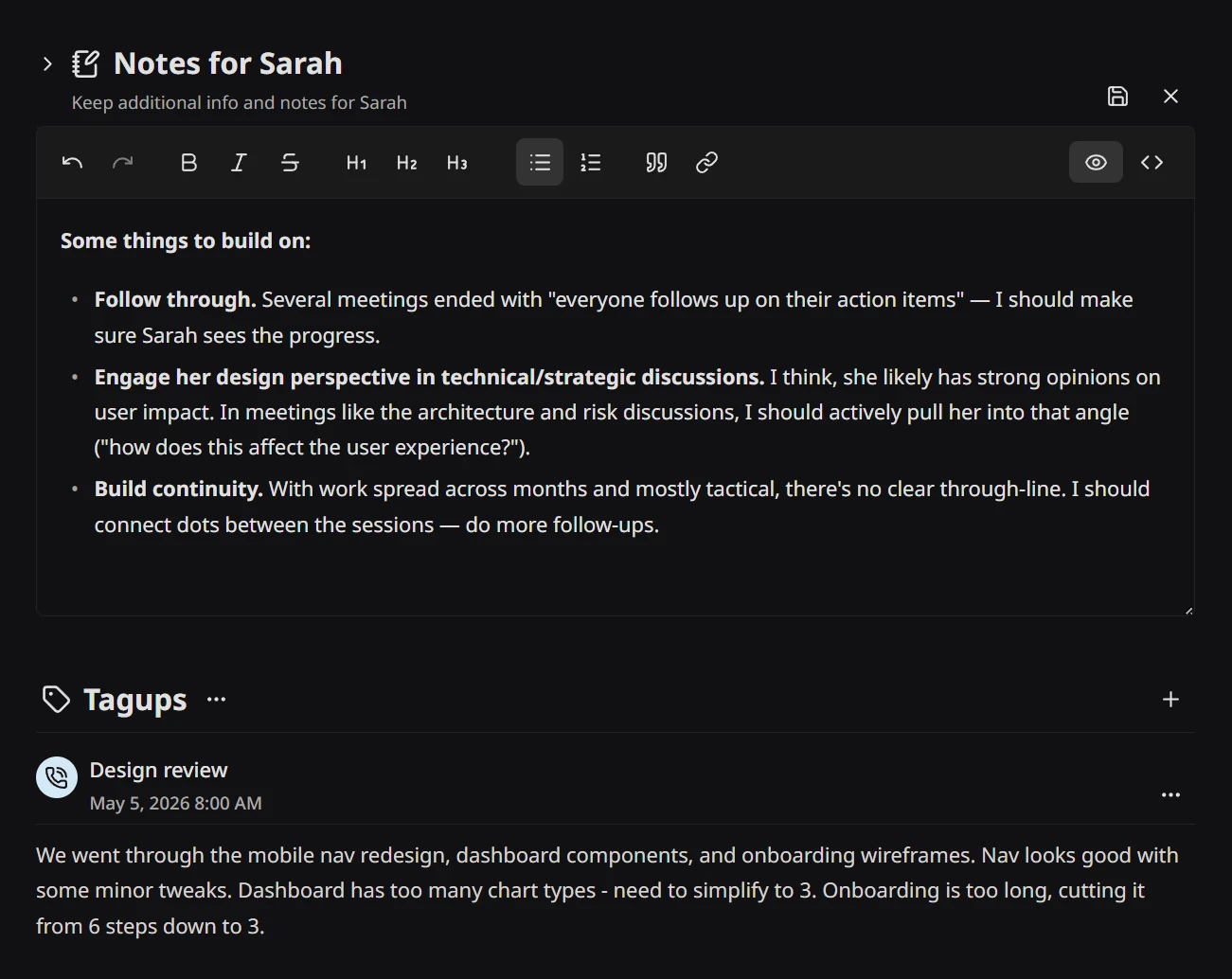
Rich text, the way you actually write.
Notes feel like the document you’d write in your favorite text app, except they live where the relationship does. Rich text editing with Markdown formatting — write down relationship context, goals, and anything else relevant to the person, and it all feeds the complete picture Tagup builds for agentic work.
- Rich text editing with Markdown formatting and a full toolbar.
- Link external resources, format text and use headings or lists.
- Resize the editor per profile — the setting sticks between visits.