
Record the meeting. Walk away with structured notes.
Tap record at the start of any conversation. Tagup transcribes who said what, drafts the notes you'd have written if you weren't trying to listen, and pulls out the commitments — yours and theirs — for you to confirm in one tap.
- Speaker-aware transcription that knows who said what.
- Smart agenda before, smart notes after — drafted by AI, edited by you.
- Commitments become tasks and follow-ups, automatically.
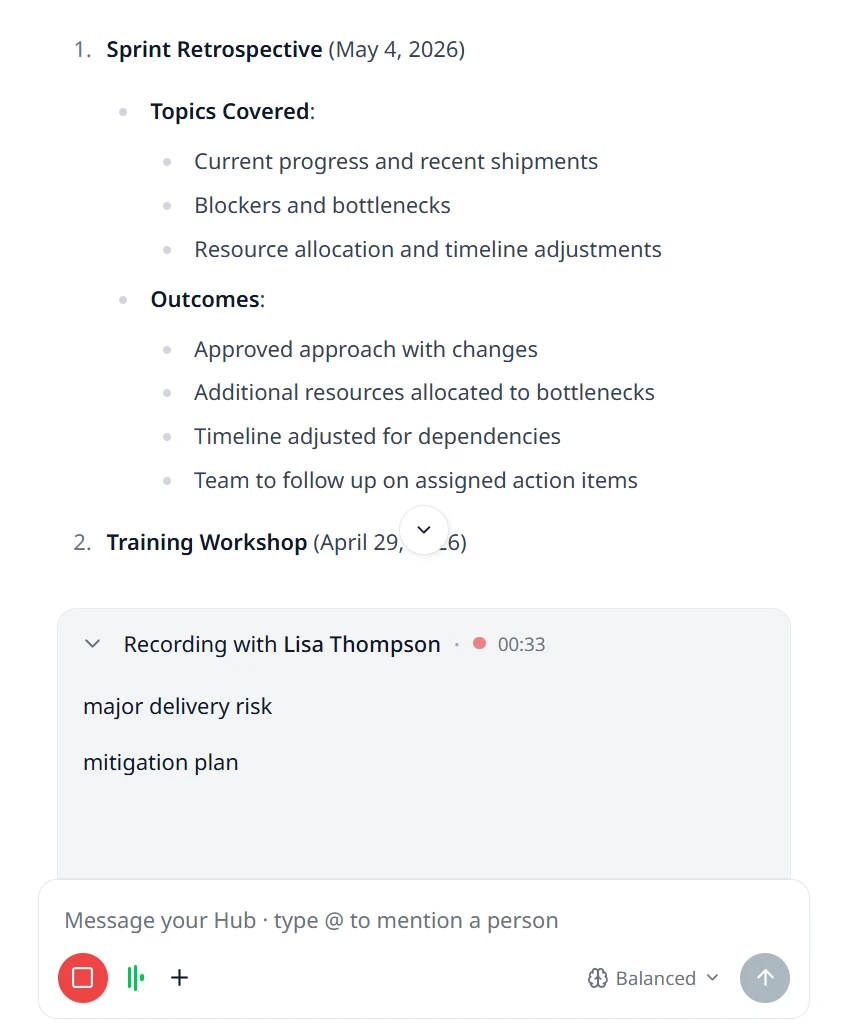
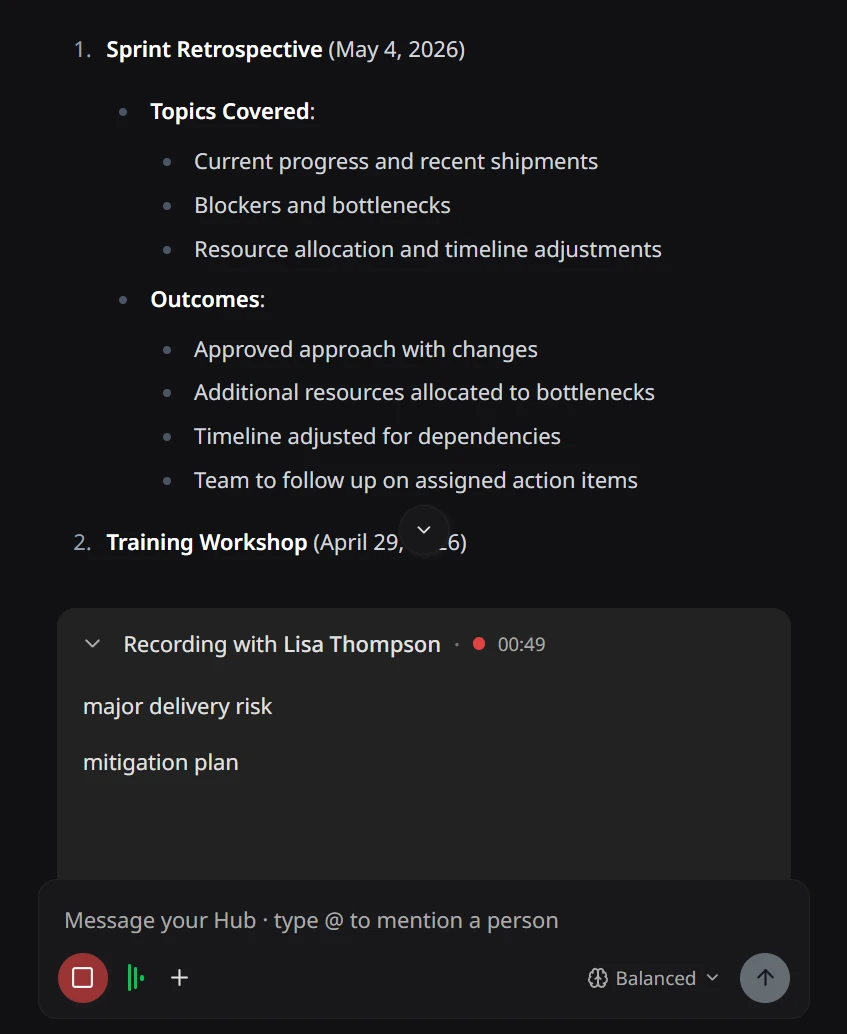
Tap record on any device. Stay present.
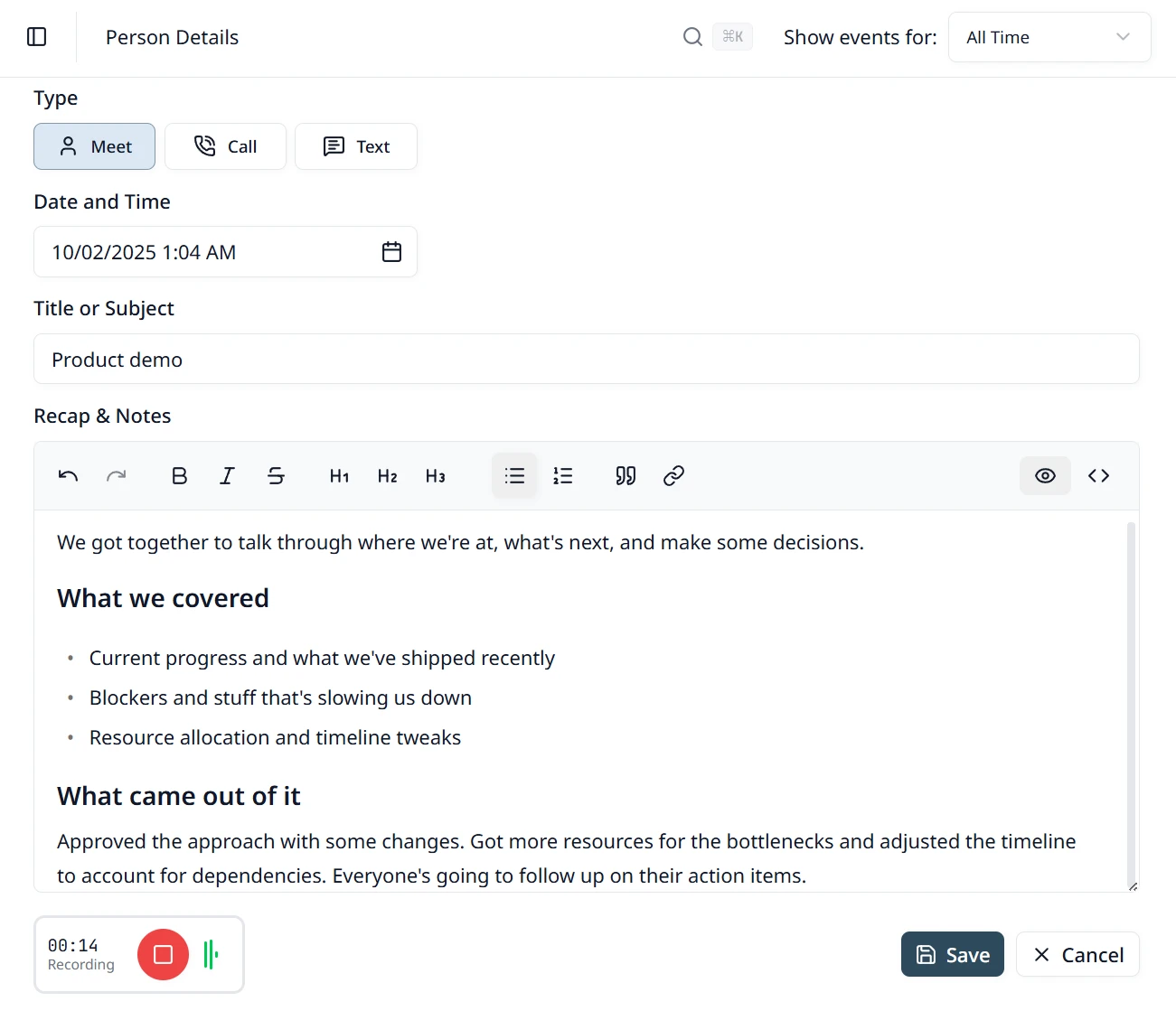
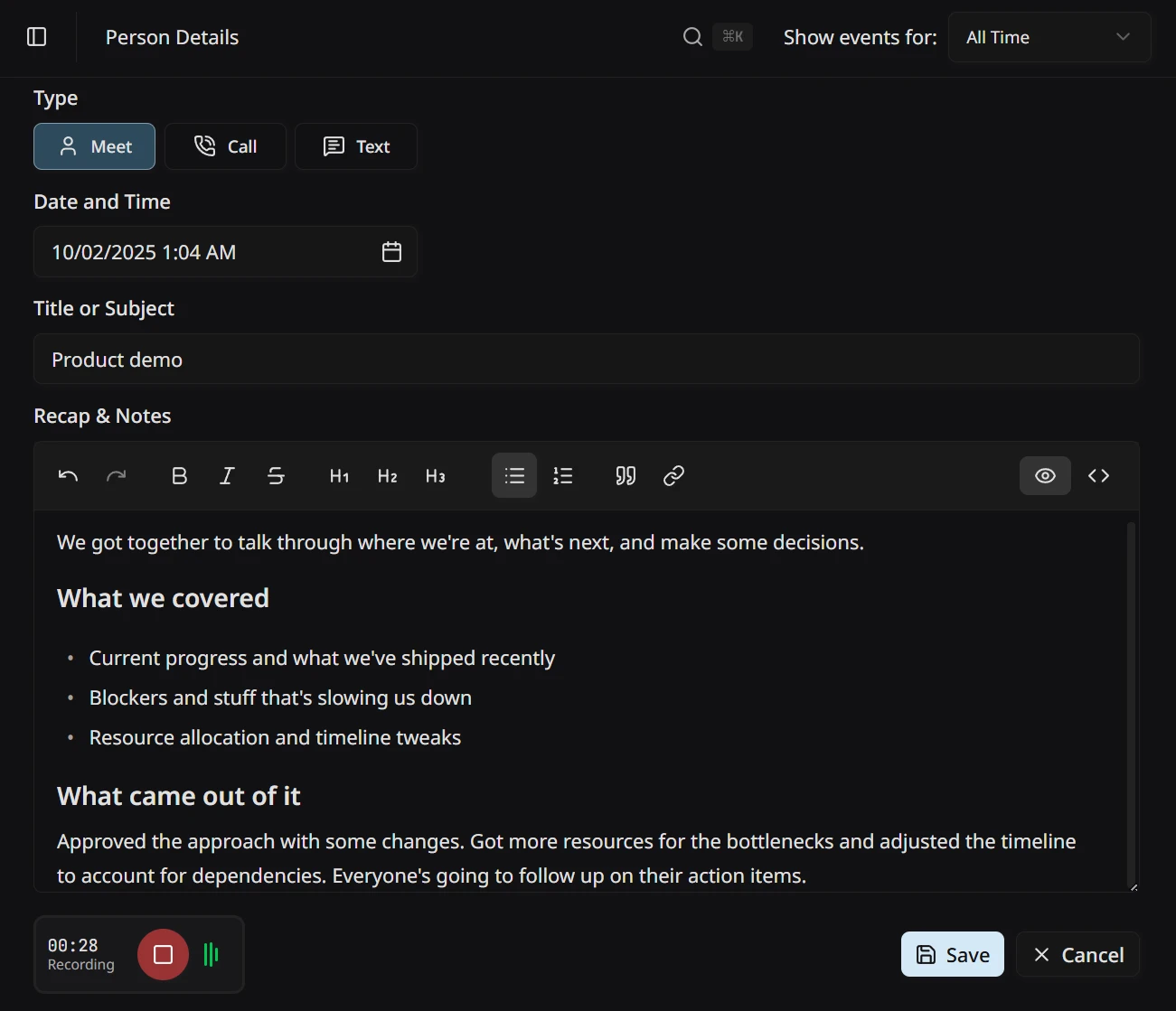
The whole point is that you stop taking notes. Tap record from the Hub agent chat or right on a person’s record, and the conversation gets to be the focus again — Tagup captures the audio in the background while you make eye contact, ask the follow-up question, listen for what they meant rather than what you wrote down. When something is too important to leave to memory, jot a quick rich-text note inline — it stays with the tagup and feeds smart notes and action items afterward.
- Record on phone, laptop, or tablet — same account, same timeline.
- Start from the Hub agent chat or by adding a tagup on the person’s record.
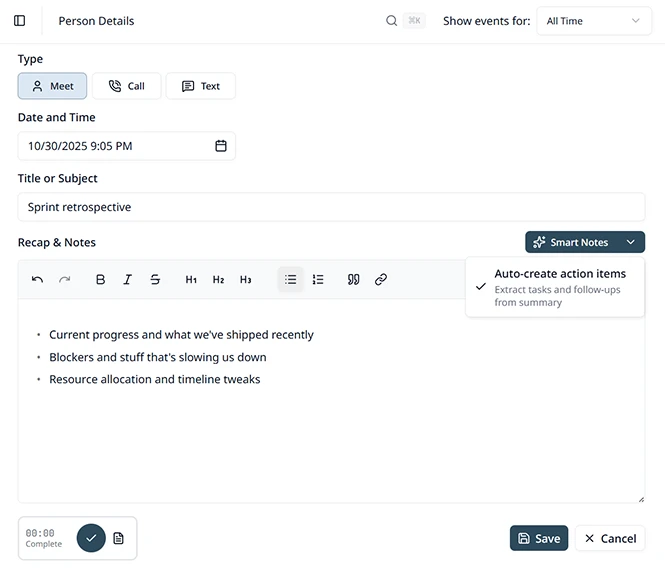
- Type rich-text notes during the tagup — they flow into smart notes and action items.
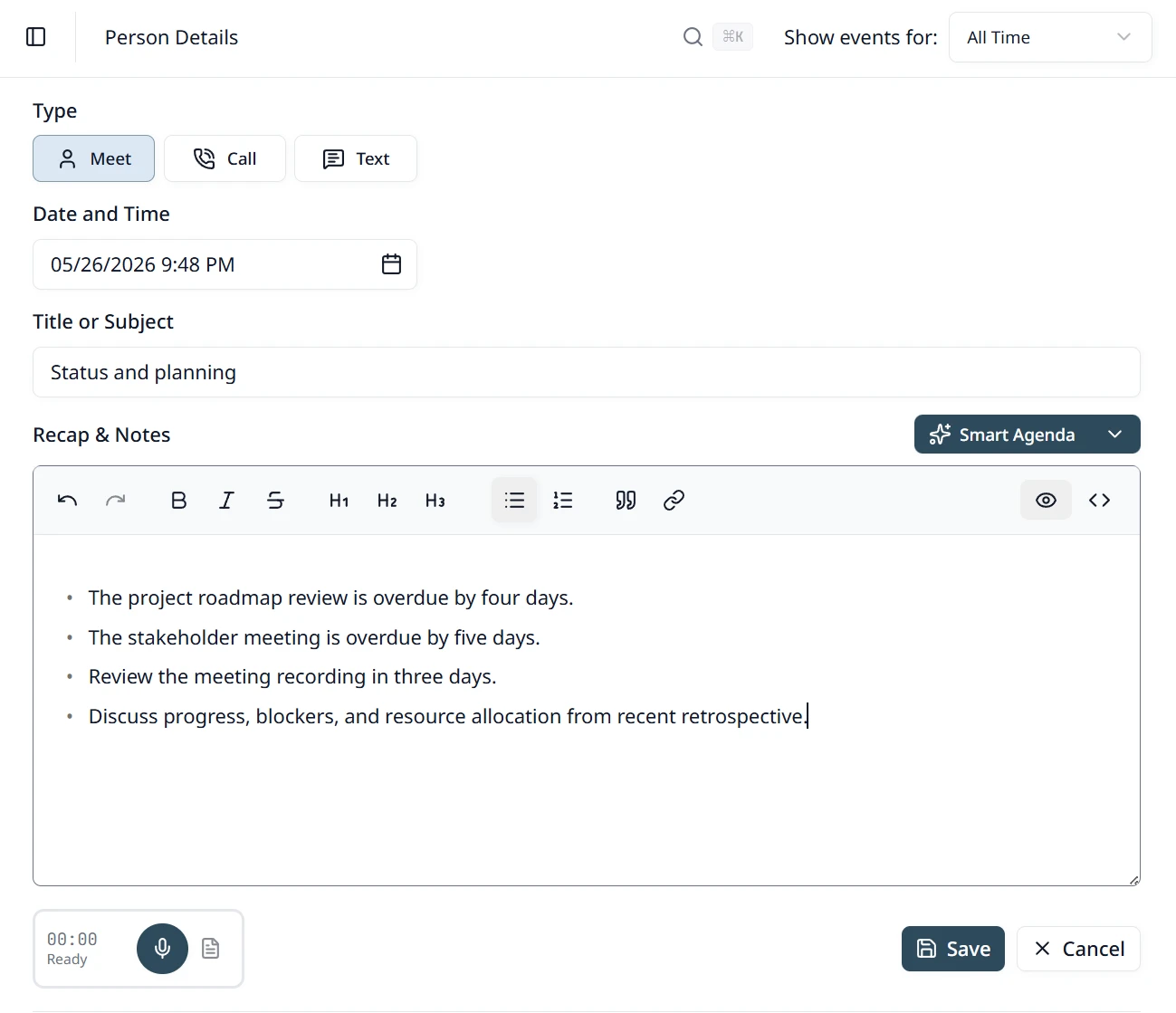
Walk in prepared with a Smart Agenda.
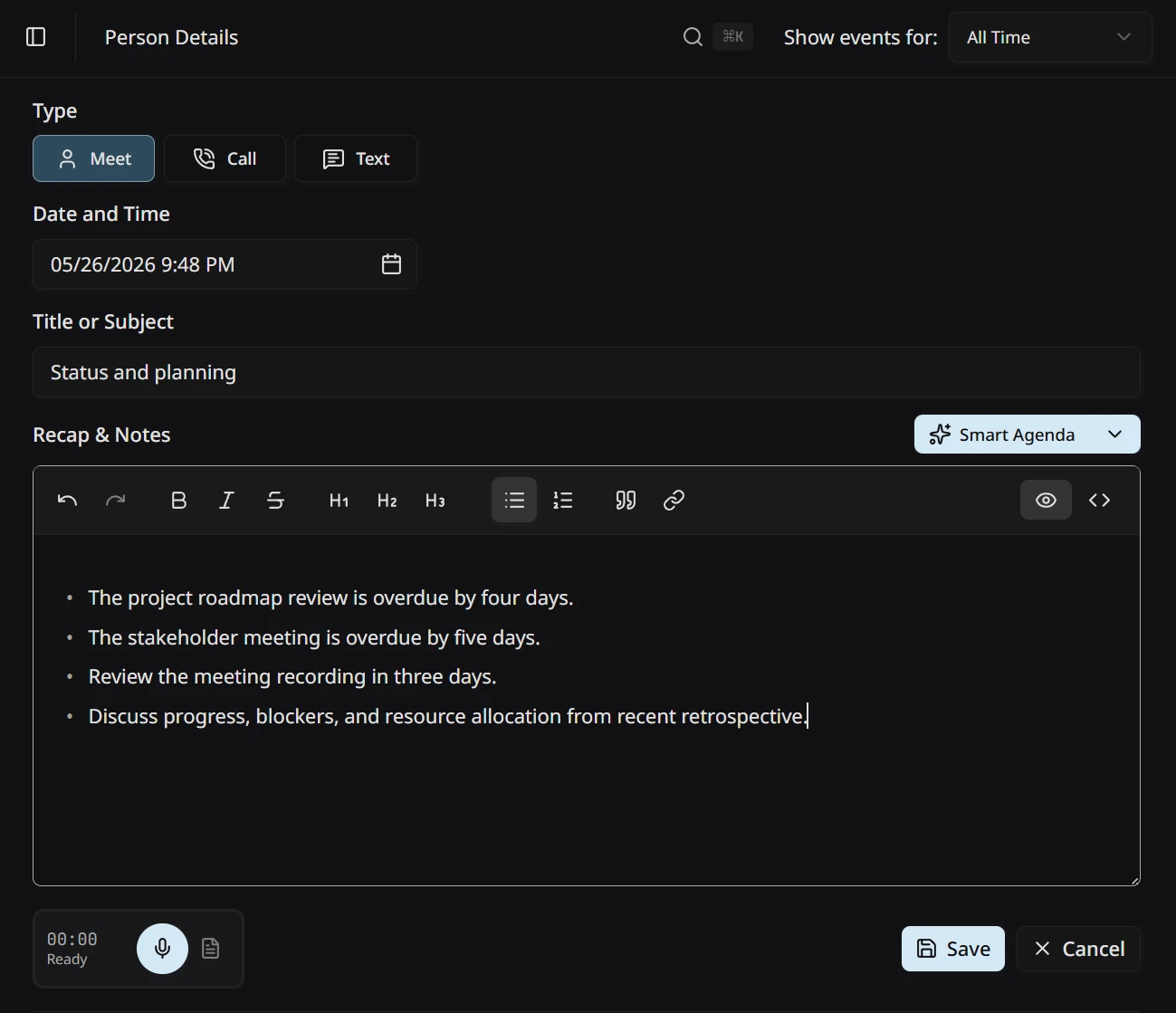
Before you tap record, Smart Agenda hands you a short brief drafted from everything Tagup already knows about this person — threads from your last tagup, commitments still open, things they mentioned worth circling back to. Add your own items with the split button — type whatever else you want covered and it joins the list. Walk in with the conversation half-staged instead of starting from scratch.
- AI drafts the agenda from prior tagups, notes, and open commitments.
- Add your own items with the split button — free-form, no template.
- Use it as a prompt during the call, or as a starting point for smart notes.
Hear who said what, in clean transcript.
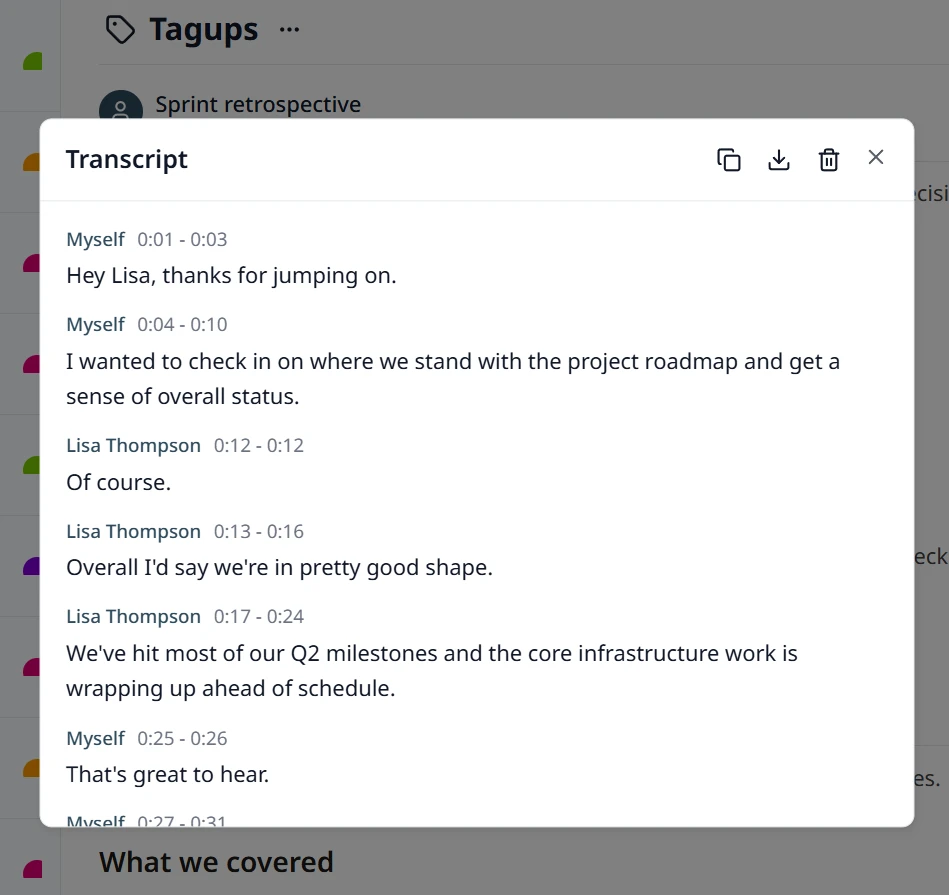
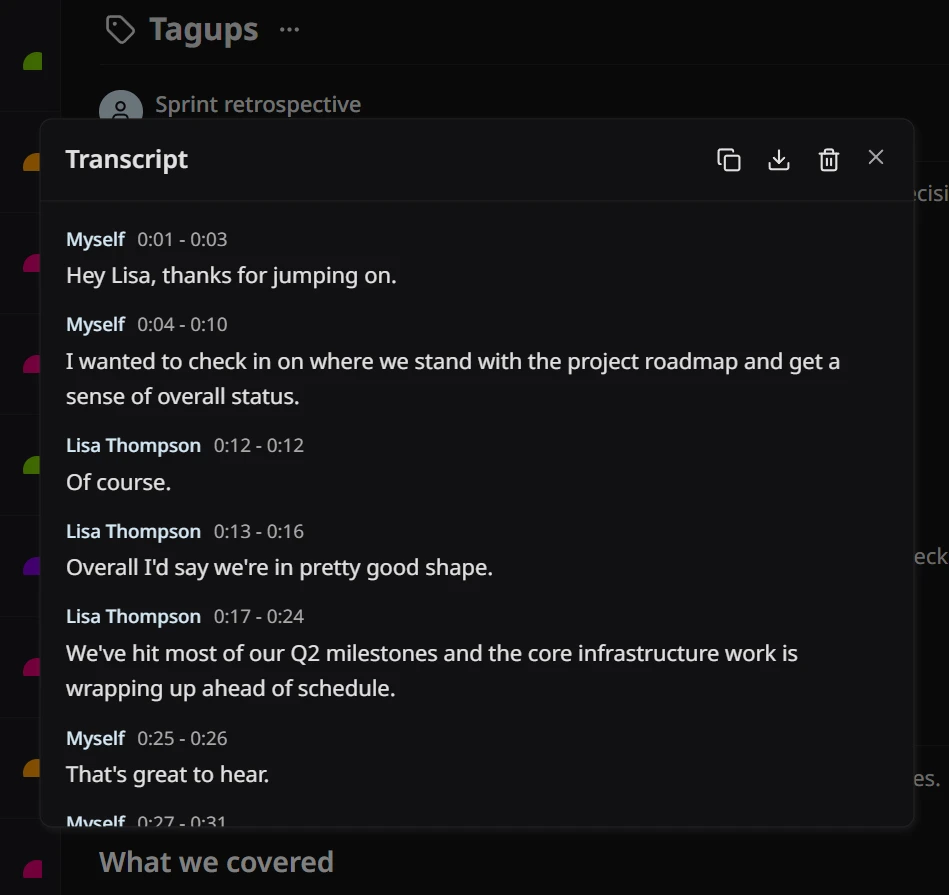
Tagup separates the speakers and labels each one — your voice, theirs, anyone else on the call. Skim it like a chat log right after the call, or scroll back days later to find the exact thing they said. The transcript stays attached to the tagup as the source of truth — smart notes draw from it, and anything else Tagup needs to reason about later can too.
- Speaker-aware transcription that knows who said what.
- Skim or search the full transcript as readable text — no replaying audio.
- Stays attached to the tagup — powers smart notes and other context-aware features.
Smart notes drafted while you talk.
When the tagup ends, you get a draft — summary, decisions, follow-ups, and the personal details worth remembering next time. Edit it however you want. The version that lands on the timeline is the one you sign off on. No more blank page.
- AI draft with summary, decisions, action items, personal context.
- Edit-in-place — the saved note is whatever you confirm.
- Lives on the person’s timeline — there waiting when you prep for the next tagup.
How tagups fit with the rest of Tagup.
Conversation Hub
Every tagup feeds the Hub's memory — so it can brief you before the next meeting.
See how →People
Every tagup attaches to the right person's timeline — context accumulates.
See how →Commitments
Open commitments surface in the Smart Agenda; new ones get drafted to your dashboard after the call.
See how →