
Artifacts
One list of every file in your account
What is on this page
Files reach your account from several places. The Artifacts page gathers all of them in one list, so you do not have to remember which contact a file sits under.
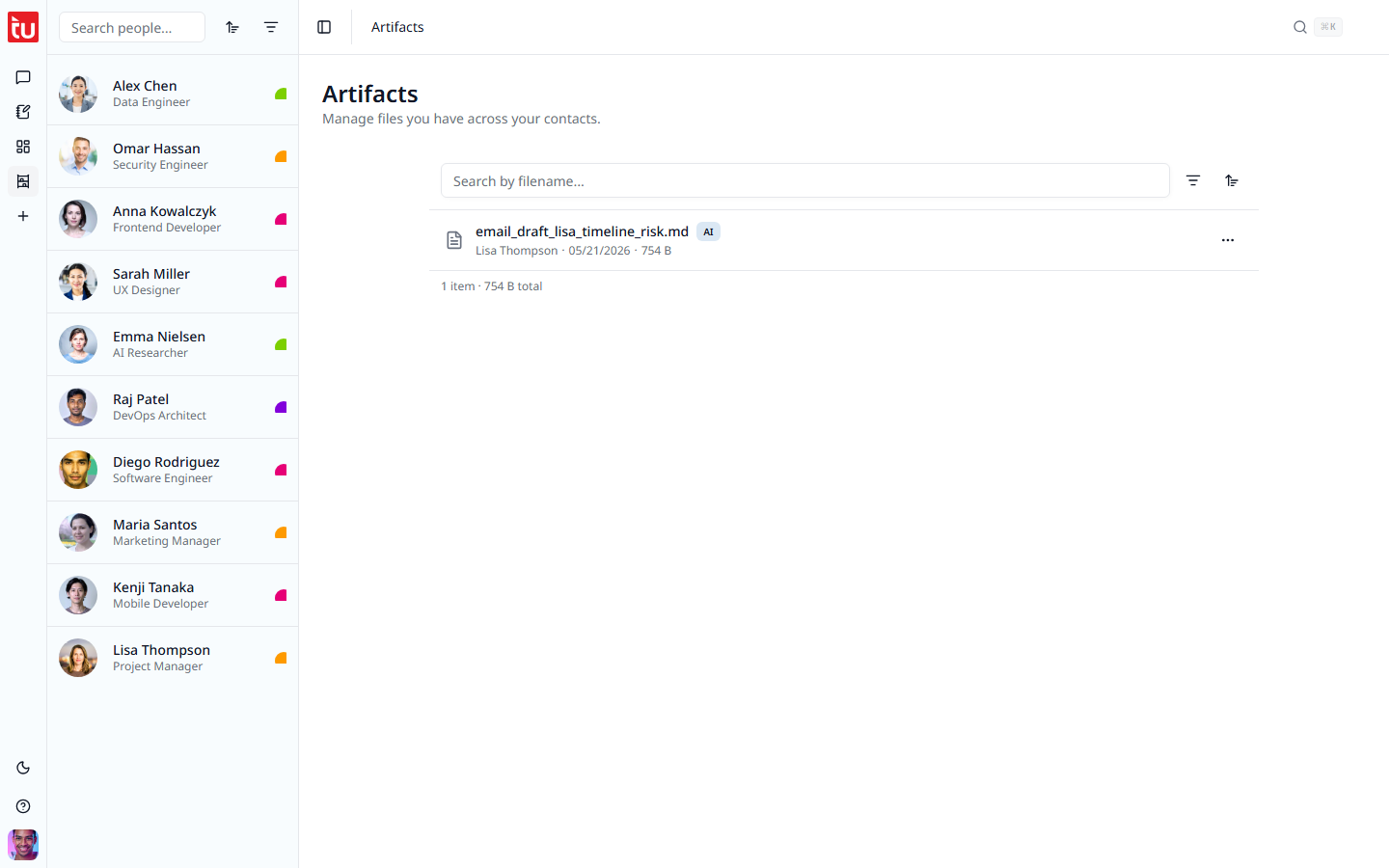
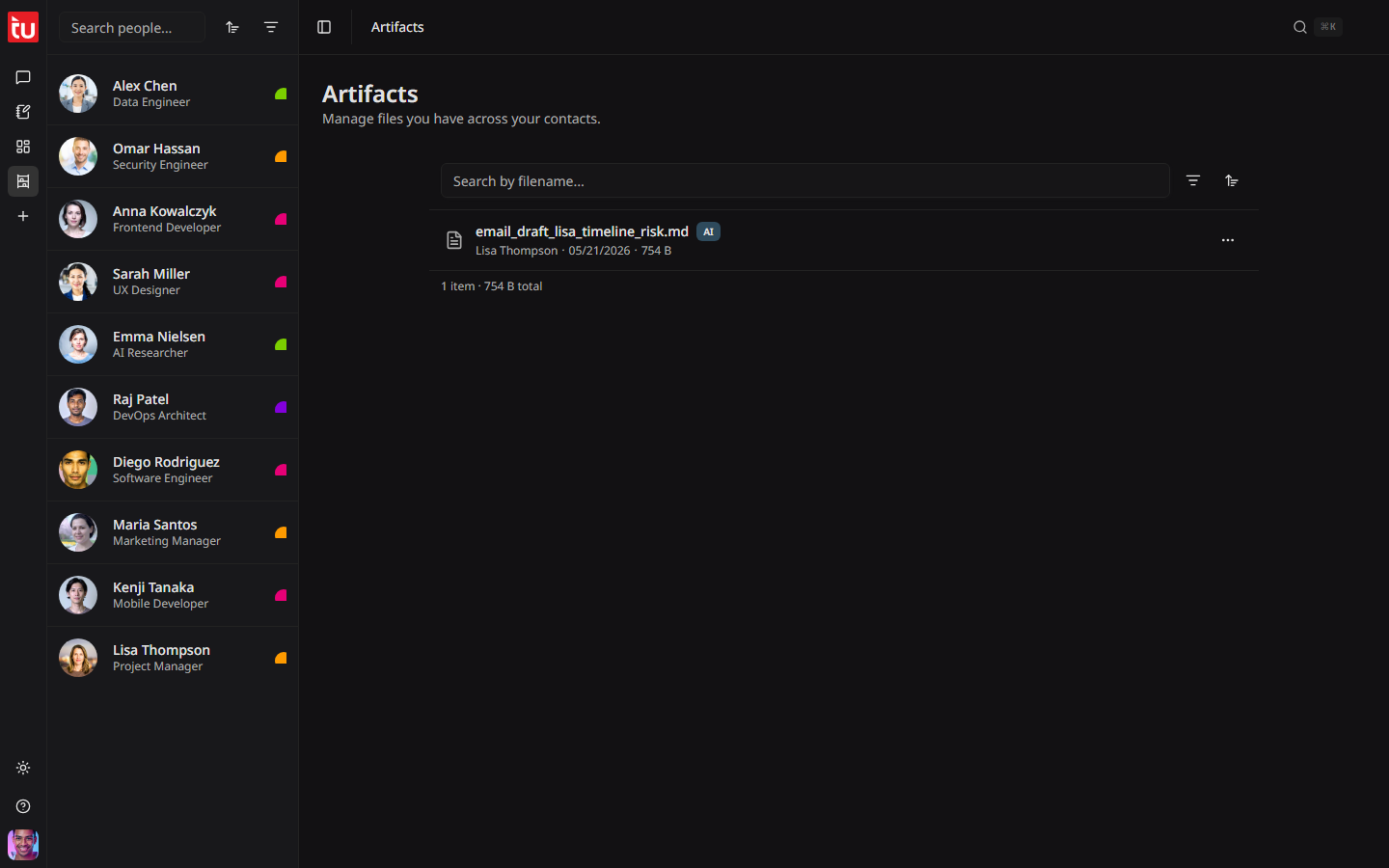
Open it with the Artifacts icon in the left rail.
Where files come from
Read one row
Each row tells you four things:
The line at the bottom of the list adds up the count and the total size.
Find a file
Download or delete
Press the three dots at the end of a row.
Deleting a file frees the storage it used. Your storage total is on the Billing page and in the user menu.
Attach a file to a contact
Open a contact and press the paper-clip button in the row of contact buttons. The menu lists the files already attached to that person, and lets you add one more.
A new file takes a moment to process. The row shows a spinner until it is ready. You can delete a file from this menu as well.
Good to know
- • This page holds files only. Transcripts are not files — read them on the tagup in the timeline.
- • Every file counts against your storage limit: 5 GB on Starter, 25 GB on Pro.
- • Uploading needs an active plan. Downloading and deleting keep working if your plan lapses.