
Dashboard
How busy you have been, and what needs your attention
Open it
Press the Dashboard icon in the left rail. It is the third one down. The Hub is the page you land on when you sign in, so bookmark the Dashboard if you prefer to start here.
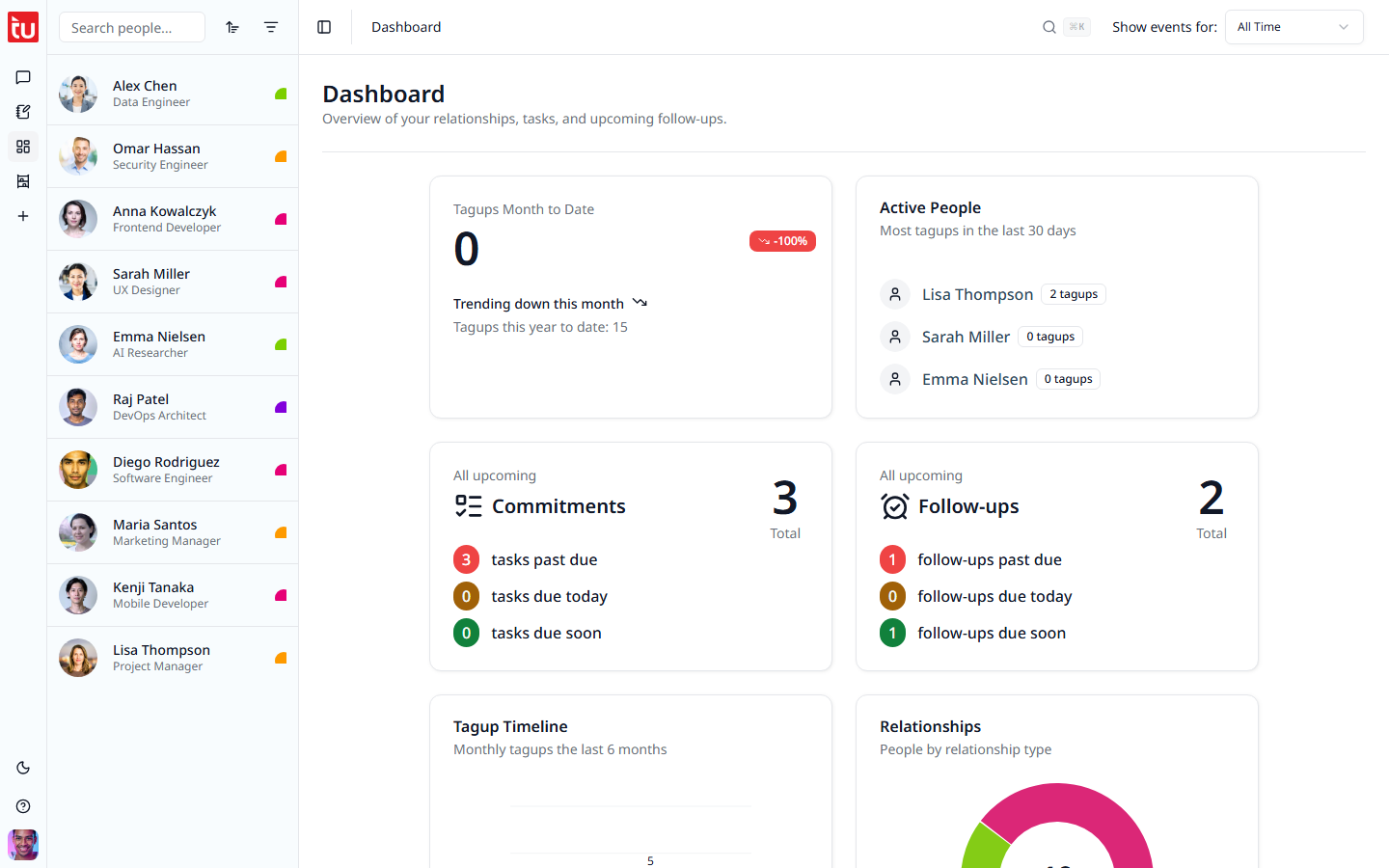
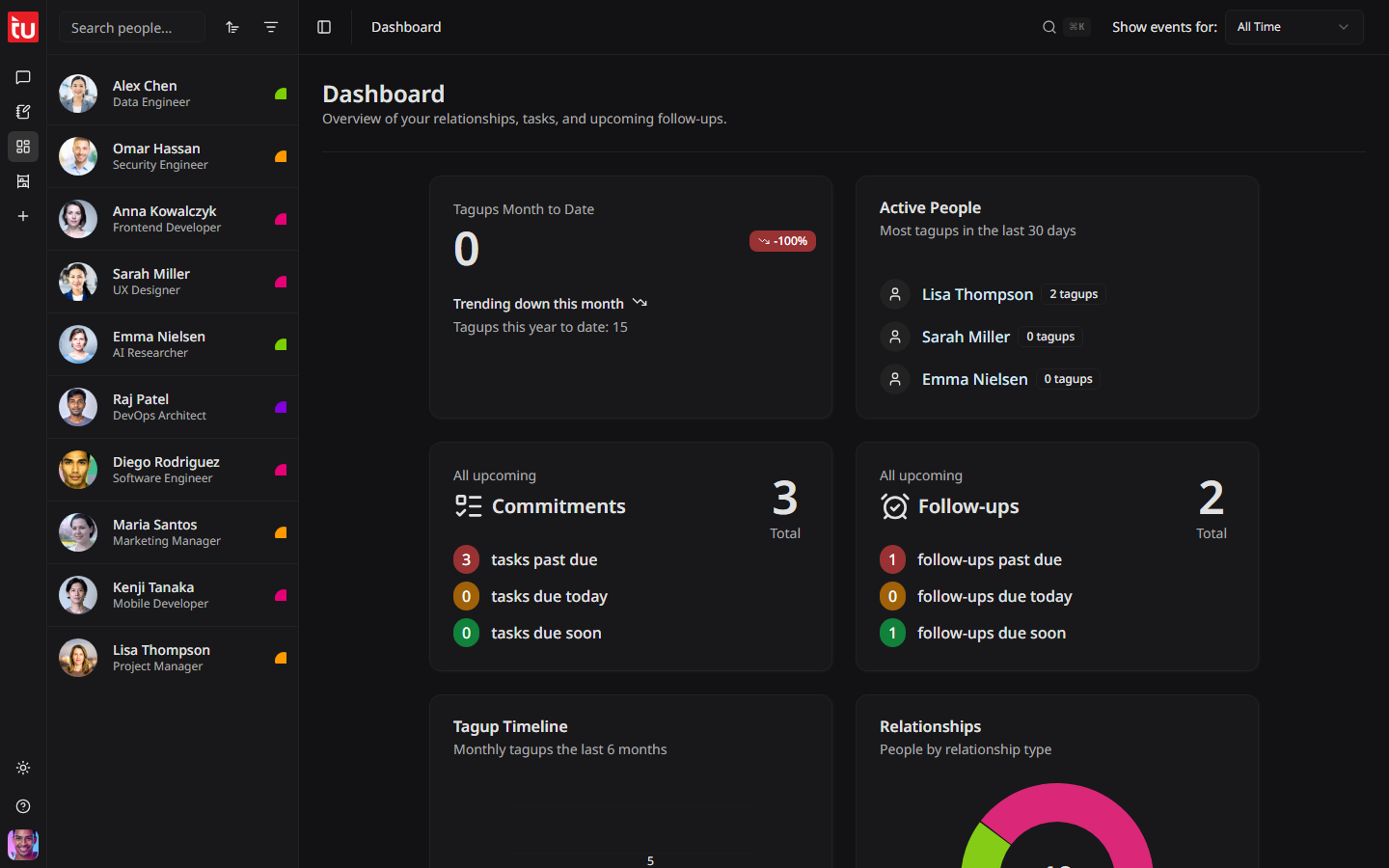
The six cards
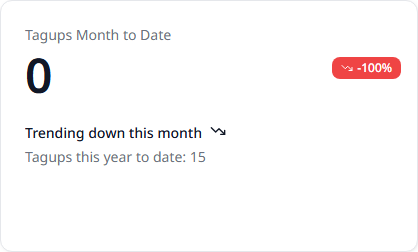
Tagups Month to Date
How many conversations you logged this month. Below it, the change against last month, and the total for the year so far.
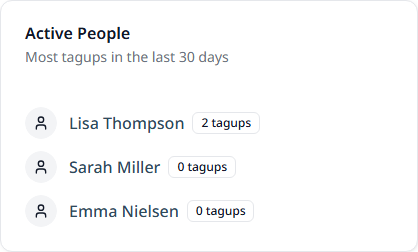
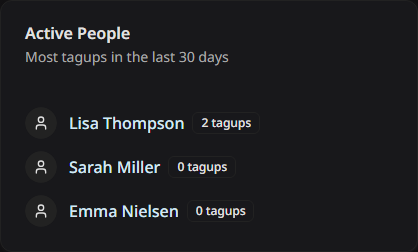
Active People
The three people you talked to most in the last 30 days. Press a name to open their profile.
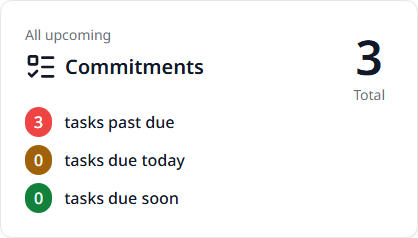
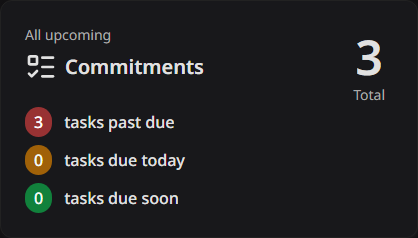
Commitments
Everything you promised to do, across everyone, split three ways:
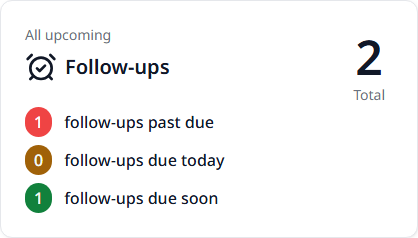
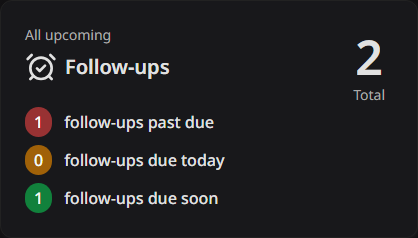
Follow-ups
The same three counts, for the reminders to get back in touch.
Tagup Timeline
A bar for each of the last six months. Point at a bar to read the exact count. A run of short bars is a sign that you have gone quiet.
Relationships
A ring that splits your contacts by relationship type, with the total in the middle. It shows you at a glance whether your network leans one way.
The date range
The Show events for list in the header sets the window that the counter and the charts use.
The choice is All Time to begin with. It holds while you work, and it also applies to person profiles and to My Organizer.
Tips
- • Look at the two red past-due numbers first. They are the work you already owe someone.
- • Press a name in Active People to read the history before you call them.
- • A falling month-to-date count is the earliest sign that you are drifting out of touch.
- • For a list you can act on rather than counts, open My Organizer.