
Notes
What you know about a person, in your own words
Notes or tagups?
A tagup is one conversation on one date. A note is everything that is true about the person no matter what day it is: how they like to work, what they care about, how you met.
Every person has one notes area. You keep adding to the same page.
Write a note
Open the person, find the Notes section, and press the pencil button.
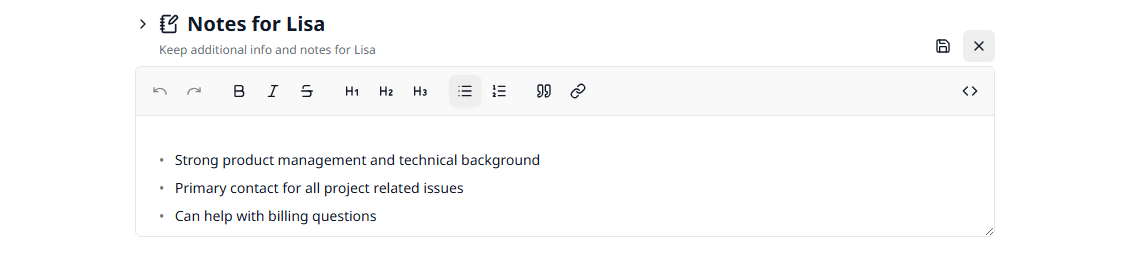
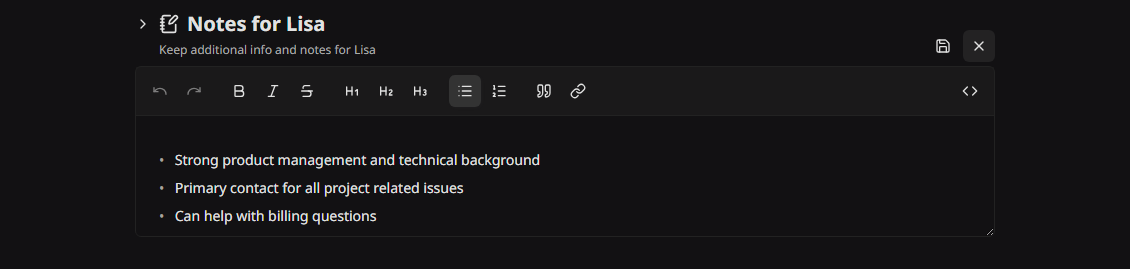
The toolbar
On a narrow window the less-used buttons move into a ⋯ menu, so the toolbar still fits on one row.
Markdown works too
Type **bold**, # Heading, or - item and the editor formats it as you go. The mode button switches the whole editor to plain Markdown, which is the fastest way to paste text in from somewhere else.
No microphone here
Dictation lives in the notes field of a tagup, not in this one. To speak a note about a person, write it in the tagup for the conversation. See Recording & Transcripts.
Make it bigger
Drag the bottom edge of the editor down to give yourself more room for a long note.
Save it
Press Save. Nothing is stored until you do. Press Cancel to throw the changes away.
Reading a note
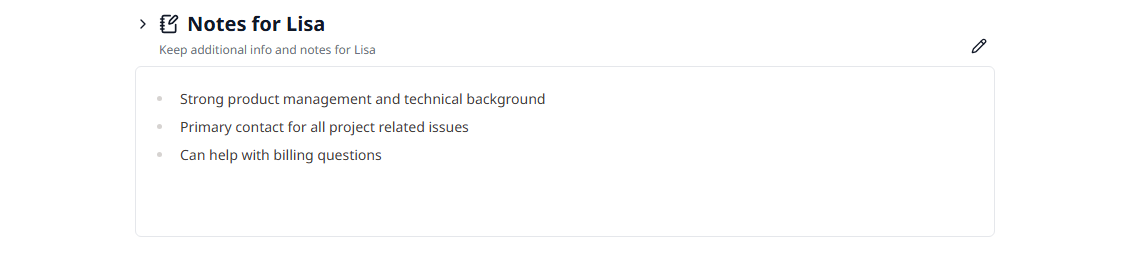
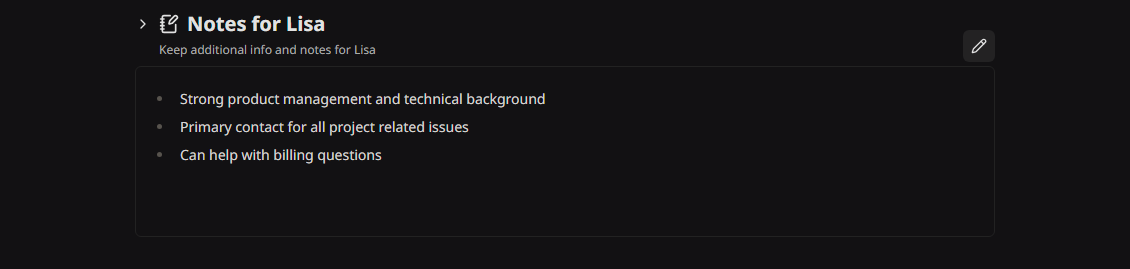
Outside the editor the note reads as formatted text, with your headings, lists, and tables in place.
Notes for yourself
My Organizer has a Personal Notes area that belongs to nobody but you. It is the same editor. Use it for your own plans and reminders.
What belongs in a note
- • How they like to be contacted, and when
- • What they are working on and what they care about
- • How you met, and who introduced you
- • The names of their team, their partner, their dog
- • Anything you want in front of you before the next meeting
Notes are private to you until you choose to send one. Even then, the sharing dialog keeps them off by default.