
My Organizer
Everything you owe everyone, on one page
Why this page
A commitment lives on the profile of the person it belongs to. That is the right place to write it, and the wrong place to work from: you would have to open twenty profiles to find out what is due today.
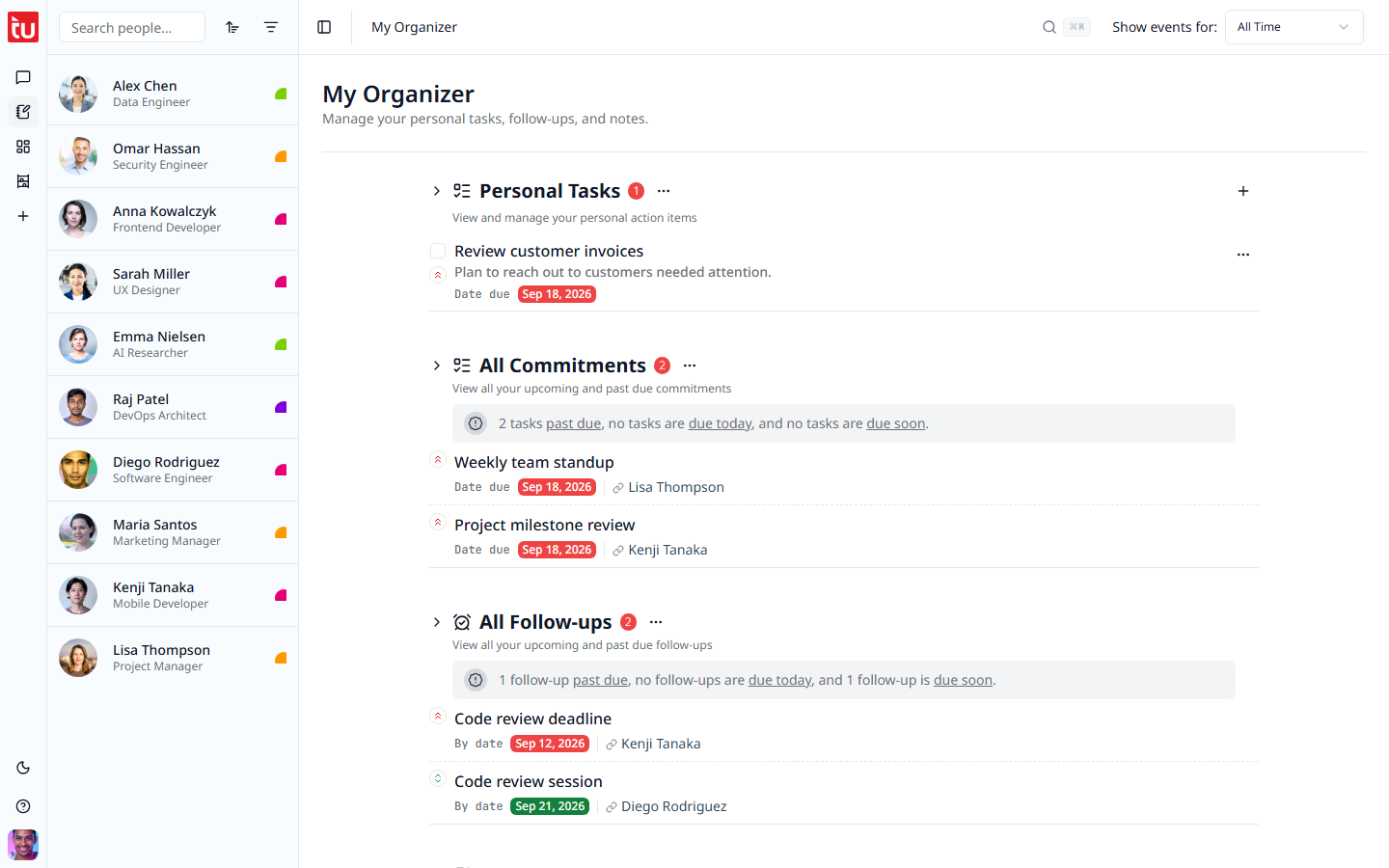
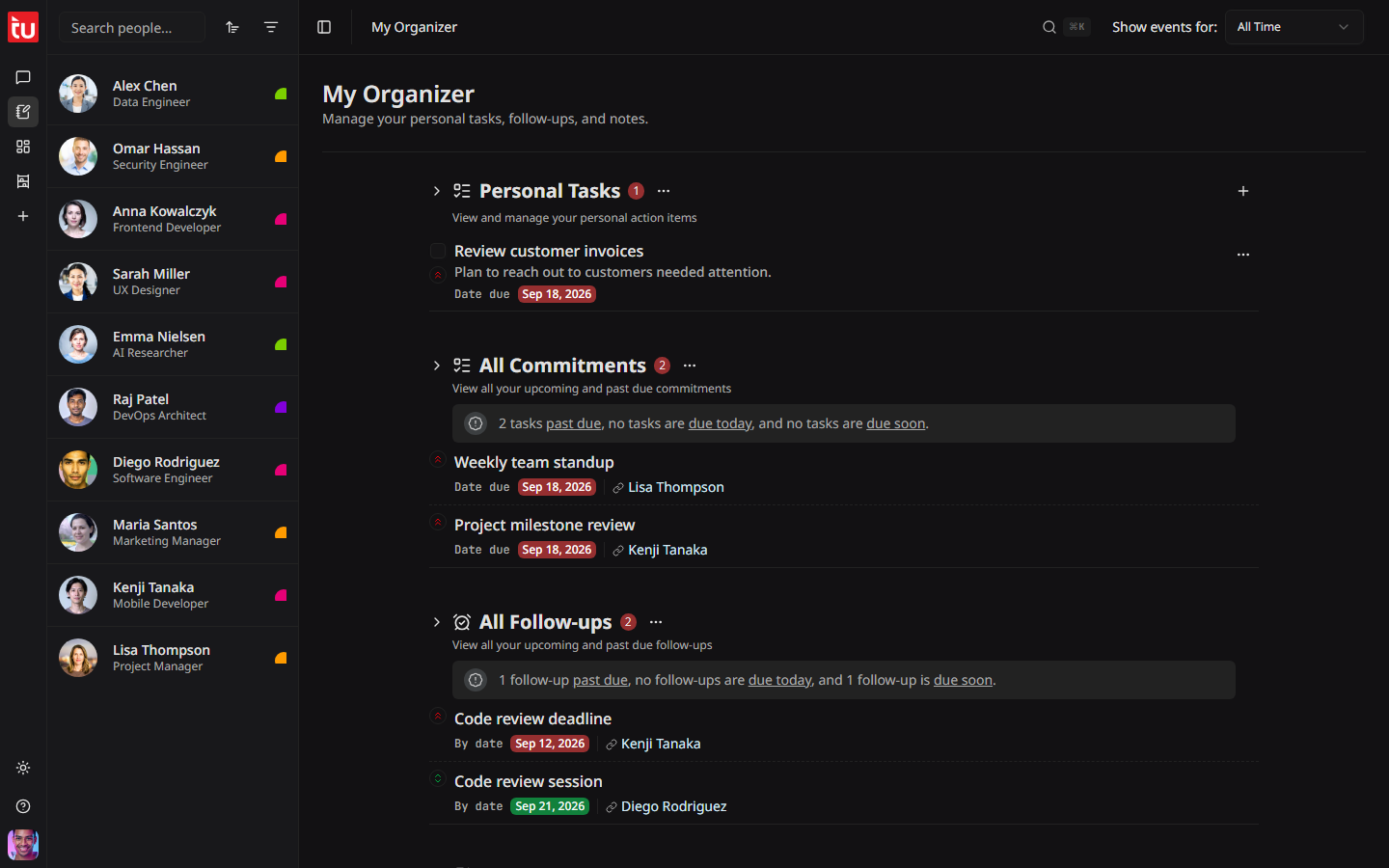
My Organizer collects them all. Open it with the notepad icon in the left rail, second from the top.
The four sections
Personal Tasks
Your own jobs, the ones that belong to nobody else. Press + to add one. Title, description, due date, and priority, the same as any other commitment.
All Commitments
Every open commitment from every person. Each row names the person, so you always know who is waiting.
A line above the list sums it up in words, for example "2 tasks past due, no tasks are due today, and no tasks are due soon".
All Follow-ups
The same, for your reminders to get back in touch. Tick off a repeating follow-up here and the next one appears, exactly as it would on the profile.
Personal Notes
A notes area that belongs to you. Same editor as a person note. Use it for your plan for the week, or for anything with no home yet. See Notes.
Acting on an item
Everything works the way it does on a profile. Tick the box to finish an item. Use the three dots to change or remove it. Press the person's name to open their profile and read the background.
A change here is the same change. There is no separate copy to keep in step.
Tips
- • Open this page first thing. It answers "what do I owe people today" in one look.
- • Clear the past-due items before you start anything new. They cost the most goodwill.
- • Ask the Hub "check my action items" for the same list in words.
- • The Show events for range in the header also applies here.