
Tagups
One tagup is one conversation with one person
What a tagup is
A tagup is the record of a conversation: a meeting, a call, a message. Log it once and it stays in the timeline of that person for good.
The timeline sits at the bottom of every person profile, with the most recent conversation first.
Log a conversation
Open the person, go to the Tagups section, and press the + button.
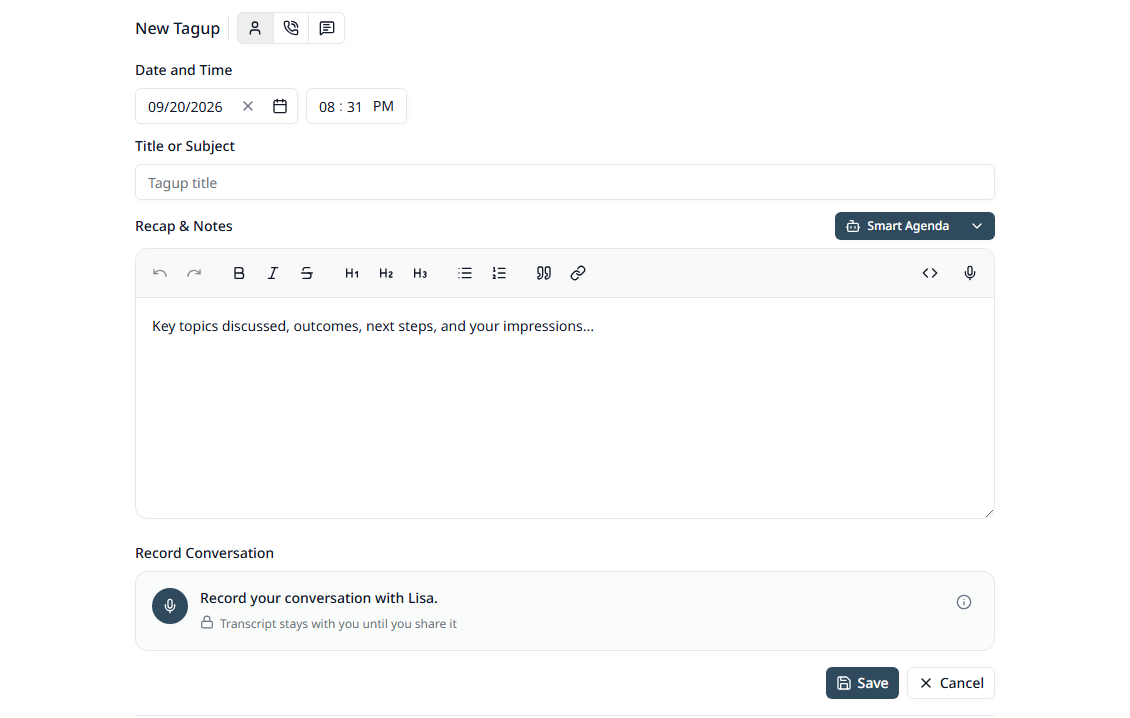
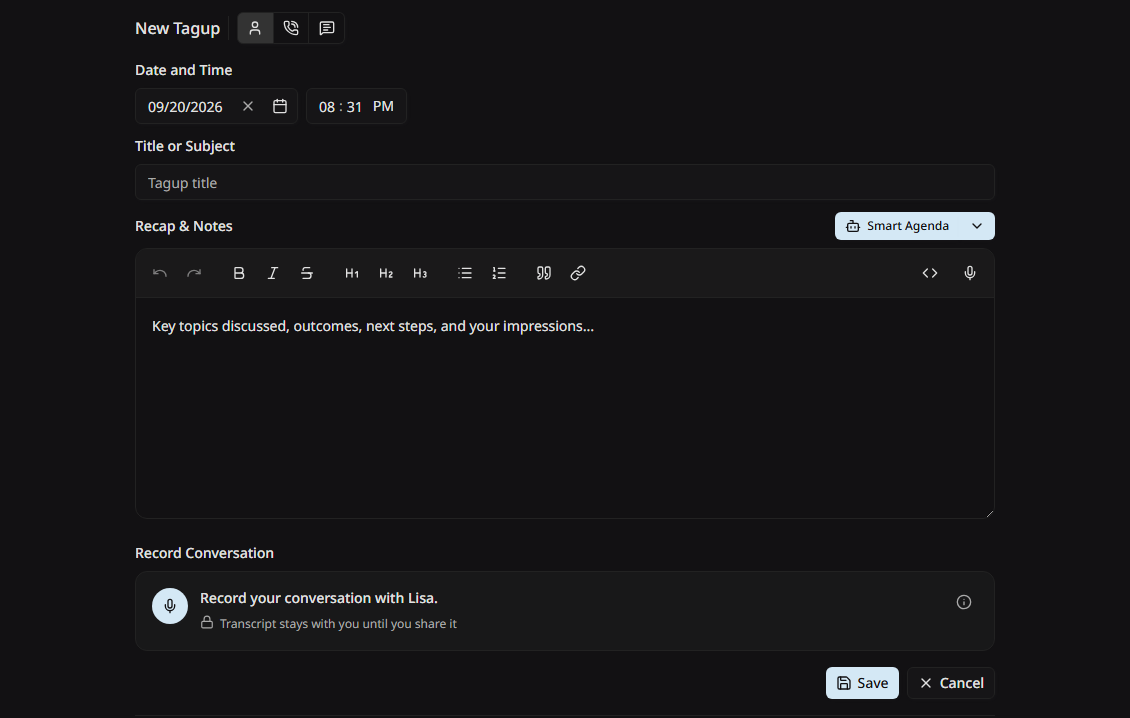
Type
Three small buttons sit beside the heading. Pick the one that fits.
Date and time
When it happened. The form starts with now, and the date and the time are two separate fields, so you can change one without the other.
Title or subject
A short line that tells you what this was, such as "Q3 planning" or "Contract renewal".
Recap & Notes
What you discussed. The editor handles bold text, italic text, lists, and headings. You can switch it to plain Markdown with the button in the toolbar, and dictate with the microphone beside it.
Record Conversation
Record the conversation and get a transcript. See Recording & Transcripts.
Let the AI write it
Two buttons in the header of the notes editor save you the typing.
Both write into the notes field, so you can change every word before you save.
The timeline
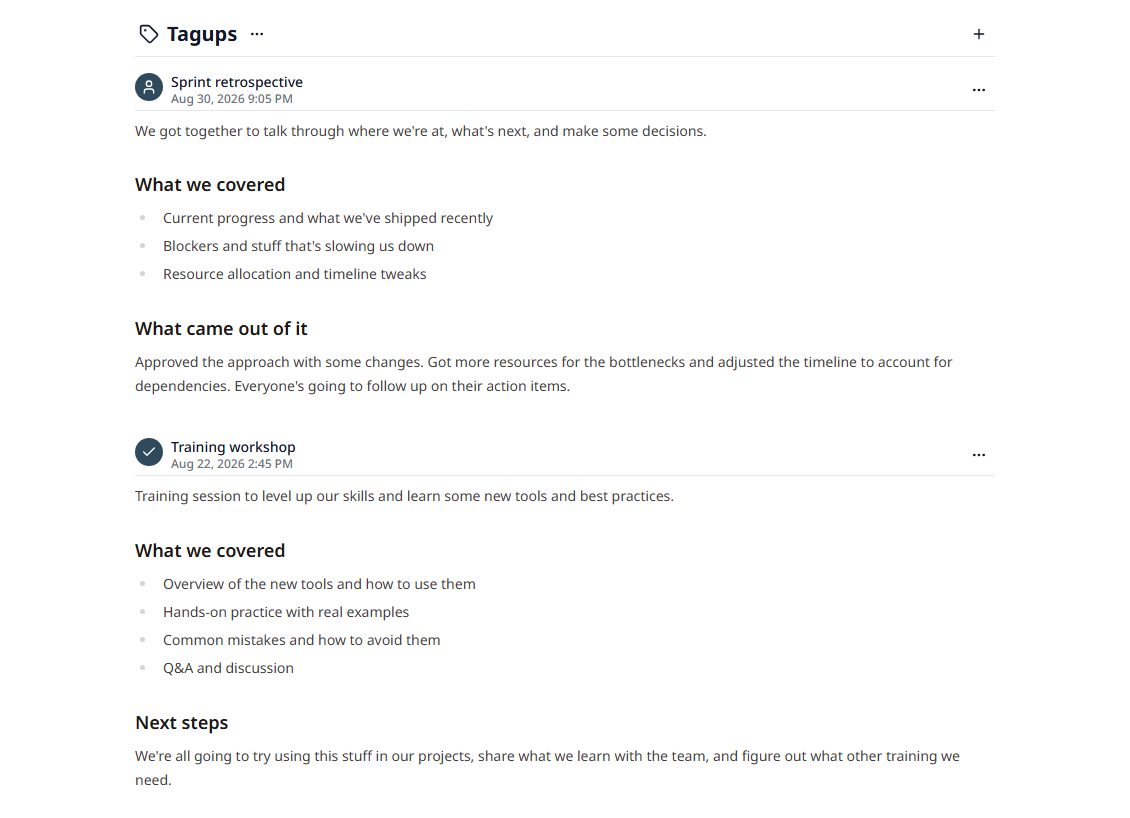
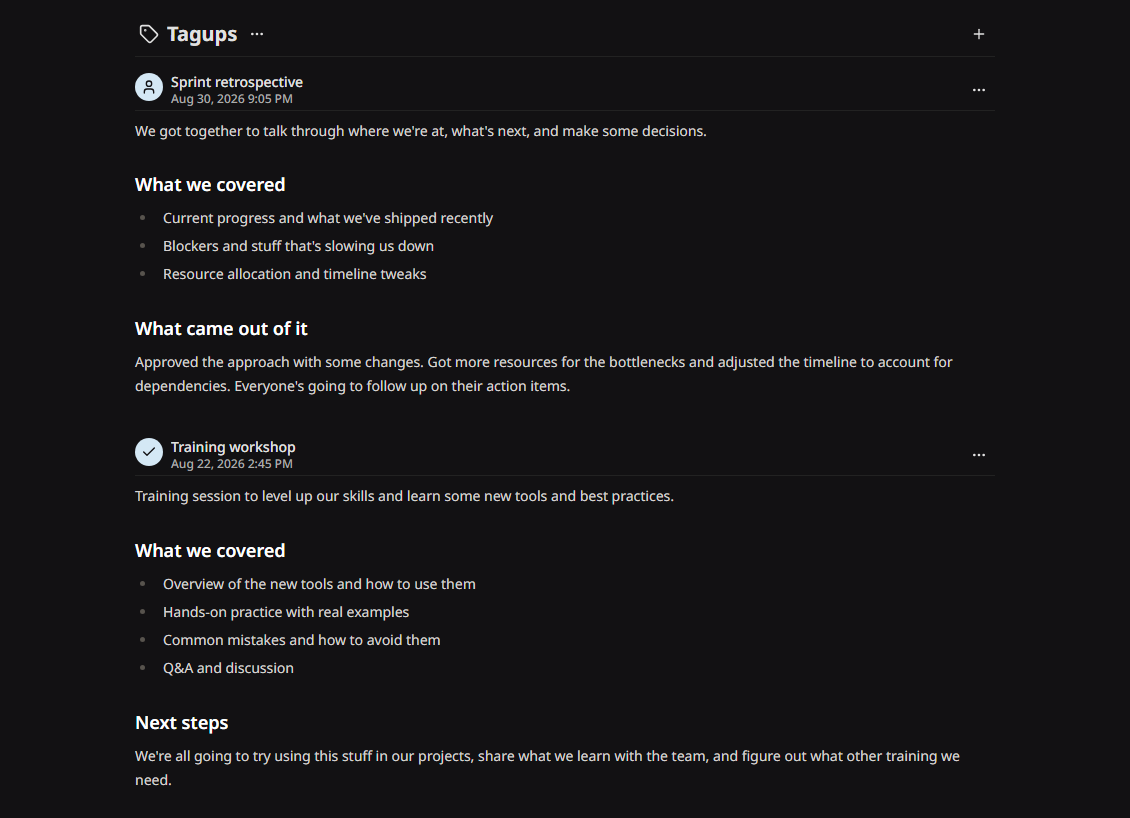
The Show events for range in the header limits what the timeline shows. Set it to All Time if a conversation you expect is missing.
What to write down
- • What you discussed, and what you decided
- • News they shared about themselves
- • What you agreed to do, and by when
- • What they agreed to do
- • Anything you want to raise next time
Write it the same day. Three lines written now beat a full page written next week.