
Settings
How the app shows dates, what a new profile starts with, and when Tagup asks for consent
Open it
Press your avatar at the bottom of the left rail, then Settings.
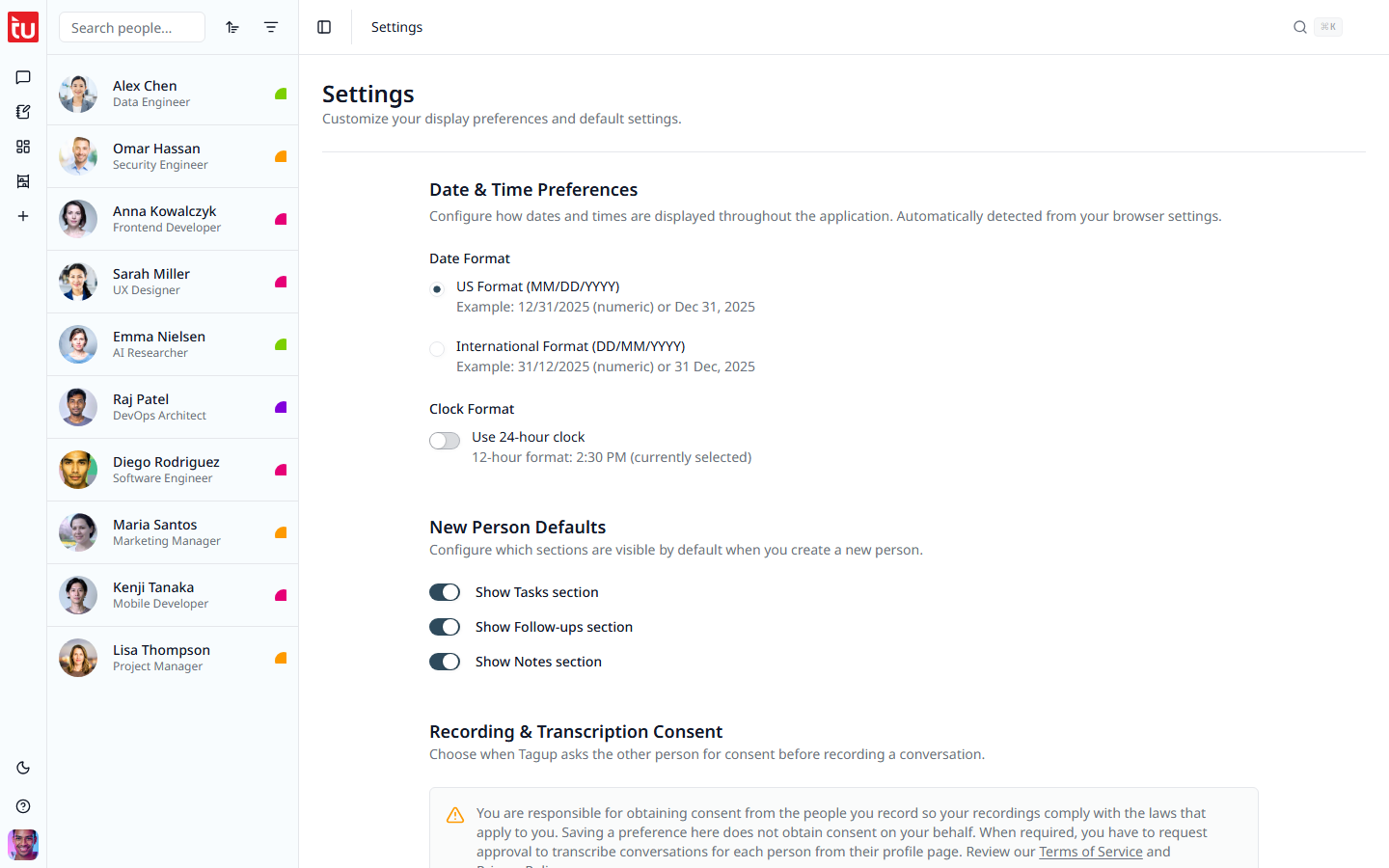
Date & Time Preferences
Tagup reads your browser settings and picks a starting point. Change it here if it guessed wrong. The choice applies everywhere: date pickers, badges, and the timestamp on every conversation.
Date format
Clock
One switch. Off gives you 2:30 PM. On gives you 14:30.
New Person Defaults
Three switches that decide which sections a new contact starts with: Tasks, Follow-ups, and Notes.
These apply to people you add from now on. A contact you already have keeps its own setting, which you change from the three-dot menu on that profile.
Recording & Transcription Consent
This section decides when Tagup asks a contact for permission before it records them. There are three choices: Always ask, Ask based on location, and Don't ask.
Below them, a default purpose box. Tagup falls back to this wording when a request goes out with no purpose of its own. When you ask somebody yourself, you pick the purpose in the request form.
Press Save when you change anything here. The rest of the page saves as you go. The full explanation is on Recording Consent.
Tips
- • Set the date format first. Reading 03/04 the wrong way around once is enough.
- • If you rarely write notes, turn that default off. A shorter profile is a faster profile.
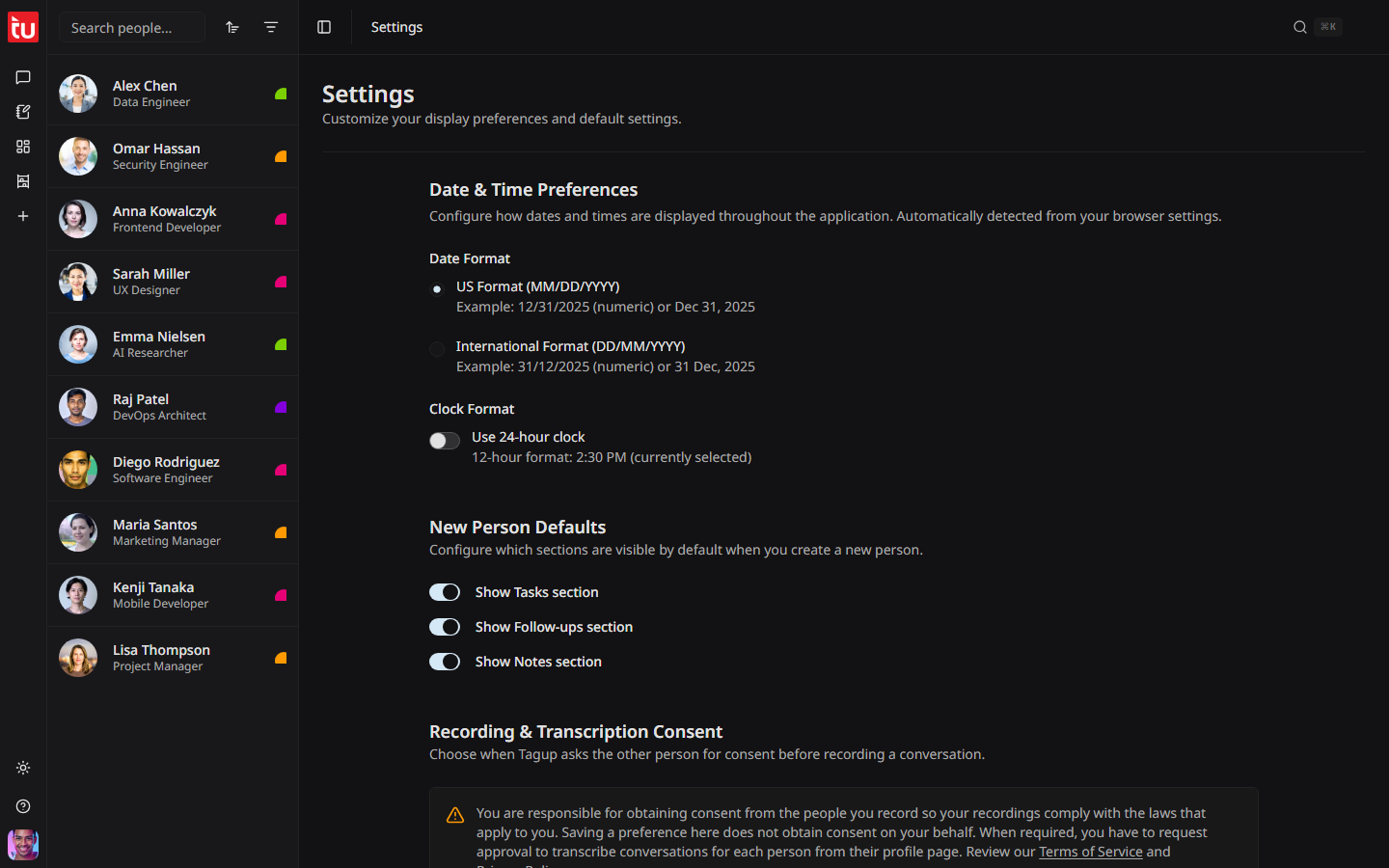
- • The light and dark switch is in the left rail, not here.
- • To manage who may record you, go to Account instead.