
Billing & Subscription
Your plan, what you have used, and what you have paid
Open it
Press your avatar at the bottom of the left rail, then Billing & Subscription.
Two plans
Both plans have every feature. Only the limits differ. New accounts start with a free trial, and no card is needed to begin.
Starter
- • Up to 20 contacts
- • 500 AI credits each month
- • 5 GB of file storage
Pro
- • Contacts with no limit
- • 2,000 AI credits each month
- • 25 GB of file storage
Current prices are on the pricing page. Both plans are cheaper by the year than by the month.
What AI credits pay for
One pool of credits covers every AI feature. It refills at the start of each billing month, and unused credits do not carry over.
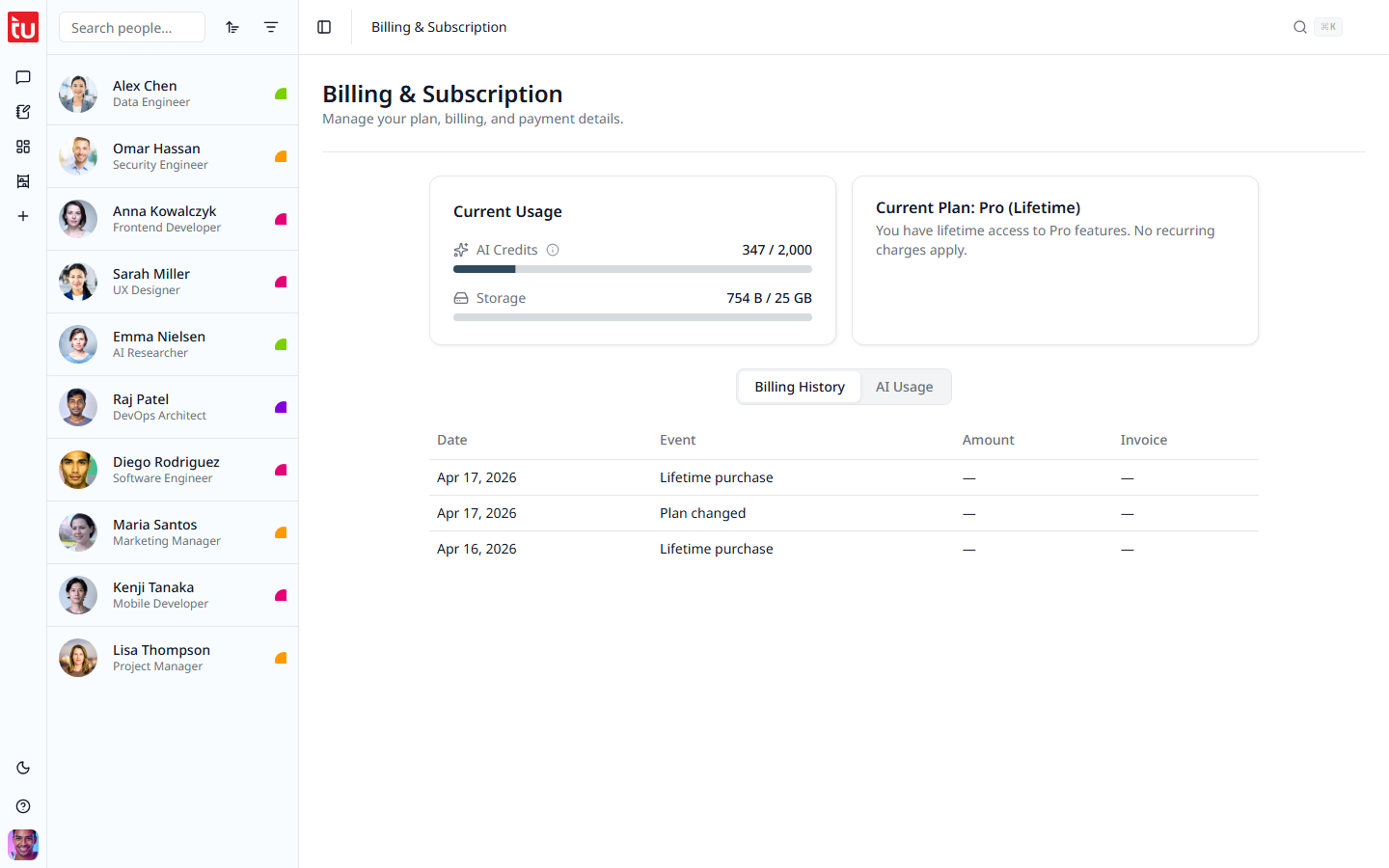
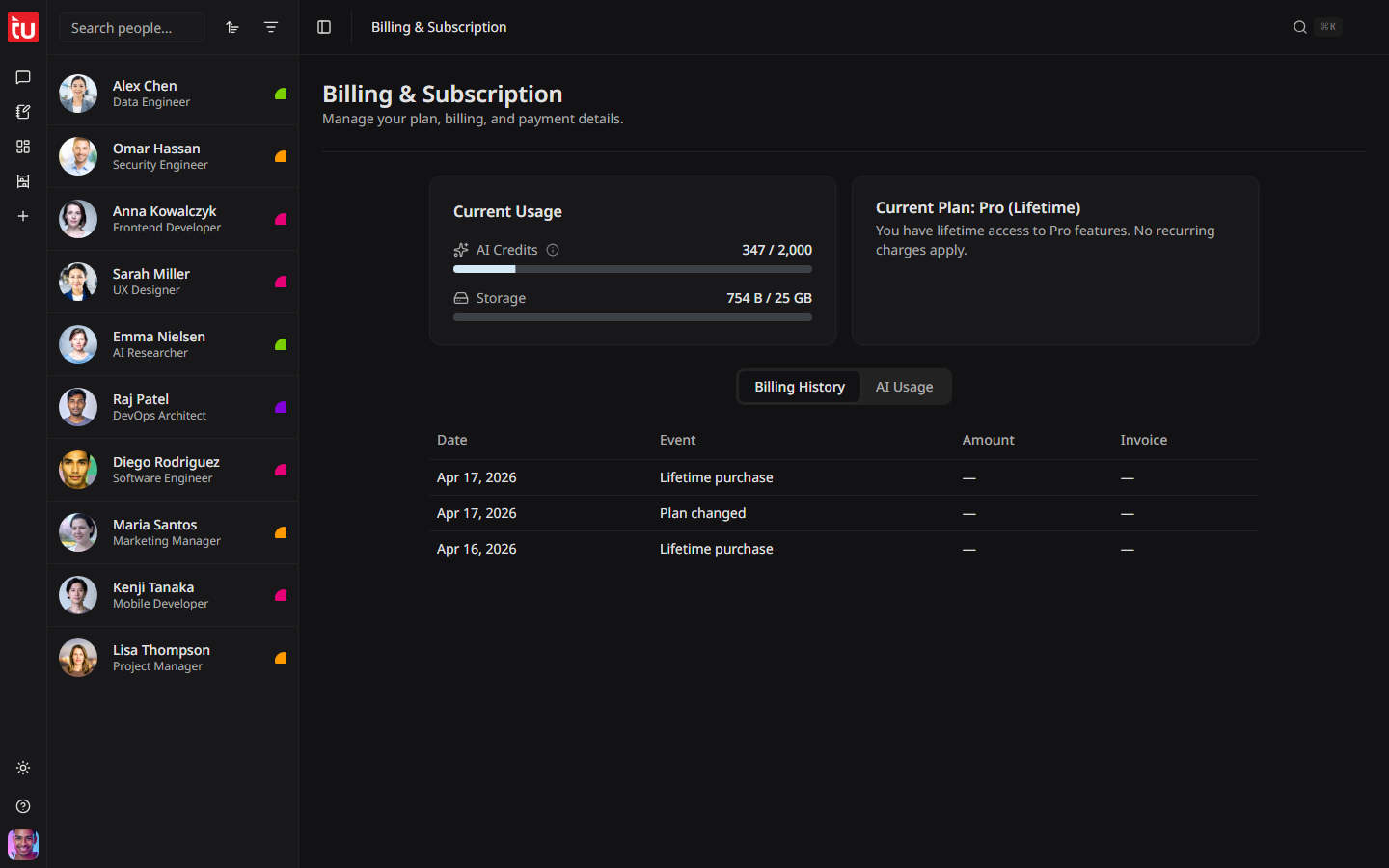
Current Usage
Two bars at the top of the page.
The same two bars are in the user menu, so you can check them without leaving the page you are on.
Your plan
The plan card names your plan and its state. A monthly or annual plan also shows the next payment date.
A move to a smaller plan takes effect at the end of the period you have paid for. You keep the bigger limits until then.
History
Two tabs at the bottom of the page.
If the plan lapses
When you cancel, you keep full access until the end of the period you paid for. After that, or when a free trial ends, the account becomes read-only for 30 days. A banner appears across the app. You can still read everything, export a person, download your files, and delete what you no longer want.
What stops is the work that costs money: recording, transcription, the Hub, file uploads, and new contacts. Pay again and it all comes back.
If you do not pay again within 30 days, Tagup deletes the account and everything in it. This cannot be undone, so export what you want to keep before then. Cancelling is the whole process: there is no separate step to delete an account.
Tips
- • Check the credit bar before a long recording. Transcription is what empties it.
- • Stay on Balanced in the Hub. Max costs twice as much for an answer that is often the same.
- • Clear old files from Artifacts if storage runs low.
- • Credits reset each billing month. They do not roll over, so there is no reason to save them.